Important
•
Do not move the Carriage over jammed paper. This may damage the Printhead.
2.
Clear any jammed paper from inside the Top Cover.
After removing the paper, make sure there are no other scraps of paper in the printer.
3.
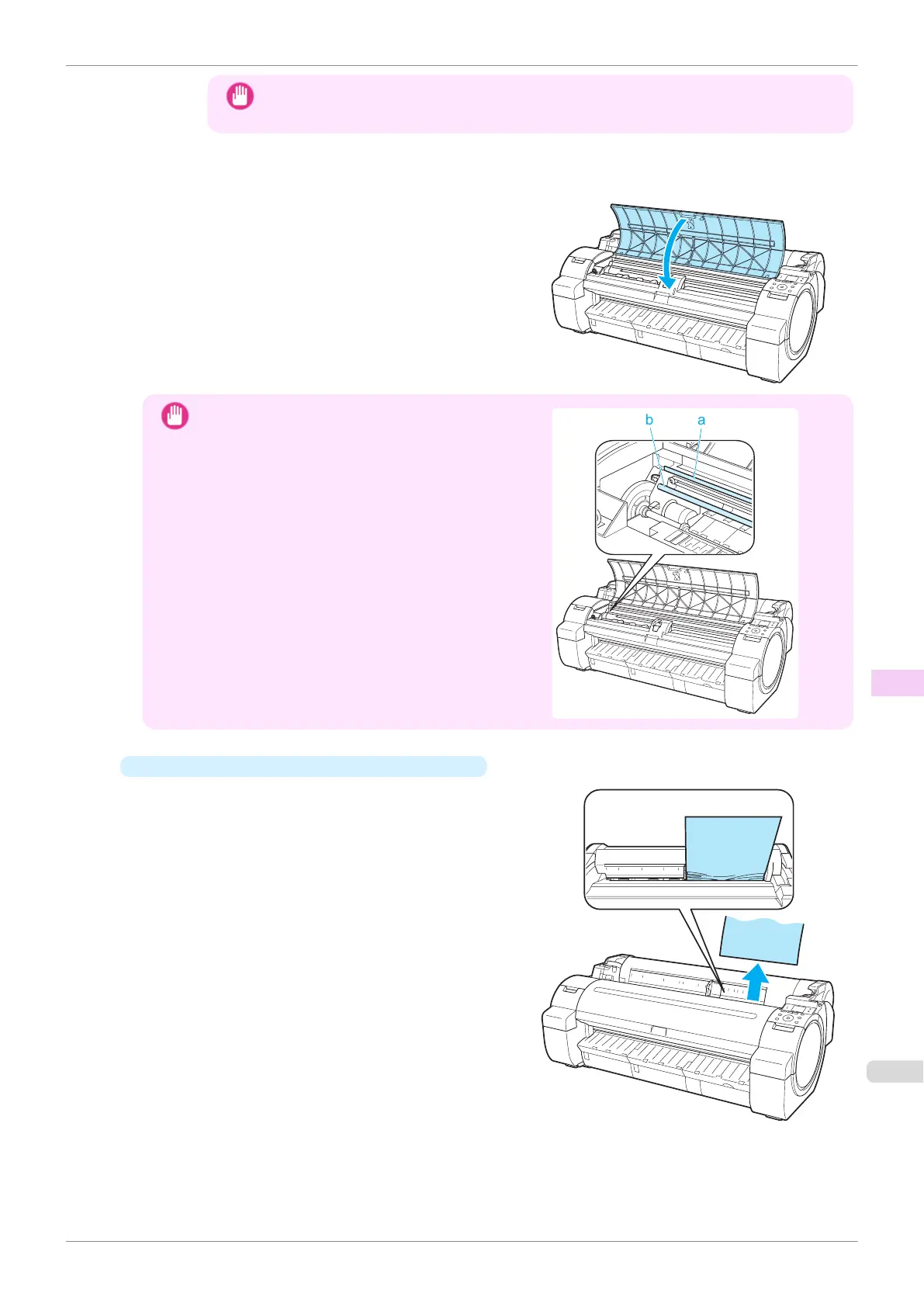
Close the Top Cover.
Important
•
Do not touch the Linear Scale (a) or Carriage Shaft
(b). This may stain your hands and damage the print-
er.
•
If the paper is jammed by the Paper Feed Slot
Remove the jammed paper from the Paper Feed Slot.
After removing the paper, make sure there are no oth-
er scraps of paper in the printer.
iPF770
Clearing a Jammed Sheet
User's Guide
Troubleshooting Problems Regarding Paper
531


 To Next Page
 Loading...











