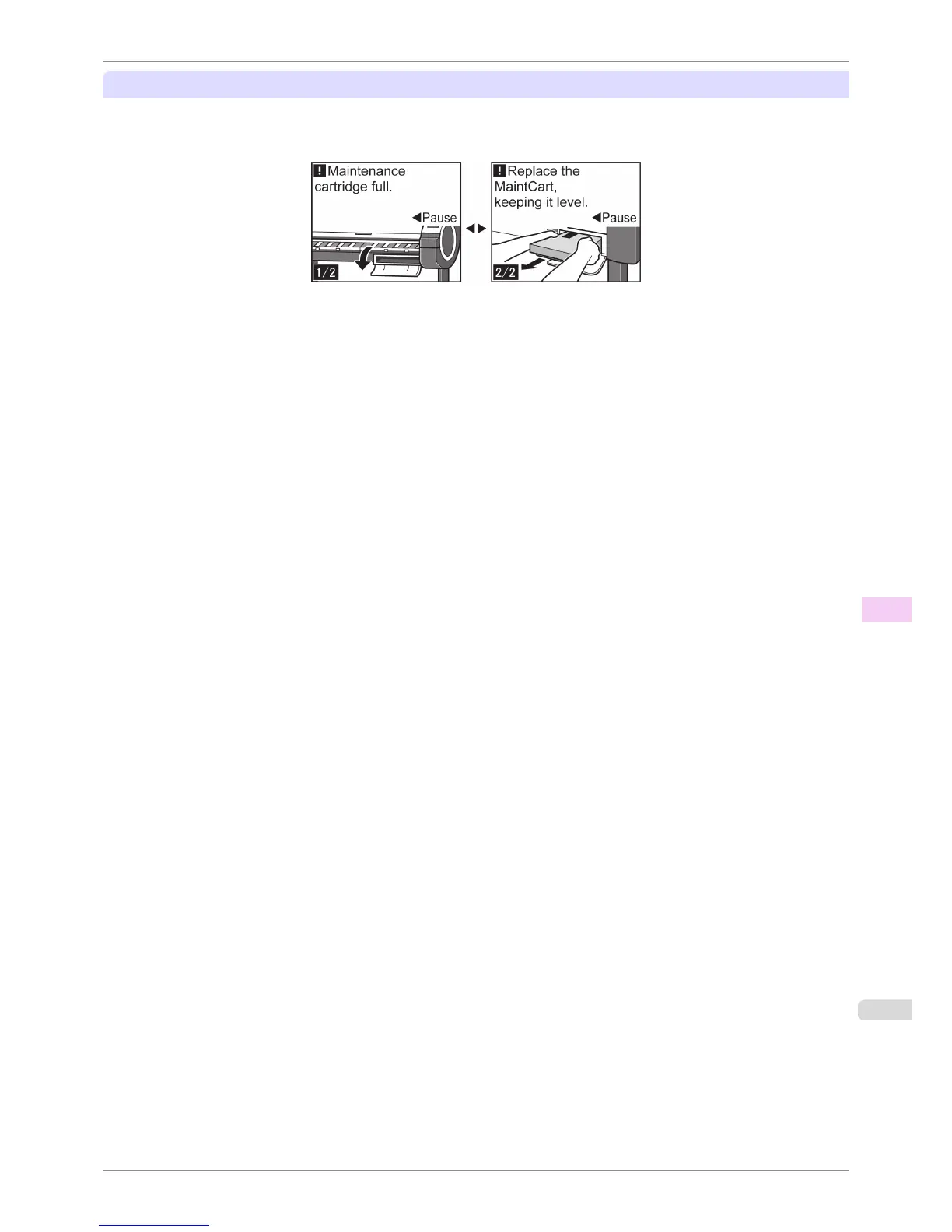
If a message for the Maintenance Cartridge replacement is shown on the Display Screen
When the Maintenance Cartridge is full, the Message Lamp flashes and a message to replace the Maintenance
Cartridge is shown on the Display Screen. Printing is disabled, and you cannot replace the Printhead or transfer the
printer. Replace the Maintenance Cartridge with a new one.
iPF780
When to Replace the Maintenance Cartridge
User's Guide
Maintenance and Consumables Maintenance Cartridge
513


 To Next Page
 Loading...











