Routine Cleaning
7-34
Routine Maintenance
7
4
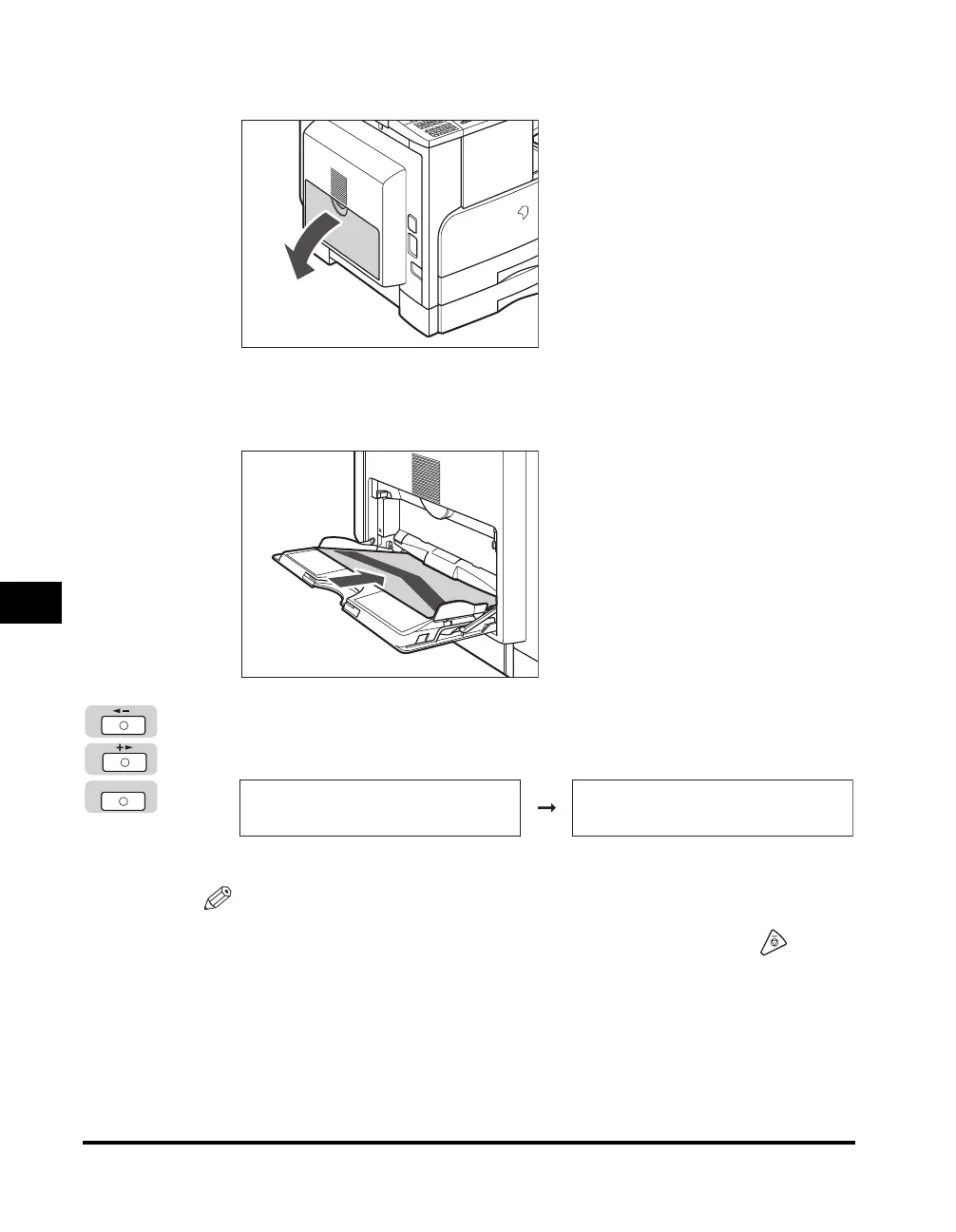
Open the stack bypass.
5
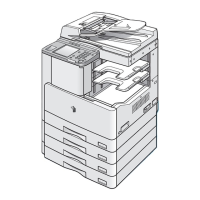
Load the cleaning paper with the side on which the letter "V"
is printed facing up.
6
Follow steps 1 and 2 ➞ press [OK] to select <START
CLEANING>.
The machine starts cleaning the roller.
NOTE
•
Use standard paper as the cleaning paper.
•
If a cleaning paper jam occurs, the error indicator blinks in red. Press (Stop)
and remove the jammed cleaning paper.
•
Throw away the cleaning paper after use.
OK
FIX.UNIT CLEANING
1.START CLEANING
CLEANING
PLEASE WAIT



 To Next Page