Entering the Department ID and Password
2-11
Basic Operations
2
Entering the Department ID and Password
If Department ID Management has been set, the Department ID and password
must be entered before operating this machine.
NOTE
•
For instructions on setting the Department ID and password, see "Department ID
Management," on p. 6-7.
•
If you are using a control card for Department ID Management, the message <INSERT
CONTROL CARD> appears on the LCD display. Insert the control card into the card slot.
(See "Card Reader-E1," on p. 4-16.)
1
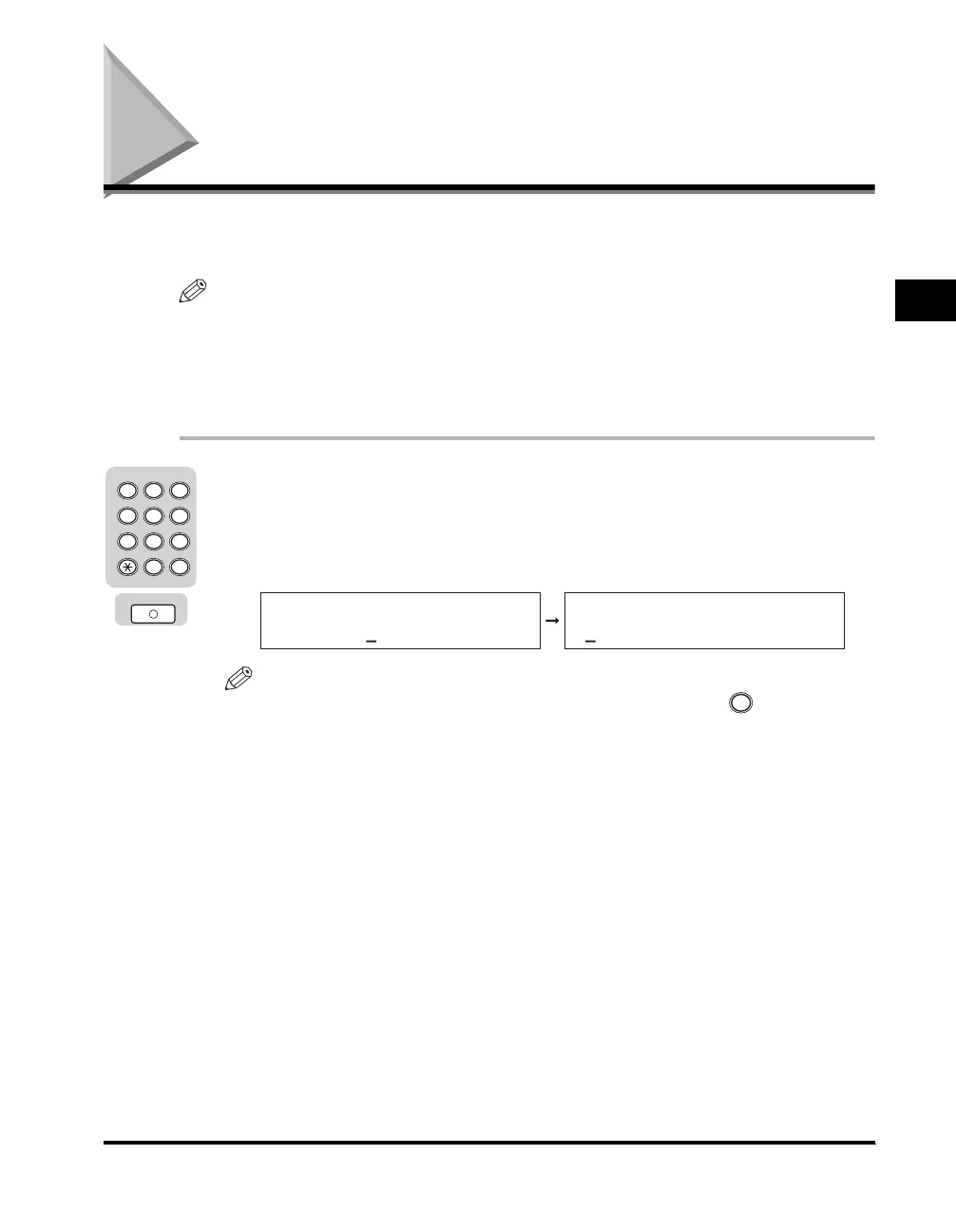
Enter your Department ID (up to seven digits) using the
numeric keys ➞ press [OK].
When you press [OK], <DEPT. ID PASSWORD> appears on the LCD display. If
no password has been set, proceed to step 3.
NOTE
If you make a mistake when entering the Department ID, press (Clear)
➞
enter
the correct Department ID.
OK
2 3
ABC DEF
JKLGHI MNO
TUVPQRS WXYZ
Tone
4
5
5
6
7
8
9
0
1
#
SYMBOLS
ENTER DEPT.ID
1234567
DEPT.ID PASSWORD
C



 To Next Page