Canceling a Job
3-5
Checking and Canceling a Job
3
Canceling a Job
You can cancel a job in two ways: using the Stop key and using the System Monitor
screen.
NOTE
You can cancel a fax job only if the optional Super G3 FAX Board is installed.
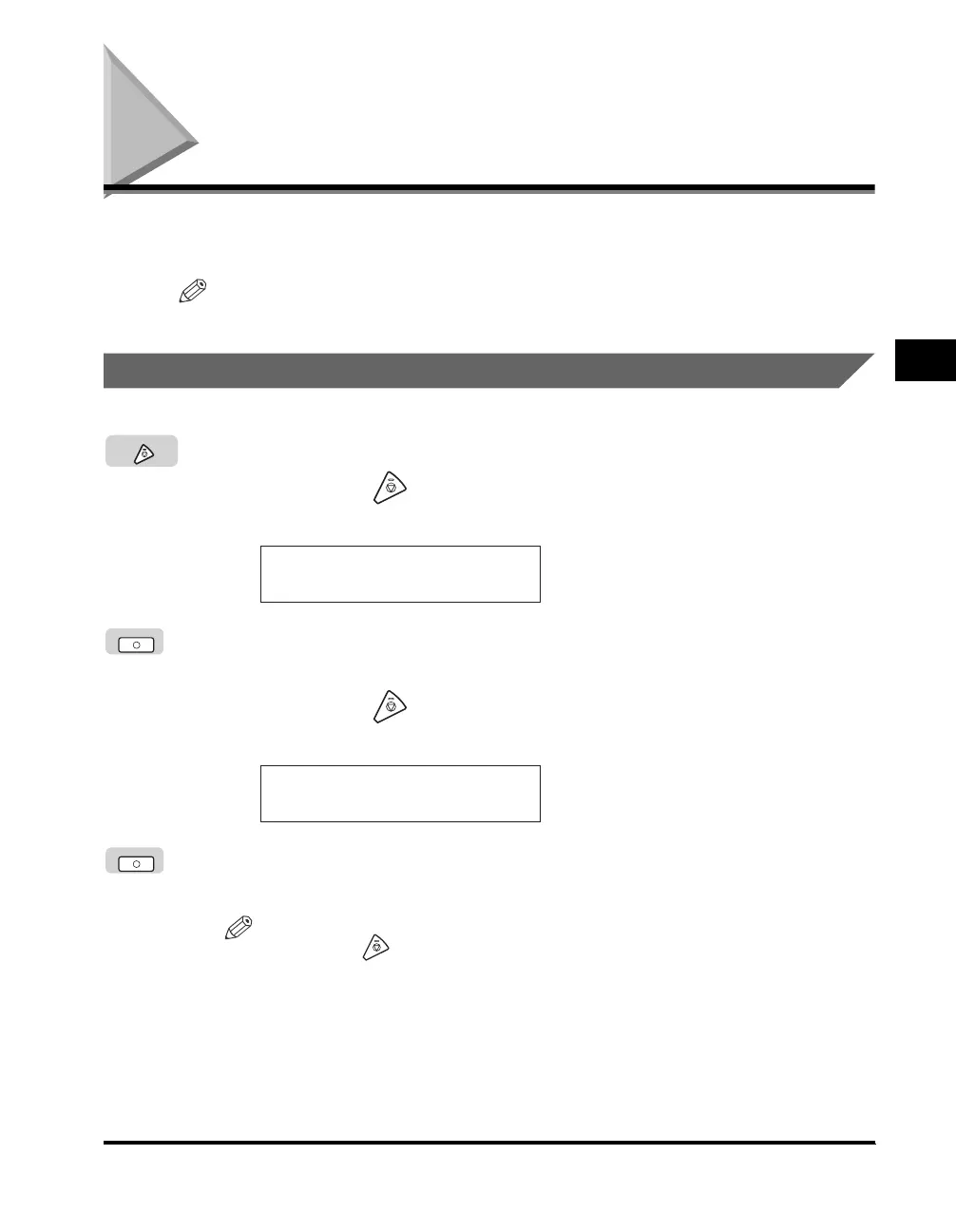
Using the Stop Key
1
Press [Stop].
● If you press (Stop) while scanning originals placed on the
platen glass:
❑
Press [OK].
Scanning stops, and the job is canceled.
● If you press (Stop) while scanning originals placed in the
optional feeder, or during a direct send job:
❑
Press [OK].
Scanning stops, and the job is canceled.
NOTE
If you press (Stop) while the machine is scanning an original placed in the
optional feeder, this may cause a paper jam. For instructions on clearing paper
jams in the optional feeder, see "Feeder (DADF-P1) (Optional)," on p. 8-20.
Stop
STOP KEY PRESSED
OK
STOP KEY PRESSED
PRESS OK KEY
OK



 To Next Page