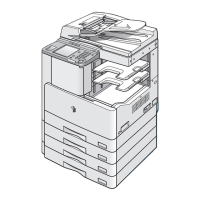
Main Power and Control Panel Power
1-23
Before You Start Using This Machine
1
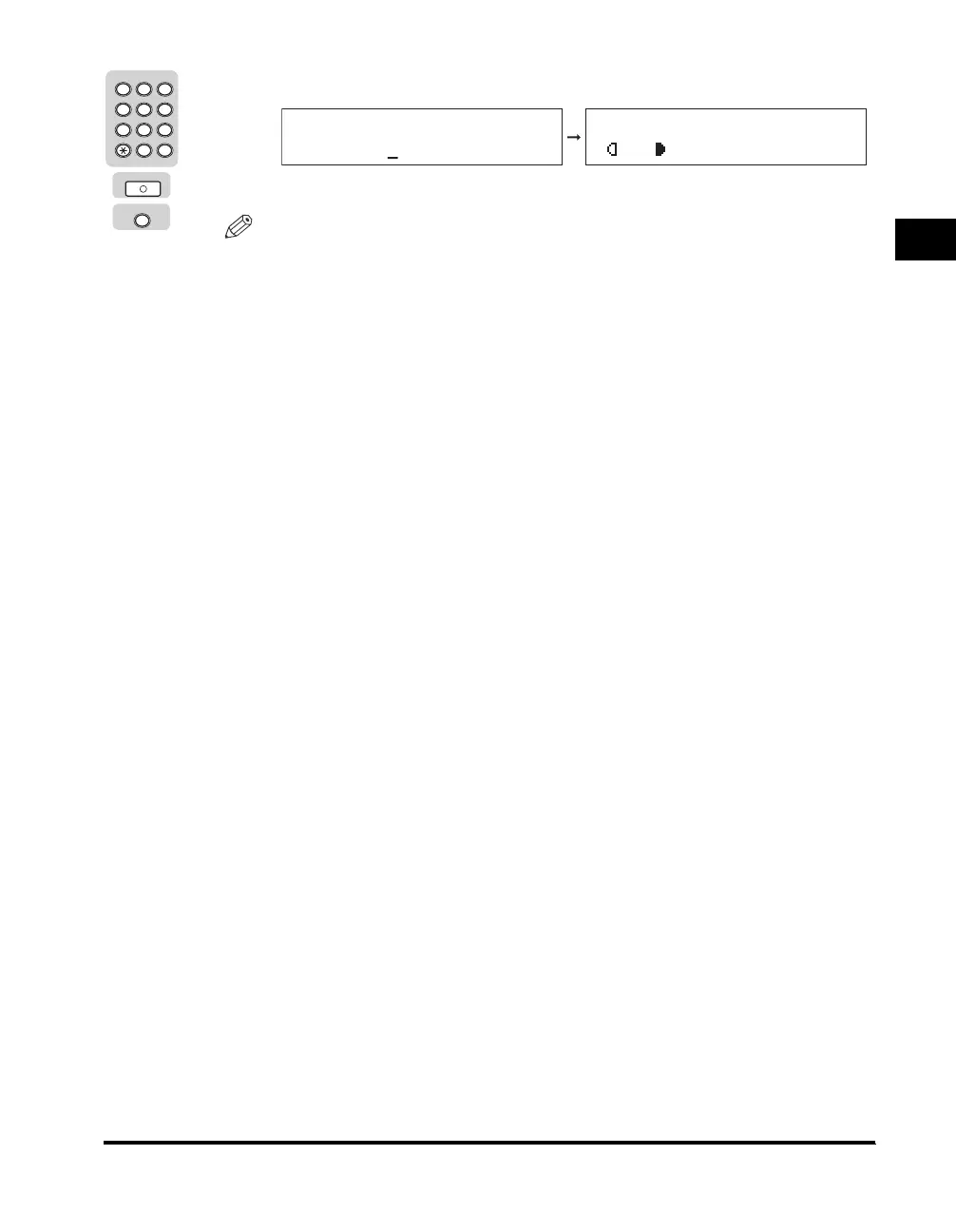
❑ Enter the password using the numeric keys ➞ press [OK] or [ID].
The Standby display appears.
NOTE
• \
If Department ID Management has not been enabled, this message will not
appear.
•
<DEPT. ID PASSWORD> is displayed even if a password has not been set. In this
case, press [OK] to return to the Standby display.
•
For instructions on entering the Department ID and password, see "Entering the
Department ID and Password," on p. 2-11.
2 3
ABC DEF
JKLGHI MNO
TUVPQRS WXYZ
Tone
4
5
5
6
7
8 9
0
1
#
SYMBOLS
Log In/Out
ID
OK
DEPT.ID PASSWORD
*******
100% AUTO
A TEXT
O1



 To Next Page