First Level
Second Level
Third Level
Fourth Level
Fifth Level
Return Defaults
Paper Details
Keep Paper Type Off* | On
*1: For information on the types of paper the printer supports, refer to the Paper Reference Guide. (See "Displaying the Paper
Reference Guide.") ➔P.365 Types of paper in the printer driver and related software (as well as on the Control Panel ) are upda-
ted when you install the printer driver from the User Software CD-ROM or if you update paper information with the Media Config-
uration Tool. (See "Updating paper information.") ➔ P.368
*2: For information on the sizes of paper the printer supports, see "Paper Sizes." ➔ P.362
*3: Available only if ManageRemainRoll is On.
*4: Available only if Width Detection is Off.
*5: Leading edge is not available as a setting option in the Paper Detailed Settings dialog box of the printer driver.
*6: see "Specifying the Cutting Method for Rolls." ➔ P.388
Ink Menu
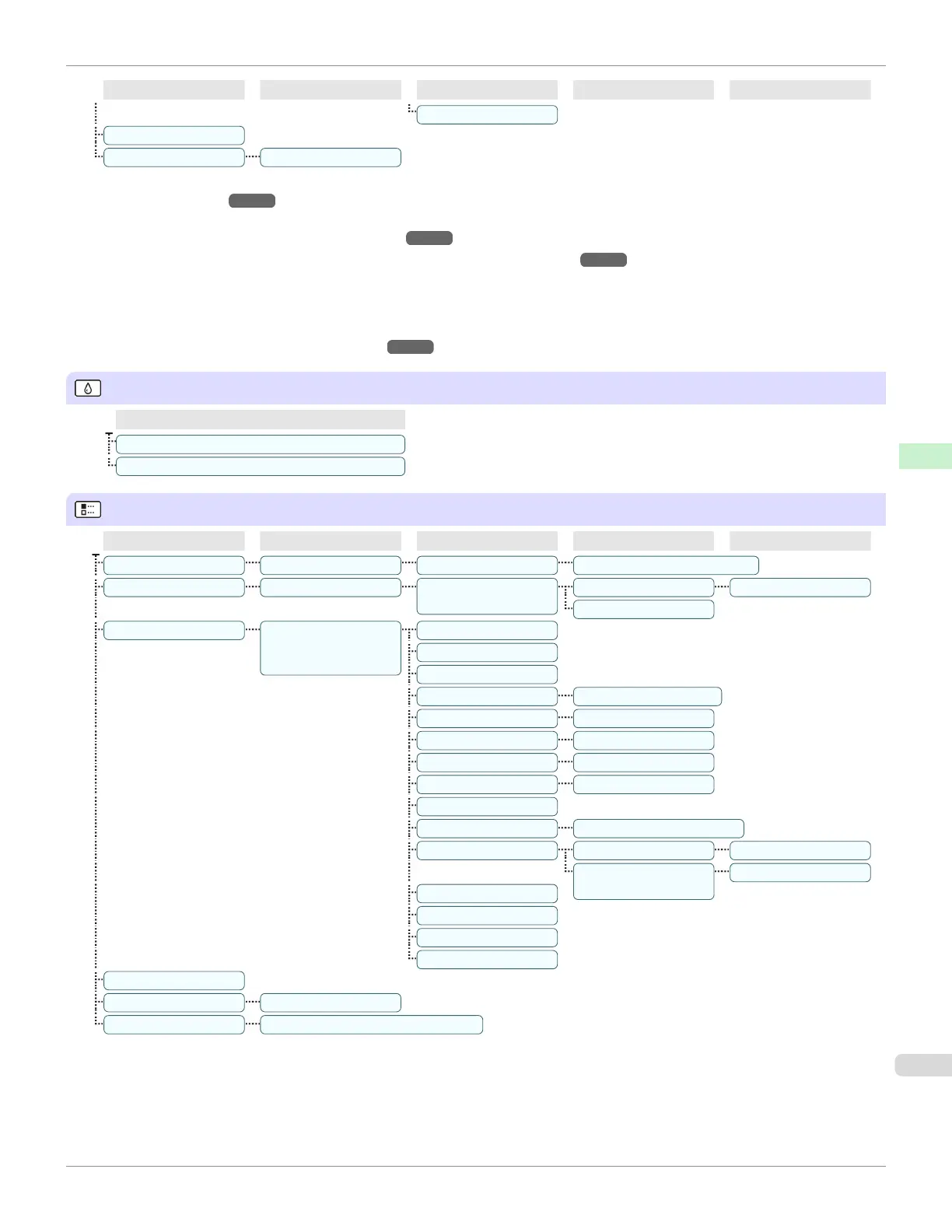
First Level
Rep. Ink Tank
Head Cleaning A
Job Menu
First Level
Second Level
Third Level
Fourth Level
Fifth Level
Print Job Job List (Choose a print job.) Delete | Preempt Jobs(*1)
Stored Job Mailbox List (Enter a password if
one has been set.)
Job List Print | Delete
Print Job List
Job Log(*2)
(Choose from information
about the latest three print
jobs.)
Document Name
User Name
Page Count
Job Status OK | CANCELED
Print Start Time yyyy/mm/dd hh:mm:ss
Print End Time yyyy/mm/dd hh:mm:ss
Print Time xxxsec.
Print Size xxxxxxxxsq.mm
Media Type
Interface USB | Network | HDD
Ink Consumed Tot.Ink Consumed xxx.xxx ml
(The ink color is dis-
played here.)
xxx.xxx ml
Print settings
Head Height
Temp./Humidity
Adjustment req.
Print Job Log
Pause Print Off* | On
HDD Information Total capacity | Box free space
*1: If a pending job is selected, Print Anyway is displayed.
*2: Restrictions apply if a password is configured using Change Password in the Admin. Menu.
Viewing is possible for administrators only.
iPF685
Menu Structure
User's Guide
Control Panel Printer Menu
453













 To Next Page