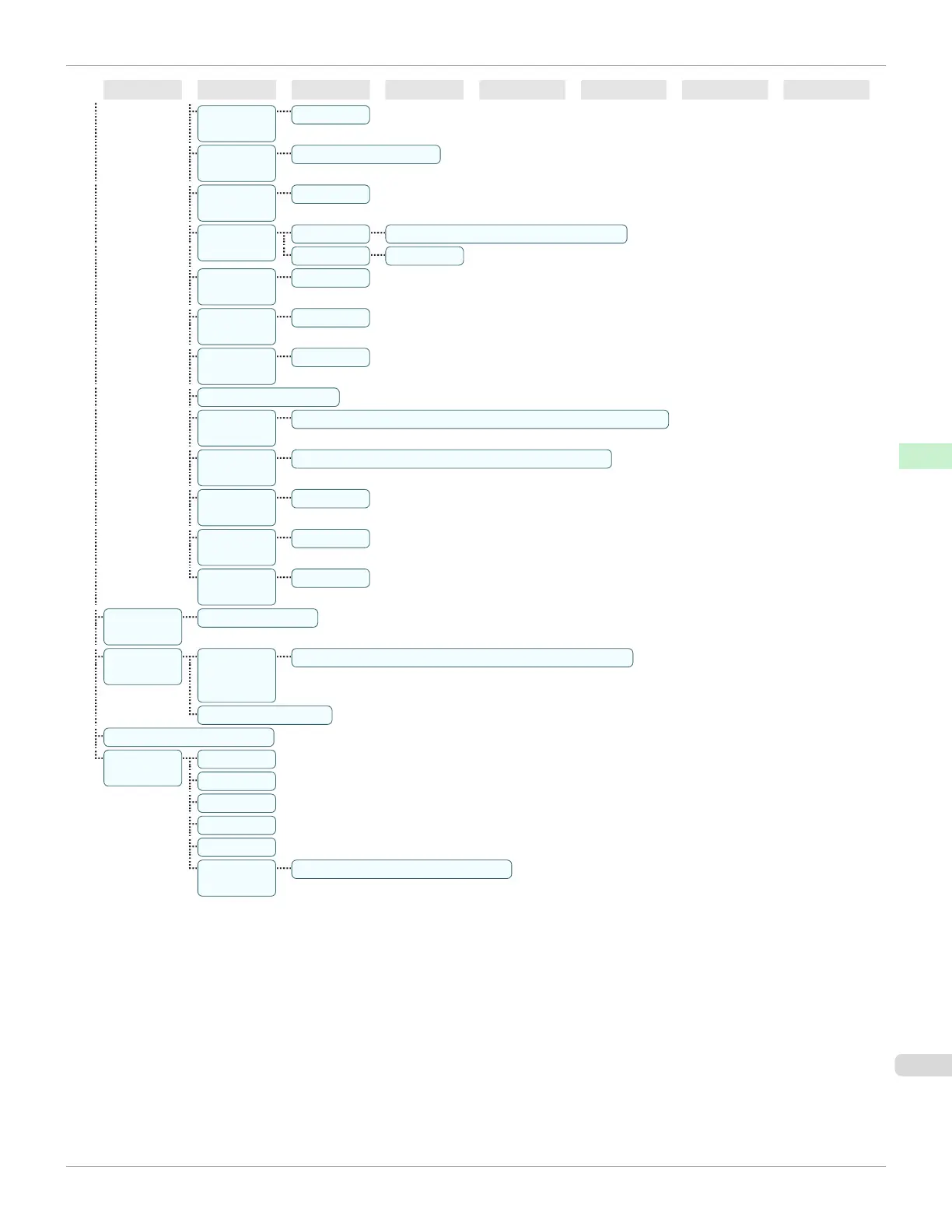
First Level
Second Level
Third Level
Fourth Level
Fifth Level
Sixth Level
Seventh Level
Eighth Level
Keep Paper
Size
Off* | On
TrimEdge
Reload
Automatic | Off* | On
Rep.P.head
Print
Off | On*
Nozzle
Check
Frequency Standard* | 1 page | 10 pages | Off
Warning Off* | On
Use
USB(*8)
On* | Off
Use Ether-
net(*8)
On* | Off
Use Remo-
teUI(*8)
On* | Off
Reset PaprSetngs(*8)
Erase HDD
Data
High Speed(*8) | Secure High Spd.(*8) | Secure(*8)
Output
Method
Print* | Print (Auto Del) | Save: Box XX
Print After
Recv
Off* | On
Save: Com-
mon Box
Off | On*
Show Job
Log(*8)
Off | On*
Prep.Move-
Printer
Standard | Limited
Admin.
Menu(*8)
Change
Pass-
word(
*9
)
(The screen for setting the password is displayed)
Init.Admin.Pswd(*9)
Adj. Fine Feed(*12)(*13)
Printer In-
fo(*12)
Paper Info
Ink Info
Head Info
System Info
Error Log
Use Situa-
tion
Tot.Print Area | Duty Counter
*1: Available after you have used Auto(Advanced) in Head Posi. Adj. once.
*2: Available if Adj. Priority is Automatic or Print Quality.
*3: Available if Adj. Priority is Automatic or Print Length.
*4: Available only if Use Nesting is On.
*5: Not displayed if IPv4 Mode is Manual.
*6: Not displayed if Auto Detect is On.
*7: Follows the setting in Date Format.
*8: Restrictions apply if a password is configured using Change Password in the Admin. Menu.
Viewing and configuration is possible for administrators, and only viewing for other users.
*9: Restrictions apply if a password is configured using Change Password in the Admin. Menu.
Viewing and configuration is possible for administrators only.
iPF685
Menu Structure
User's Guide
Control Panel Printer Menu
457













 To Next Page