Chapter 1
39
F-1-93
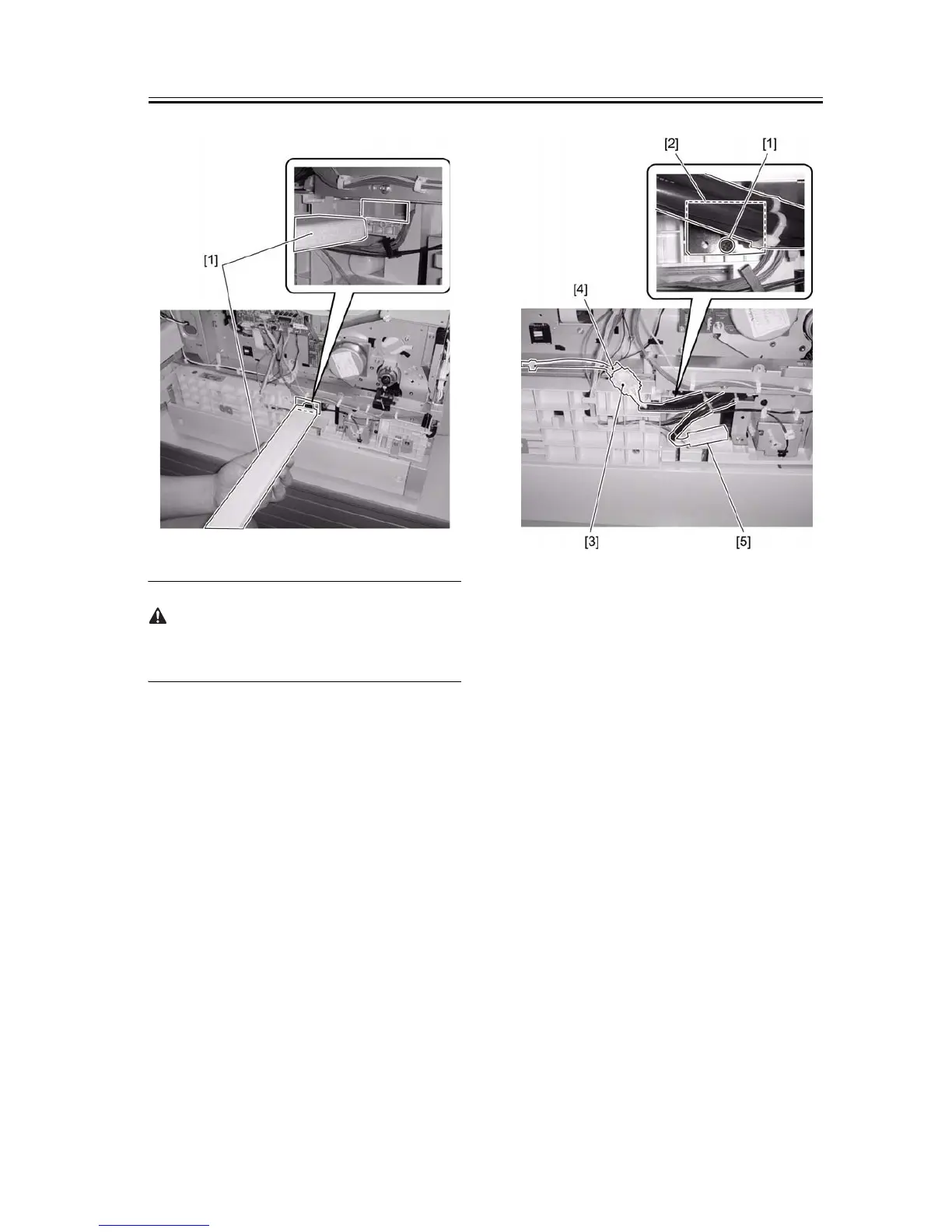
When installing the cassette heater unit, make sure
that harness is not pinched.
2) Secure the cassette heater [2] using a screw [1].
3) Connect one harness [3] to the cassette heater har-
ness [4].
4) Place the other harness [5] at the position shown be-
low. Connect this connector to the heater of the cas-
sette when connecting the cassette heater to the
cassette at the second or lower stage.
F-1-94
5) Attach the rear cover. (4 screws)
6) Turn on the main power switch of the host machine.
7) Turn on the heater switch [1] and make sure that the
cassette heater is powered.










 To Next Page