Chapter 1
17
1.4 Installing the Card
Reader
1.4.1 Points to Note
0011-1080
iR2016J / iR2016 / iR2020 / / iR2016i / iR2020i
When installing the card reader, the card reader at-
tachment-D1 is required.
1.4.2 Checking the Con-
tents
0011-1081
iR2016J / iR2016 / iR2020 / / iR2016i / iR2020i
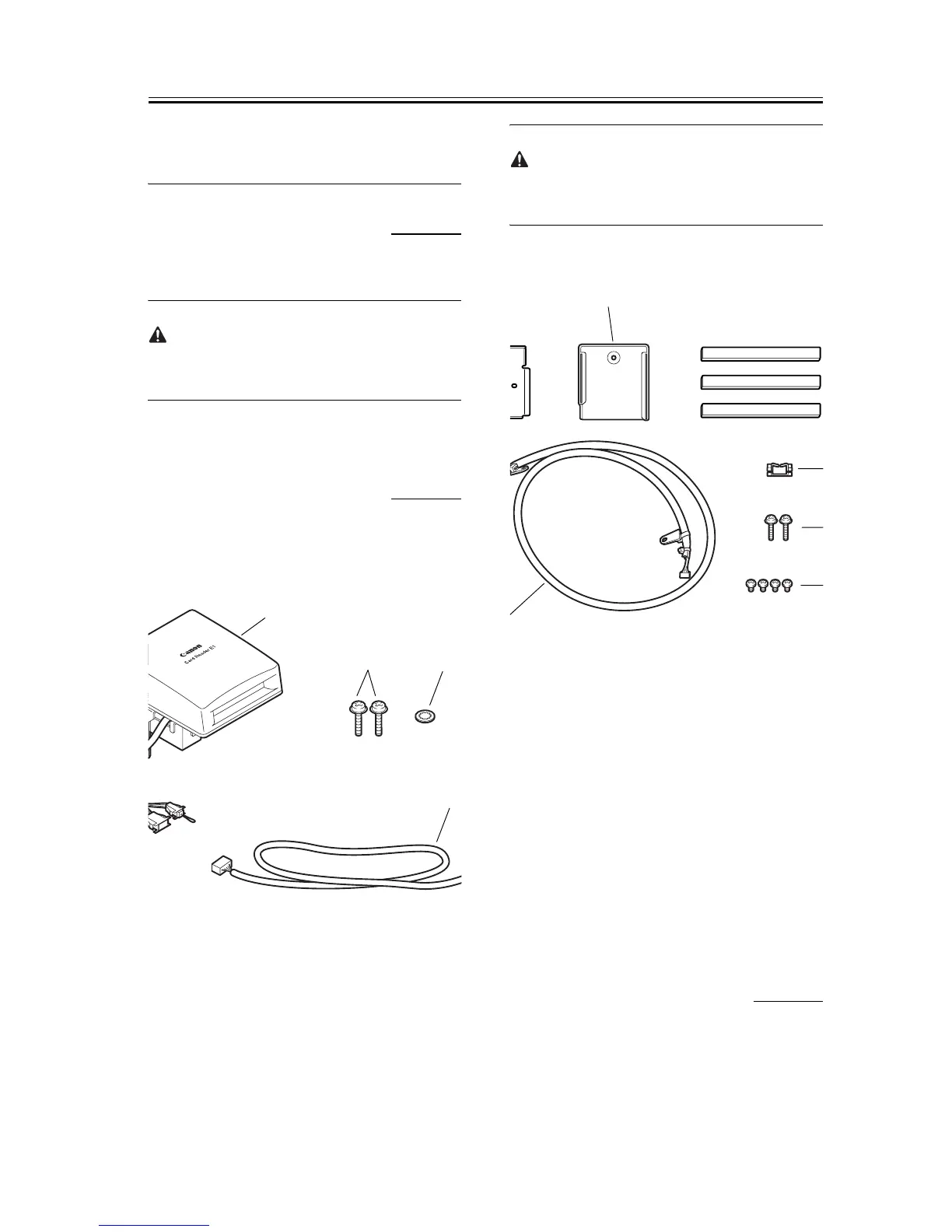
<Card reader-E1>
F-1-32
The repeating harness, TP screw (M3x12), and
toothed washer are not used.
<Card reader attachment-D1>
F-1-33
1.4.3 Installation Proce-
dure
0011-1082
iR2016J / iR2016 / iR2020 / / iR2016i / iR2020i
1) Turn off the main power switch [1] of the host ma-
[1] Card reader-E1 1 pc.
[2] TP screw (M3x12) 1 pc.
[3] Toothed washer 1 pc.
[4] Repeating harness A 1 pc.
[1]
[2]
[3]
[4]
[1] Card reader mount 1 pc.
[2] Card reader cover 1 pc.
[3] Harness cover (base + lid) 3 pcs.
[4] Repeating harness B 1 pc.
[5] Edge saddle 1 pc.
[6] TP screw 2 pcs.
[7] Binding screw (M4x6) 4 pcs.
[2]










 To Next Page