2-35
Setting Up the Network Environment for Printing
2
Installing the CAPT Software
NOTE
If another printer driver has already been installed in the computer, the message
<Do you want your Windows-based programs to use this printer as the default
printer?> appears. In this case, select [Yes] or [No].
12
Click [Finish].
Copying files is started.
13
When the dialog box for completing the installation appears,
click [OK].
14
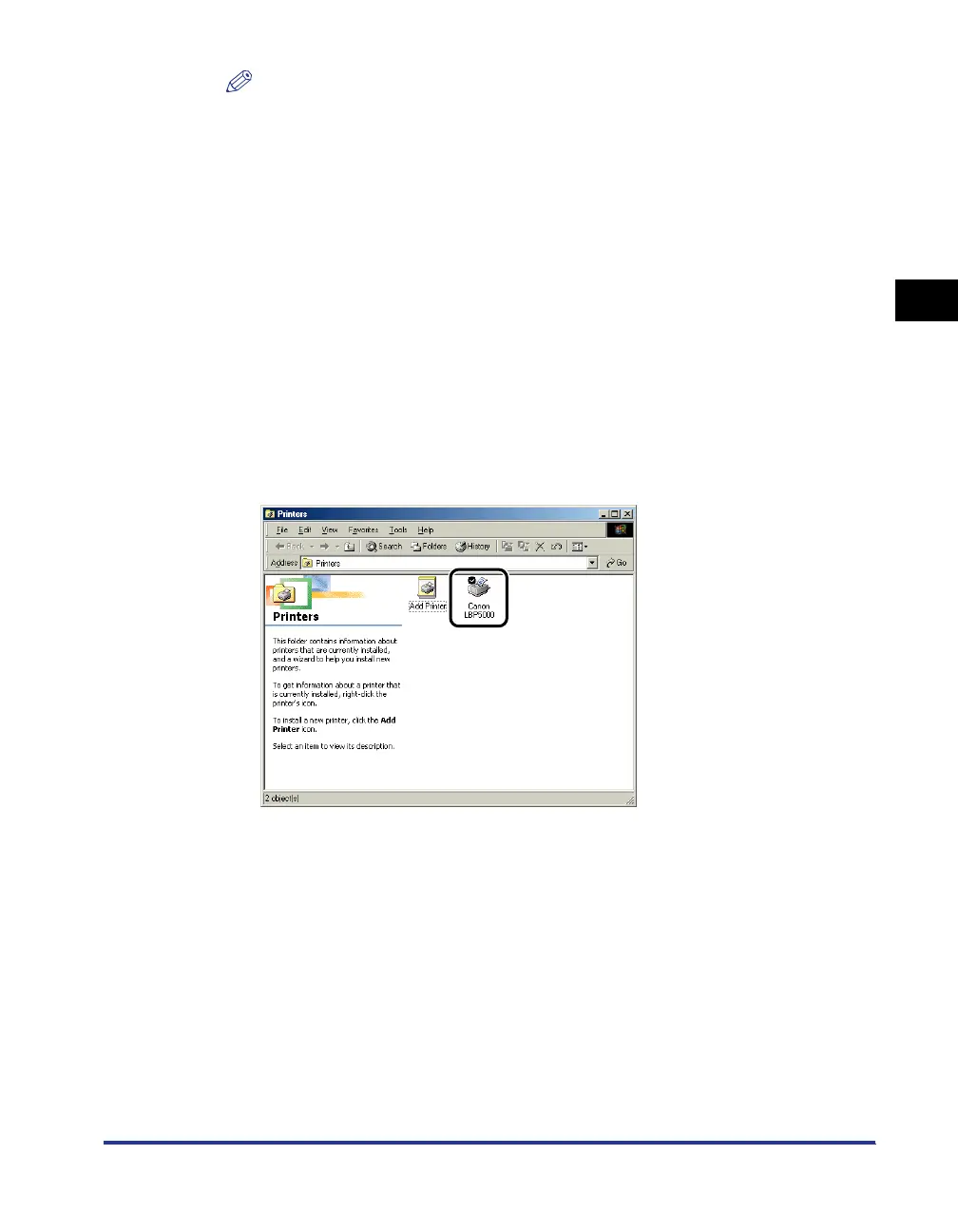
From the [Start] menu, select [Settings] ➞ [Printers].
15
Select the icon for the printer you are using.








 To Next Page