6-23
Printing Environment Settings
6
SETUP Menu Settings
•
If the settings for OFFSET Y and OFFSET X are specified at the same time as the
setting for this item is specified, the settings for OFFSET Y and OFFSET X are
processed first, and then the setting for this item is processed.
ALT.METHOD
ON*, OFF
Specifies the printing side of the last page on a job with odd number of pages
when 2-SIDED PRINT. (See p. 6-19) is set to ON.
The printing side of the last page varies depending on the setting for this item or
paper source as the following.
• When printing from the paper cassette
If ON is specified, the printer prints on the underside of the loaded paper.
If OFF is specified, the printer prints on the upper side of the loaded paper.
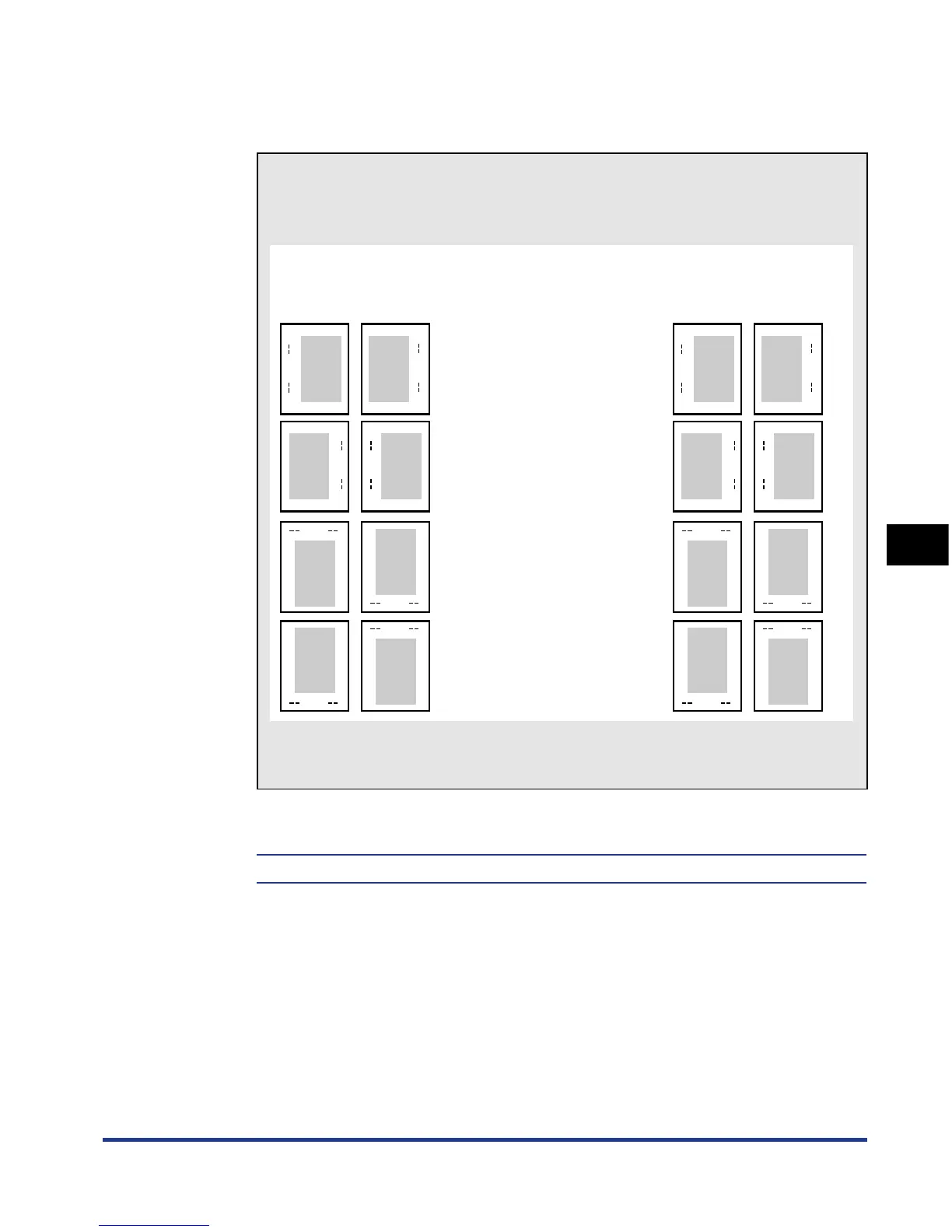
● Settings for BIND.LOCATION and GUTTER
Specify BIND.LOCATION and GUTTER referring to the following finishing
image.
Specify whether you print in portrait orientation or landscape orientation in an
application.
BIND.LOCATION : LONG EDGE
GUTTER : + direction
ABC
BIND.LOCATION : LONG EDGE
GUTTER : - direction
BIND.LOCATION : SHORT EDGE
GUTTER : + direction
BIND.LOCATION : SHORT EDGE
GUTTER : - direction
Binding location for when using
paper in portrait orientation
Binding location for when using
paper in landscape orientation
ABC
ABC
ABC
DEF
DEF
DEF
DEF
ABCDE
ABCDE
ABCDEABCDE
FGHIJK
FGHIJK
FGHIJKFGHIJK
Front
(2-sided printing)
Back Front
(2-sided printing)
Back













 To Next Page