6-22
Printing Environment Settings
6
SETUP Menu Settings
If SHORT EDGE is specified, the binding location is created on the short edge of
the paper.
NOTE
You cannot create a gutter only by specifying this item. A gutter can be created only
after specifying this item in combination with the setting for GUTTER.
GUTTER
-50.0 to 50.0; 0.0* (mm)
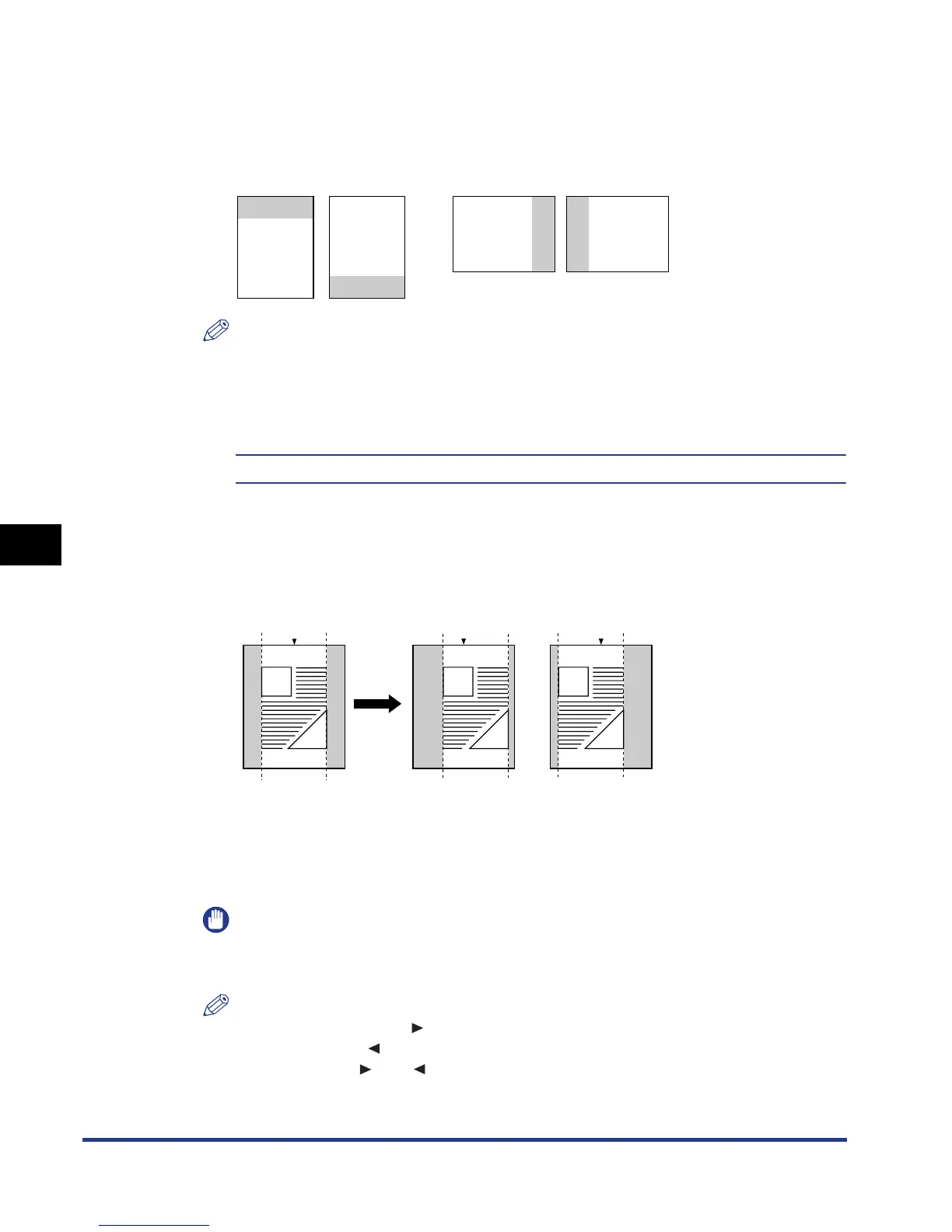
Specifies the gutter width for printing with the binding location created. A gutter is
created with the image shifted by the specified value. You can shift the image in
the "+" direction with a positive value and in the "–" direction with a negative value.
Specify on which edge of the paper, the long edge or short edge, the gutter is to
be created in BIND.LOCATION (See the previous item). On which edge (top/
bottom/left/right) of the paper the gutter is created depends on the setting for
BIND.LOCATION and which value "+" or "-" is specified for this item.
IMPORTANT
If any part of the print image lies outside the printable area after creating a gutter,
the part will be missing in the print result.
NOTE
•
Each time you press [ ], the value increases in 0.5 mm increments, and each
time you press [ ], the value decreases in 0.5 mm increments. If you keep
holding down [ ] or [ ], the speed of the value changing is increased.
Front Front BackBack
DEF
ABC
ABC
DEF
Gutter
Gutter
2-sided printing in
portrait orientation
2-sided printing in
landscape orientation
Gutter
Gutter
+ direction
- direction[0 mm]
Gutter
Center Center Center
Gutter













 To Next Page