3-11
Direct Print
Using the Printer
3
4
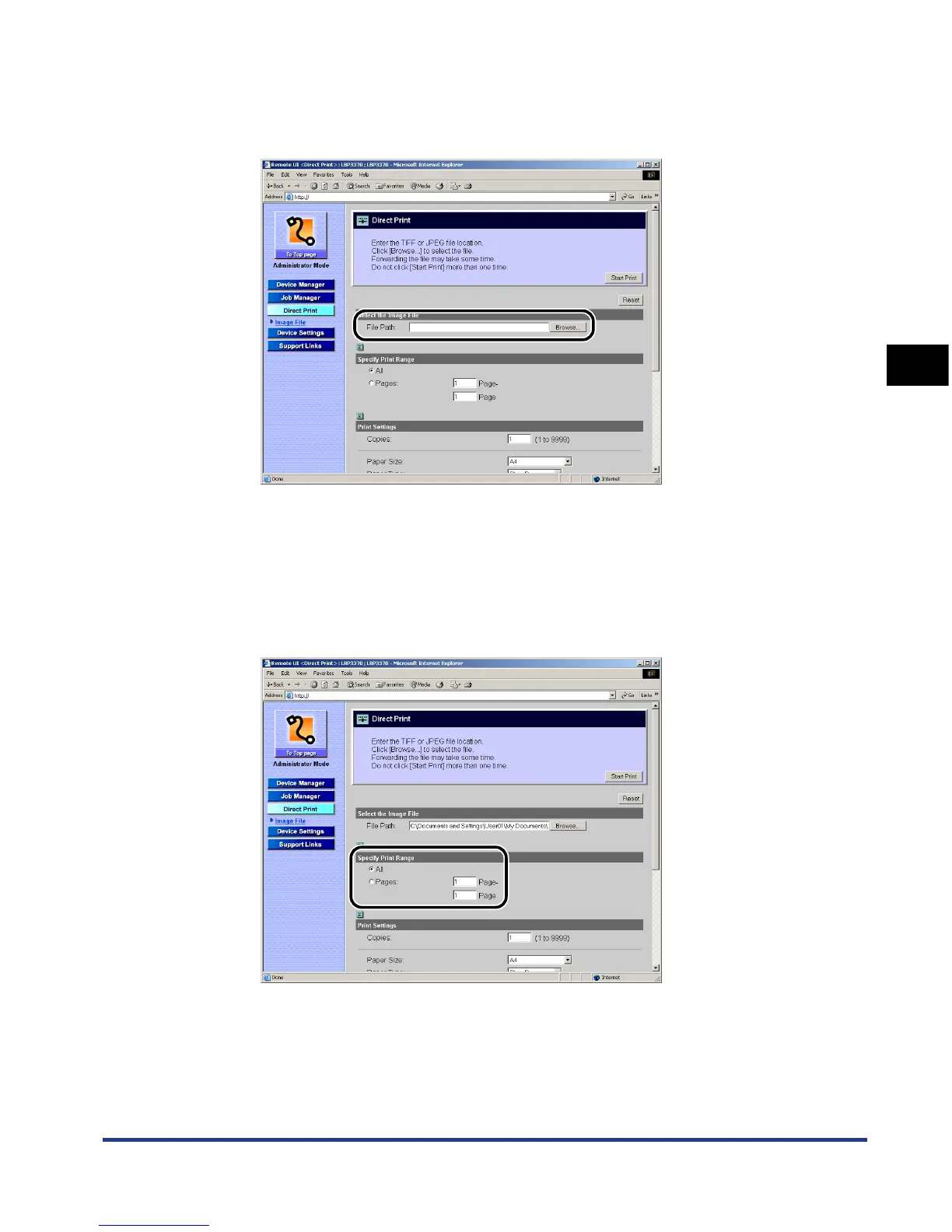
Specify [File Path].
Click [Browse], select the file, and then click [Open].
5
Specify the print range.
If [Specify Print Range] is set to [All], entire range of the file is printed.
If [Specify Print Range] is set to [Pages], data is printed on the print range
specified by page number. Enter the starting page number and ending page
number.













 To Next Page