3-13
Direct Print
Using the Printer
3
7
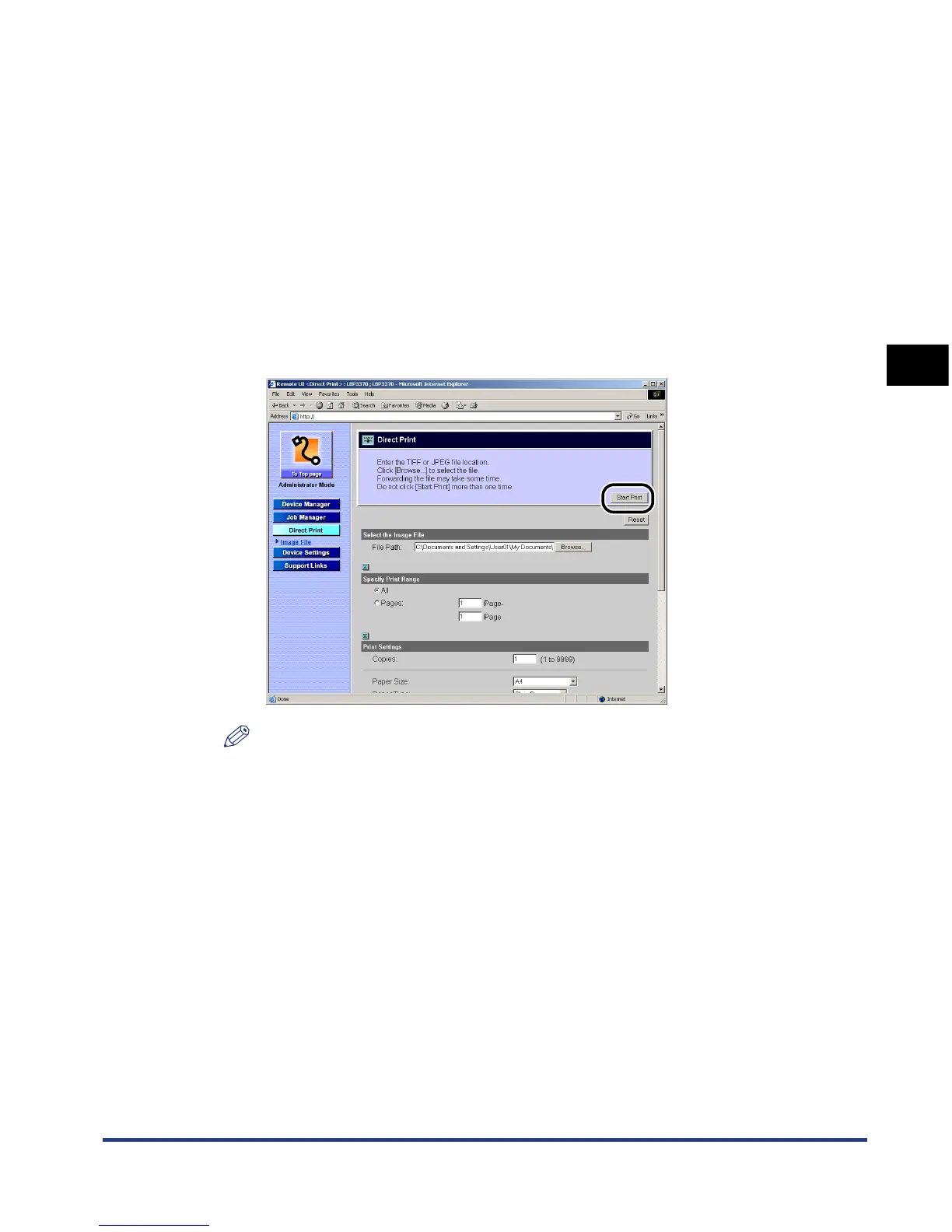
Click [Start Print].
NOTE
•
To reset the settings to the default values, click [Reset].
•
Do not click [Start Print] repeatedly during the transmission of a image file. It may
take a long time to transmit an image file. If you click the button repeatedly during
the transmission, you may have a problem with the image file, failing to transmit the
file.
[Binding Location] Select the binding location for 2-sided printing from
[Short Edge] and [Long Edge].
[Show Warnings] Select the display setting for the warning message in
case of an error occurring from [Print], [Panel], and [Off].
[Print]: The printer prints the content of the error and exits
the job.
[Panel]: The error message appears in the display, and
the printer stops printing.
[Off]: The printer exits the job without displaying anything
even if an error occurs.













 To Next Page