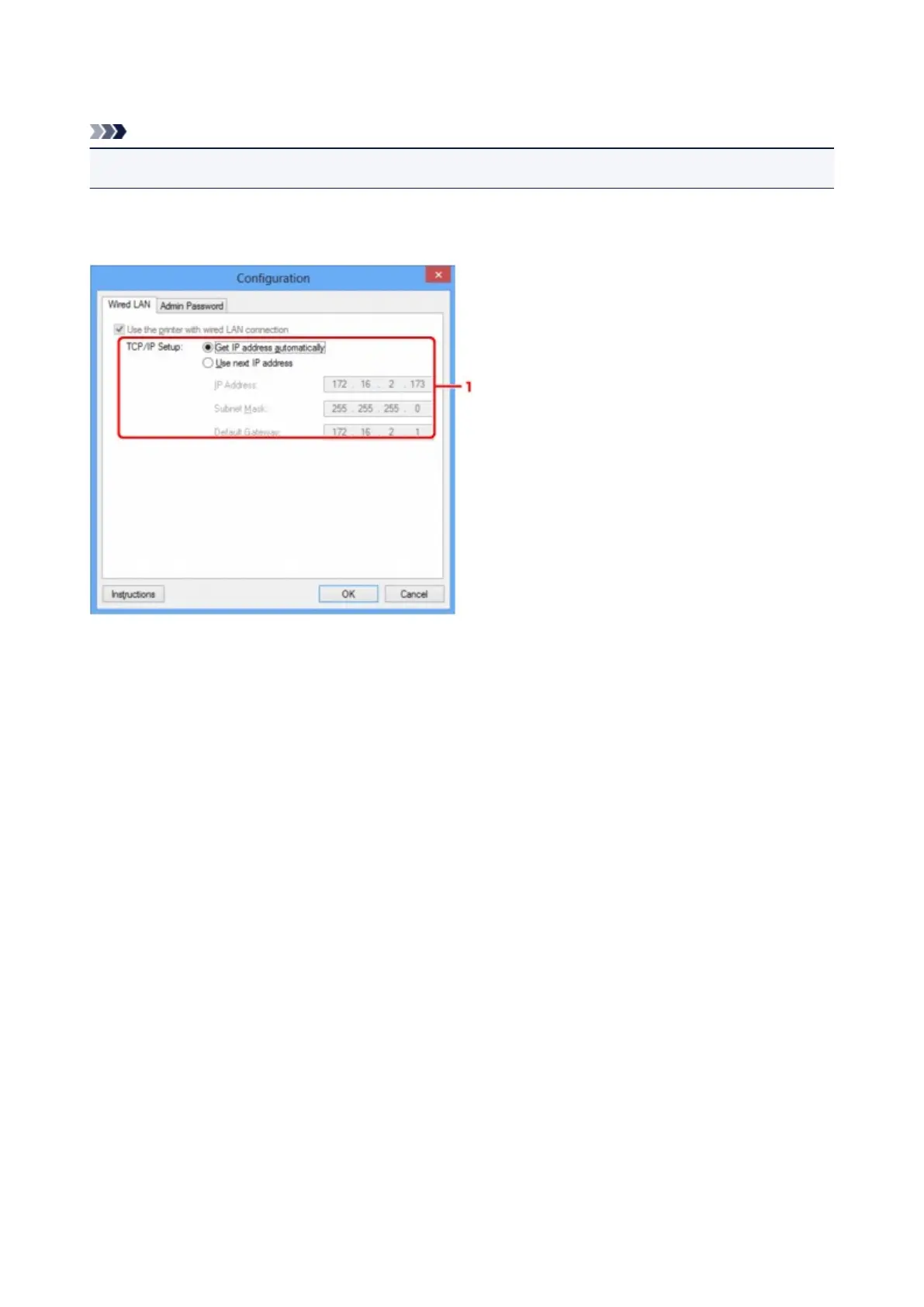
Wired LAN Sheet
Note
• This screen is not available depending on the printer you are using.
Allows you to set the printer with wired LAN connection.
To display the Wired LAN sheet, click the Wired LAN tab on the Configuration screen.
1.
TCP/IP Setup:
Sets the IP address of the printer to be used over the LAN. Specify a value appropriate for your network
environment.
Get IP address automatically
Select this option to use an IP address automatically assigned by a DHCP server. DHCP server
functionality must be enabled on your router.
Use next IP address
If no DHCP server functionality is available in your setup where you use the printer or you want to
use a particular IP address, select this option to use a fixed IP address.
211













 To Next Page