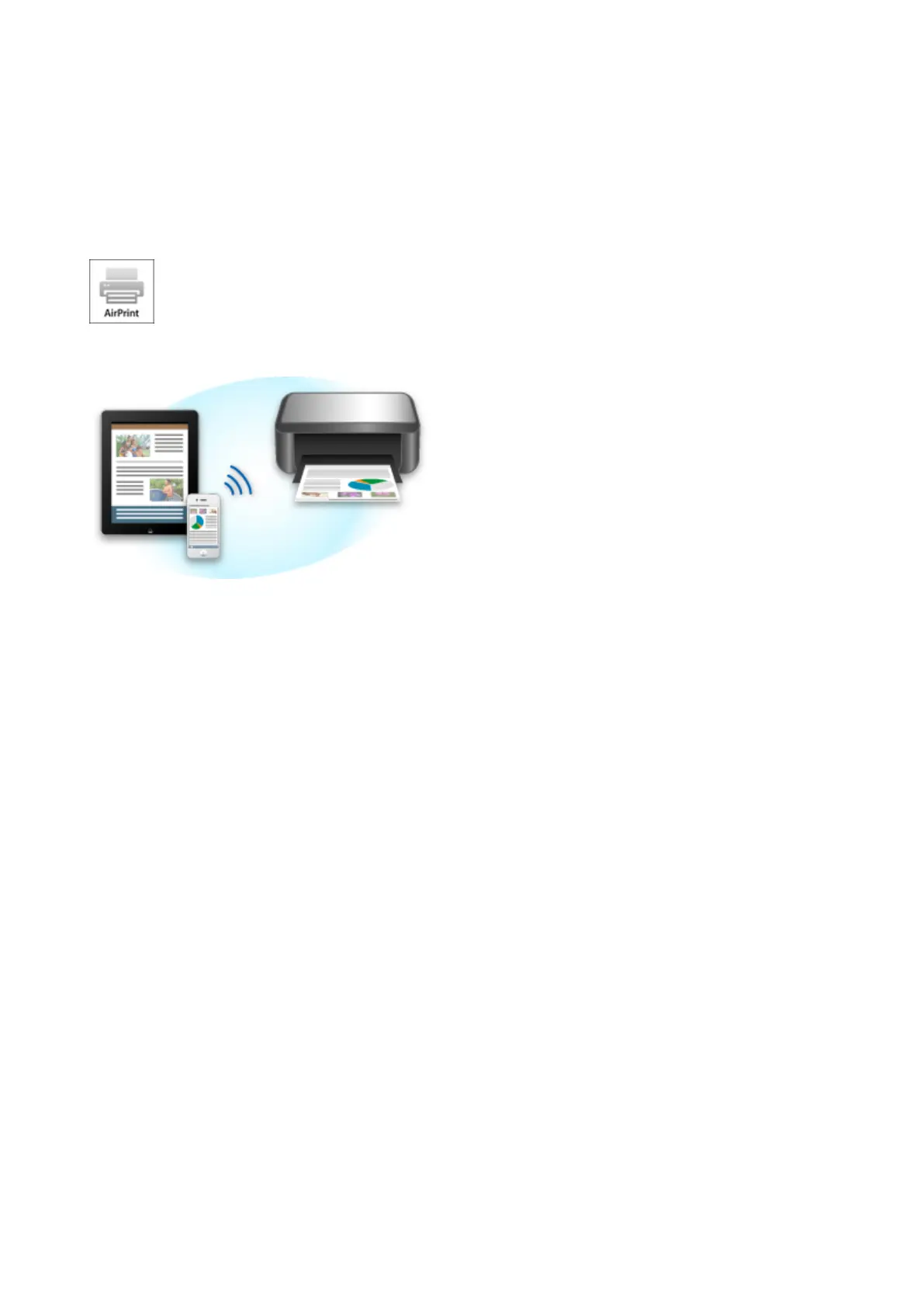
Printing from AirPrint Compliant Device
This document explains how to use AirPrint to print wirelessly from your iPad, iPhone and iPod touch to a
Canon printer.
AirPrint enables you to print photos, email, Web pages and documents from your Apple device directly to
your printer without installing a driver.
Checking Your Environment
First, check your environment.
• AirPrint Operation Environment
To use AirPrint, you will need one of the following Apple devices running the latest version of iOS:
◦ iPad (all models)
◦ iPhone (3GS or later)
◦ iPod touch (3rd generation or later)
• Network Environment
The Apple device (iPad, iPhone, or iPod touch) and this machine must be connected to the same Wi-
Fi network.
Printing with AirPrint
1. Check that this machine is turned on and is connected to the LAN.
2. From the app of your Apple device, tap the operation icon to display the menu options.
40













 To Next Page