Important
•
If you cannot send a fax due to line failure, etc., see "Troubleshooting Problems Sending Faxes
(Fax Driver)."
Canceling Transmission
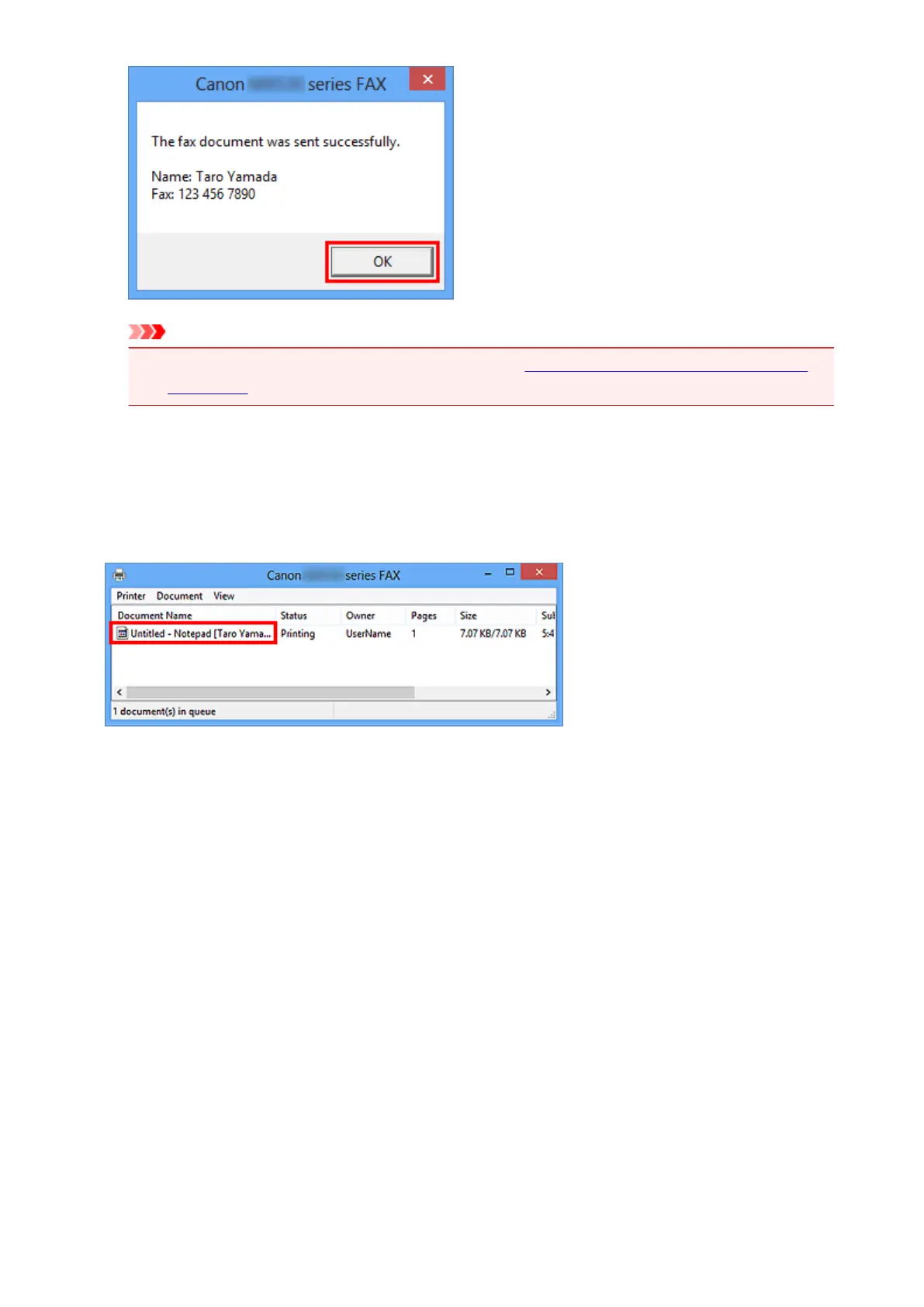
If you click Send Now in the Send FAX dialog box, the printer icon is displayed in the taskbar. Double-
click this icon to display the list of fax jobs awaiting transmission or being sent.
Right-clicking a job and selecting Cancel stops transmission.
702













 To Next Page