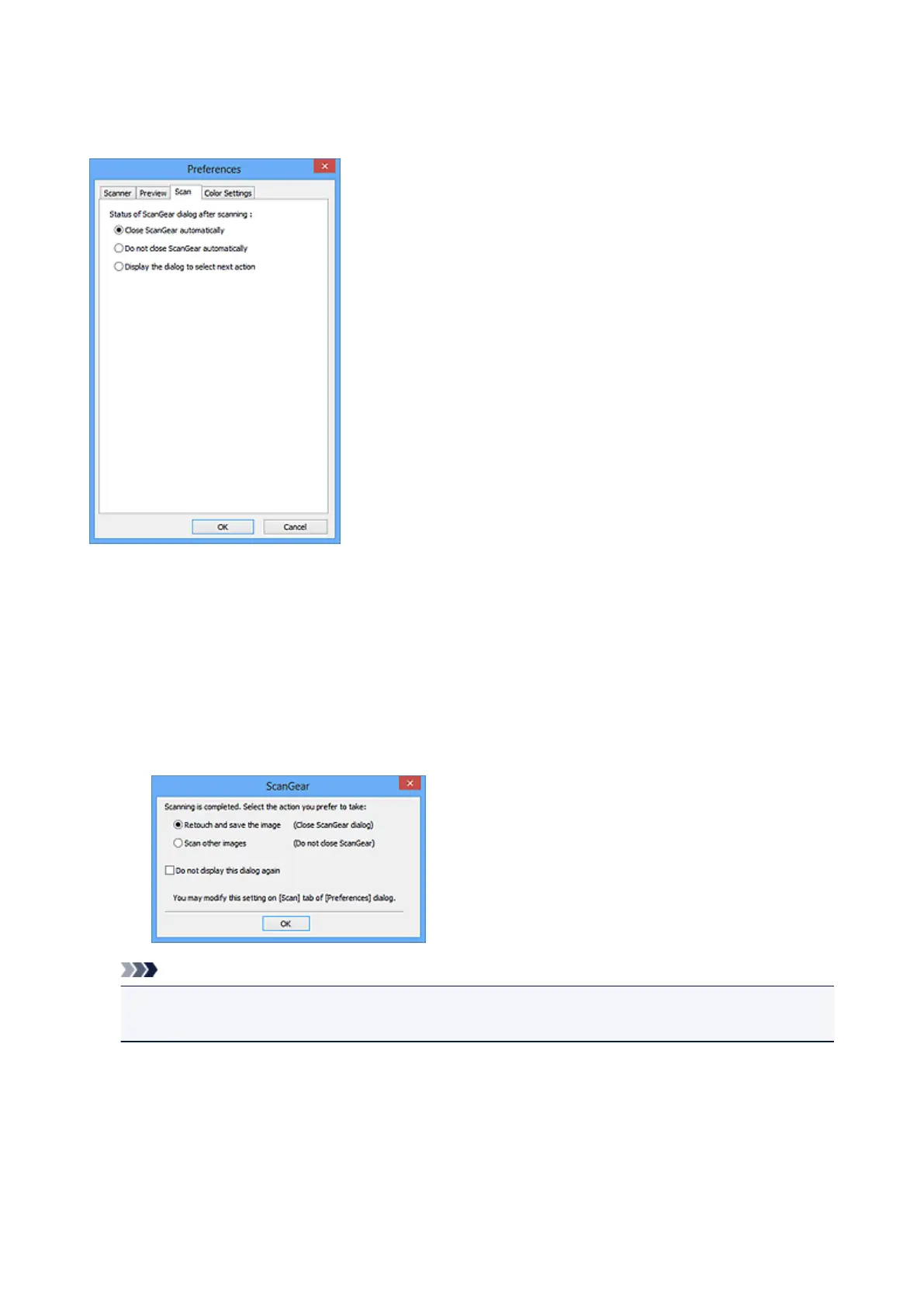
Scan Tab
On the Scan tab, you can specify the following settings.
Status of ScanGear dialog after scanning
Select what to do with ScanGear (scanner driver) after scanning images.
Close ScanGear automatically
Select this to return to the original application when scanning is completed.
Do not close ScanGear automatically
Select this to return to the ScanGear screen for another scan when scanning is completed.
Display the dialog to select next action
Select this to open a screen and select what to do when scanning is completed.
Note
• Even if Do not close ScanGear automatically or Display the dialog to select next action is set,
some applications may not support it.
563













 To Next Page