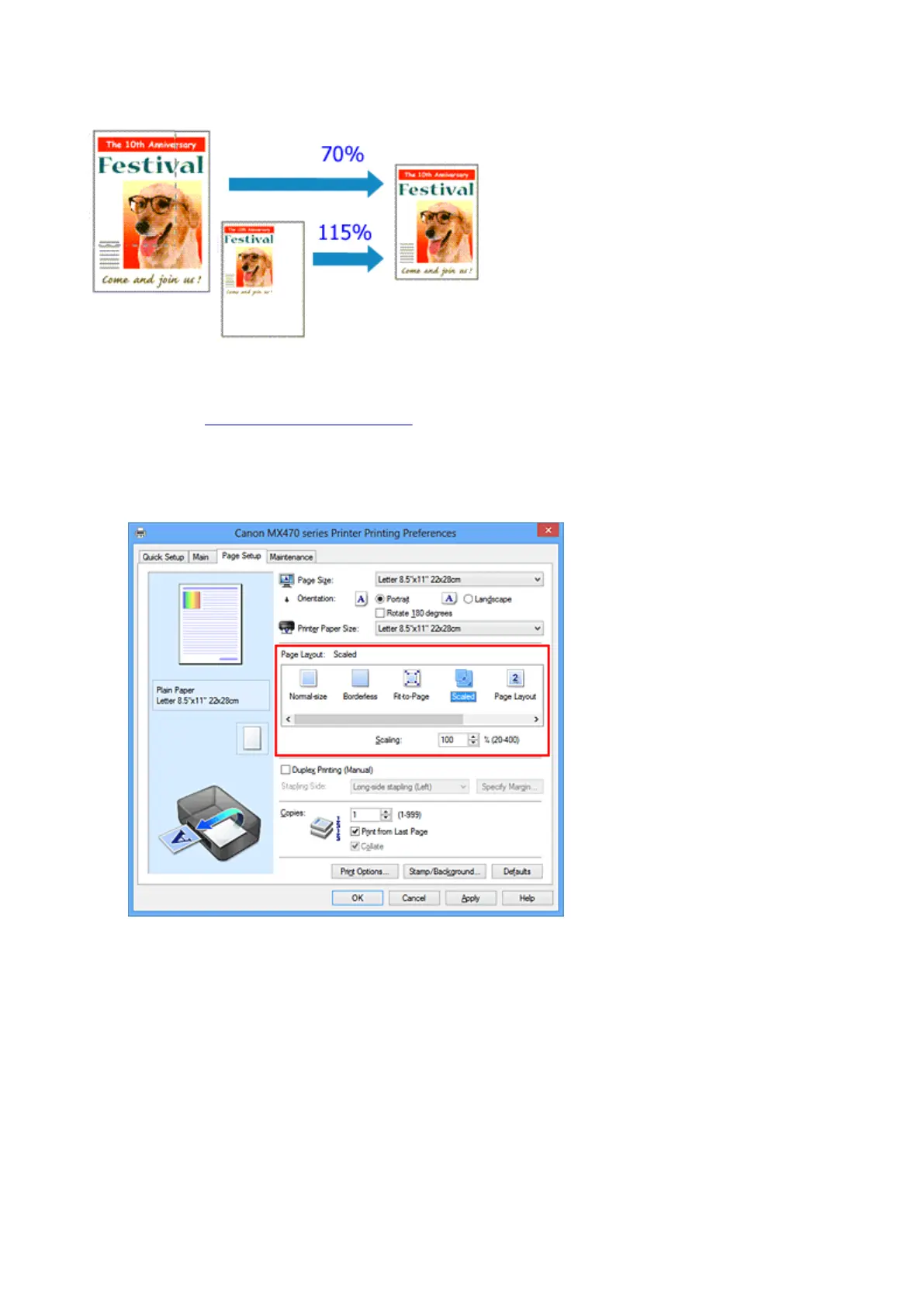
Scaled Printing
The procedure for printing a document with pages enlarged or reduced is as follows:
1.
Open the printer driver setup window
2.
Set scaled printing
Select Scaled from the Page Layout list on the Page Setup tab.
3. Select the paper size of the document
Using Page Size, select the page size that is set with your application software.
4. Set the scaling rate by using one of the following methods:
•
Select a Printer Paper Size
When the printer paper size is smaller than the Page Size, the page image will be reduced. When
the printer paper size is larger than the Page Size, the page image will be enlarged.
274













 To Next Page