Turning the Machine On and Off
Turning on the machine
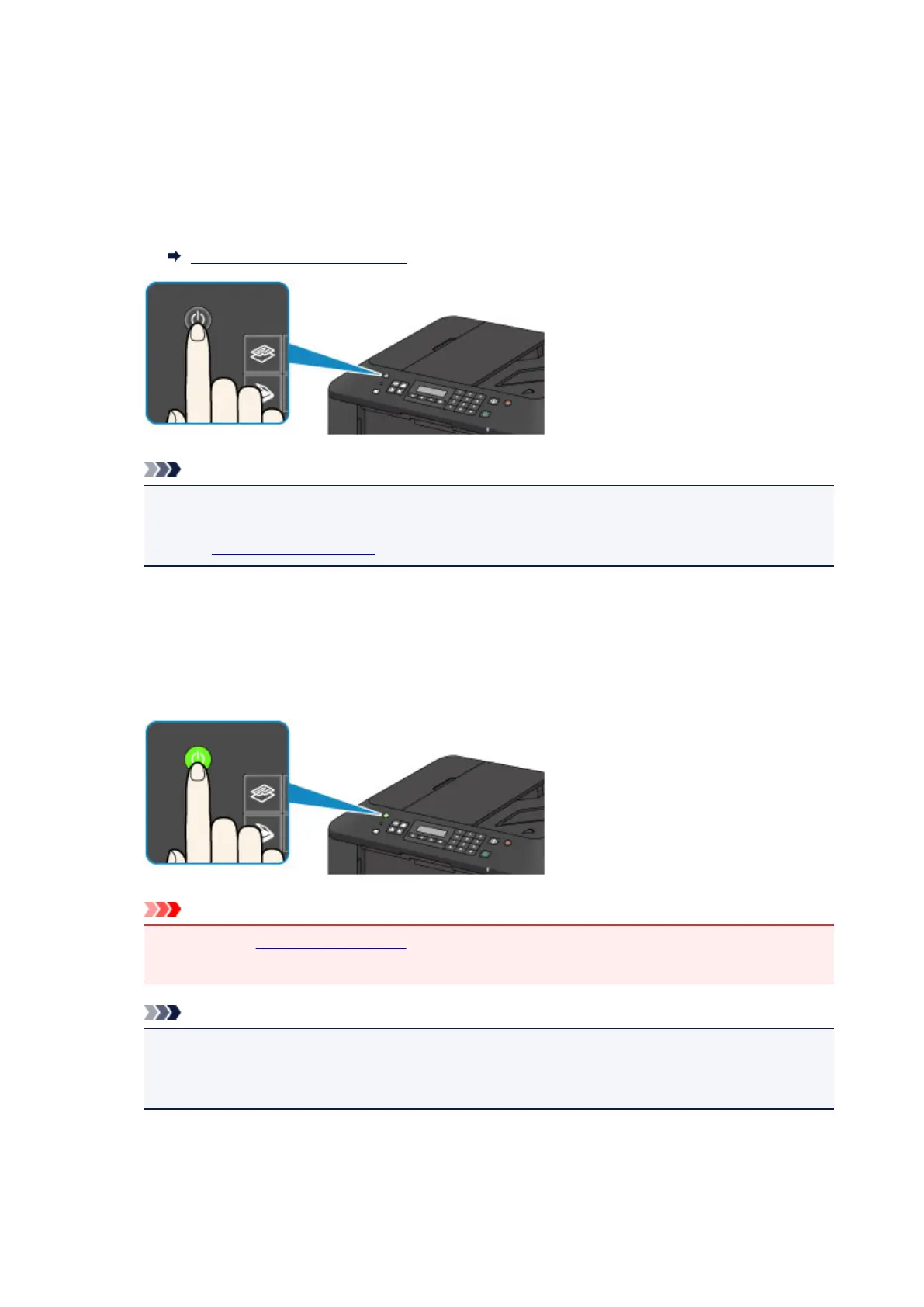
1. Press the ON button to turn on the machine.
The POWER lamp flashes and then remains lit green.
Confirming that the Power Is On
Note
• It may take a while for the machine to start printing immediately after you turn on the machine.
• If the Alarm lamp lights up or flashes orange and an error message is displayed on the LCD,
see A Message Is Displayed.
Turning off the machine
1.
Press the ON button to turn off the machine.
When the POWER lamp stops flashing, the machine is turned off.
Important
•
When you unplug the power cord after turning off the machine, be sure to confirm that the
POWER lamp is off.
Note
•
The machine cannot send or receive faxes when the power is turned off.
•
The power cannot be turned off while the machine is sending or receiving a fax, or when unsent
faxes are stored in the machine's memory.
65













 To Next Page