Important
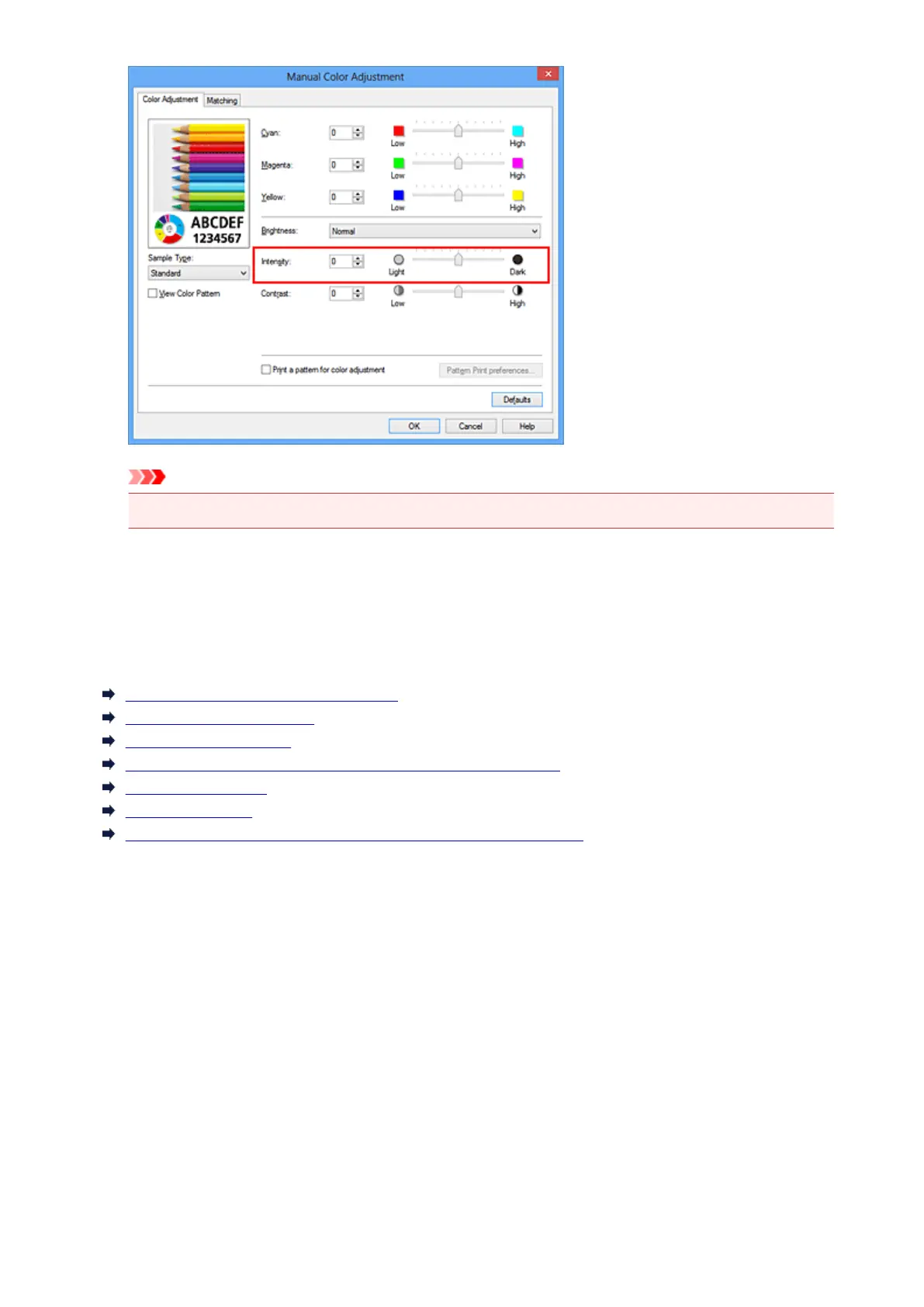
• Adjust the slider gradually.
4.
Complete the setup
Click OK on the Main tab.
When you execute print, the image data is printed with the adjusted intensity.
Related Topics
Setting the Print Quality Level (Custom)
Specifying Color Correction
Adjusting Color Balance
Adjusting Color Balance Using Sample Patterns (Printer Driver)
Adjusting Brightness
Adjusting Contrast
Adjusting Intensity/Contrast Using Sample Patterns (Printer Driver)
327













 To Next Page