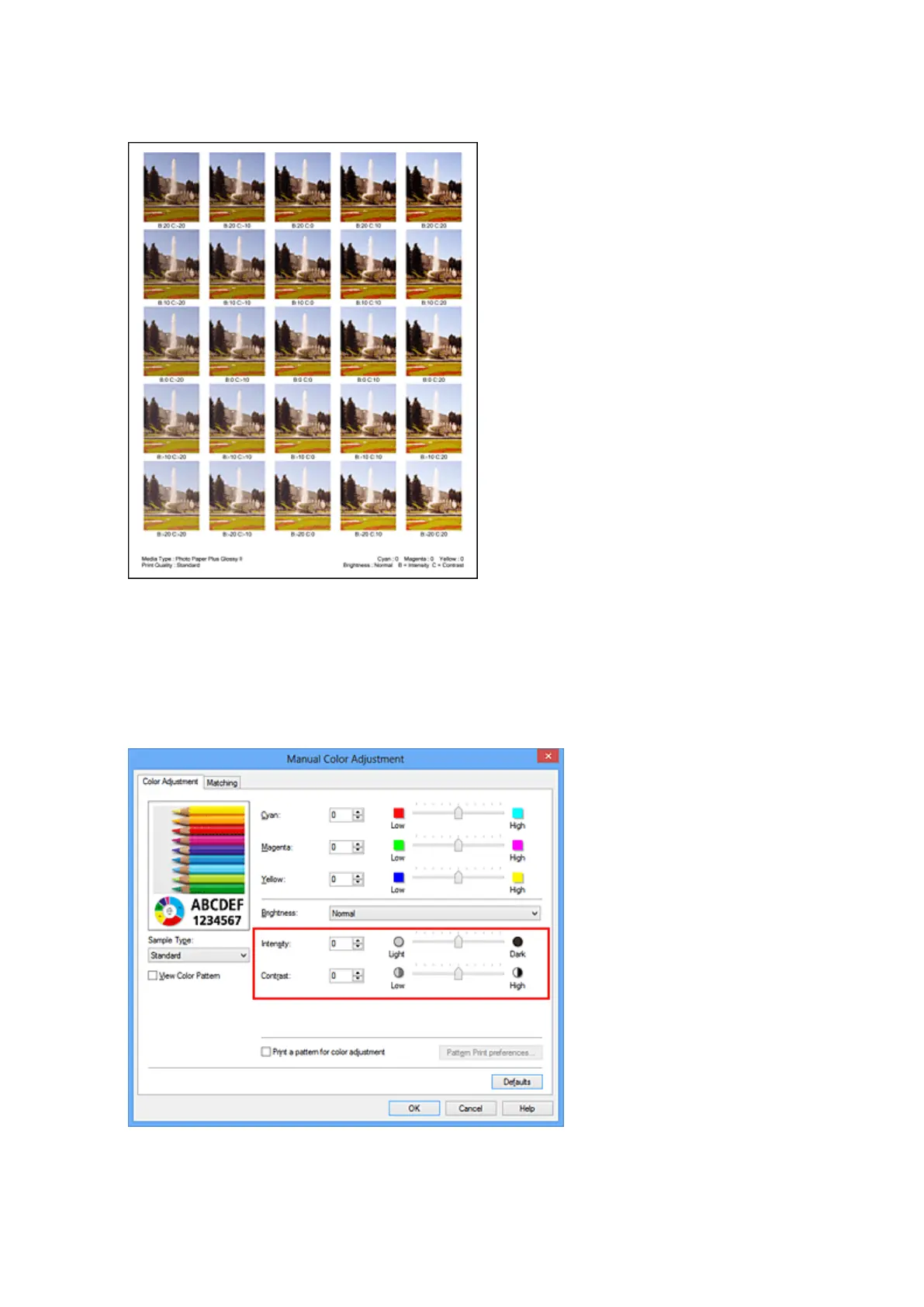
On the Color Adjustment tab, select OK to close the Manual Color Adjustment dialog box.
On the Main tab, select OK, and then execute printing. The machine then prints a pattern in which the
intensity/contrast that you set is the center value.
6.
Adjusting the intensity/contrast
Look at the print results and select the image that you like best. Then enter the intensity/contrast
numbers indicated at the bottom of that image into the Intensity and Contrast fields on the Color
Adjustment tab.
Clear the Print a pattern for color adjustment check box, and click OK.
332













 To Next Page