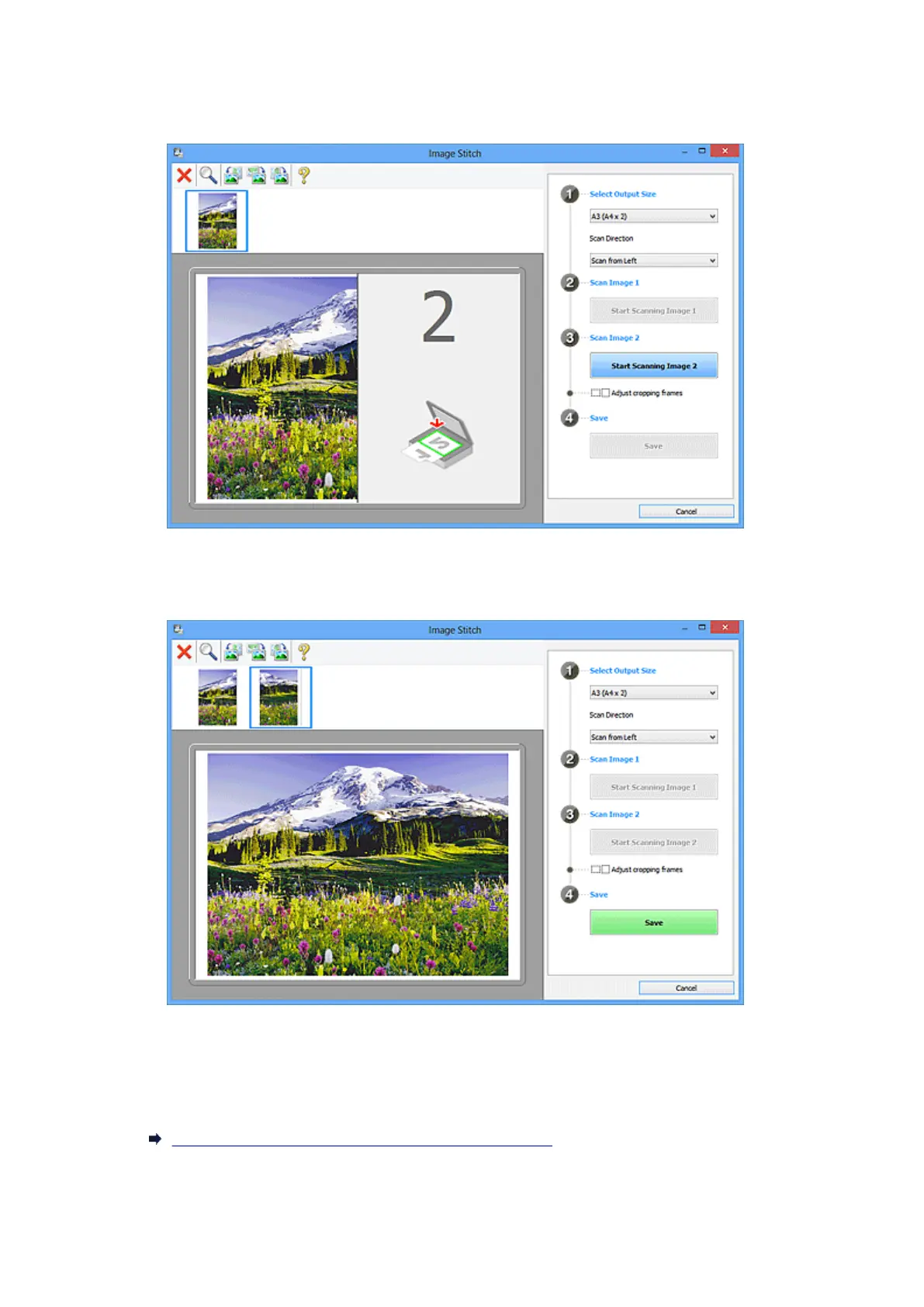
Scan Image 1
Start Scanning Image 1
Scans the first item.
Scan Image 2
Start Scanning Image 2
Scans the second item.
Adjust cropping frames
You can adjust the scan area in preview.
If no area is specified, the image of the size selected in Select Output Size will be saved. If an area
is specified, only the image in the cropping frame will be scanned and saved.
Adjusting Cropping Frames in the Image Stitch Window
Save
Save
Saves the two scanned images as one image.
491













 To Next Page