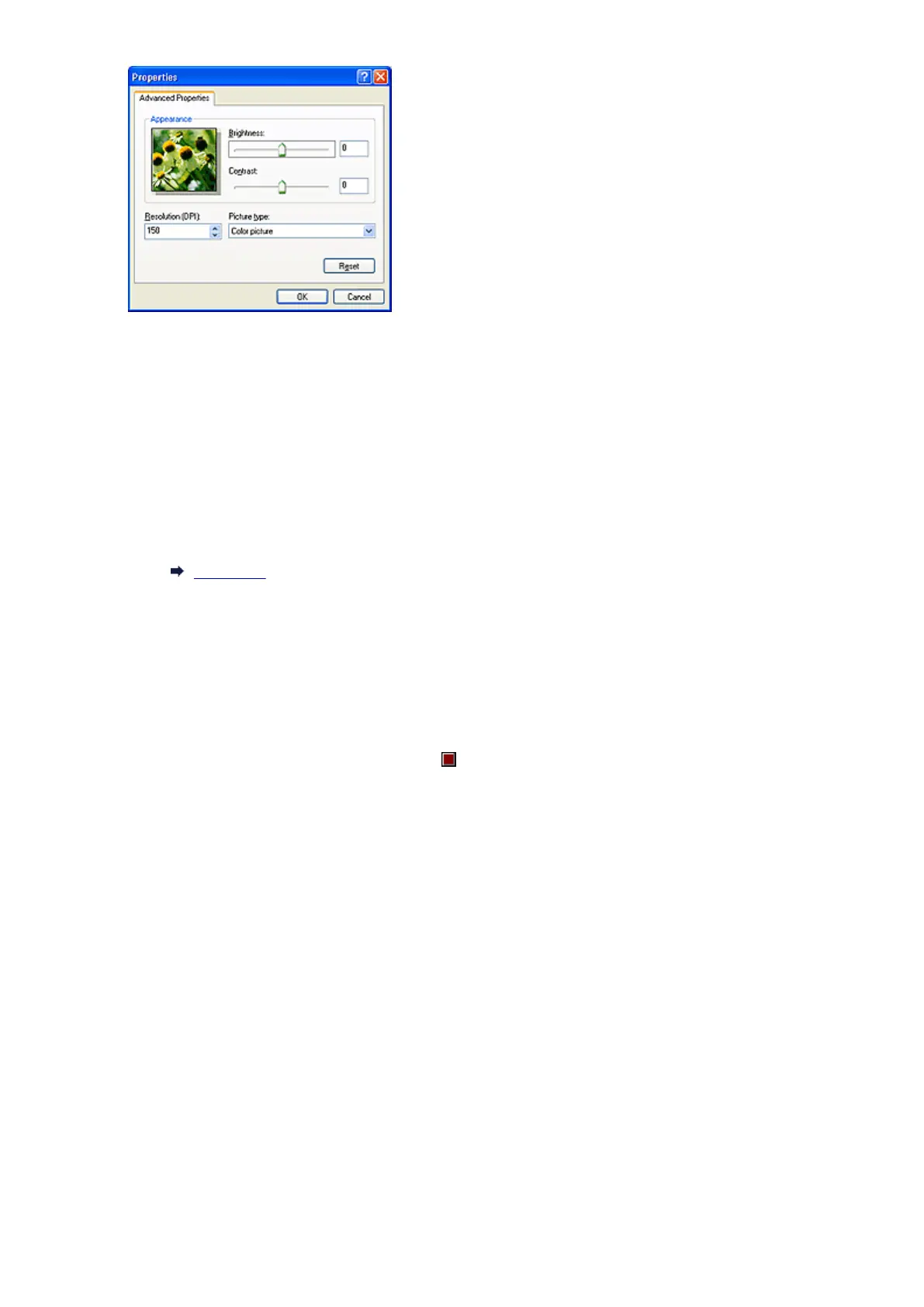
Brightness
Move the slider to adjust the brightness. Move it to the left to darken and right to brighten the image.
You can also enter a value (-127 to 127).
Contrast
Move the slider to adjust the contrast. Moving it to the left will decrease the contrast of the image,
thus softening the image. Moving it to the right will increase the contrast of the image, thus
sharpening the image. You can also enter a value (-127 to 127).
Resolution (DPI)
Enter the resolution. Specify a value between 50 dpi and 600 dpi.
Resolution
Picture type
Select the type of scan you want for your item.
Reset
Click to restore the original settings.
6.
Click Preview to preview the image.
The preview image appears on the right. Drag to specify the scan area.
7.
Click Next and follow the instructions.
591













 To Next Page