Note
•
Do not overload paper by stacking until the top of the stack touches the paper guides.
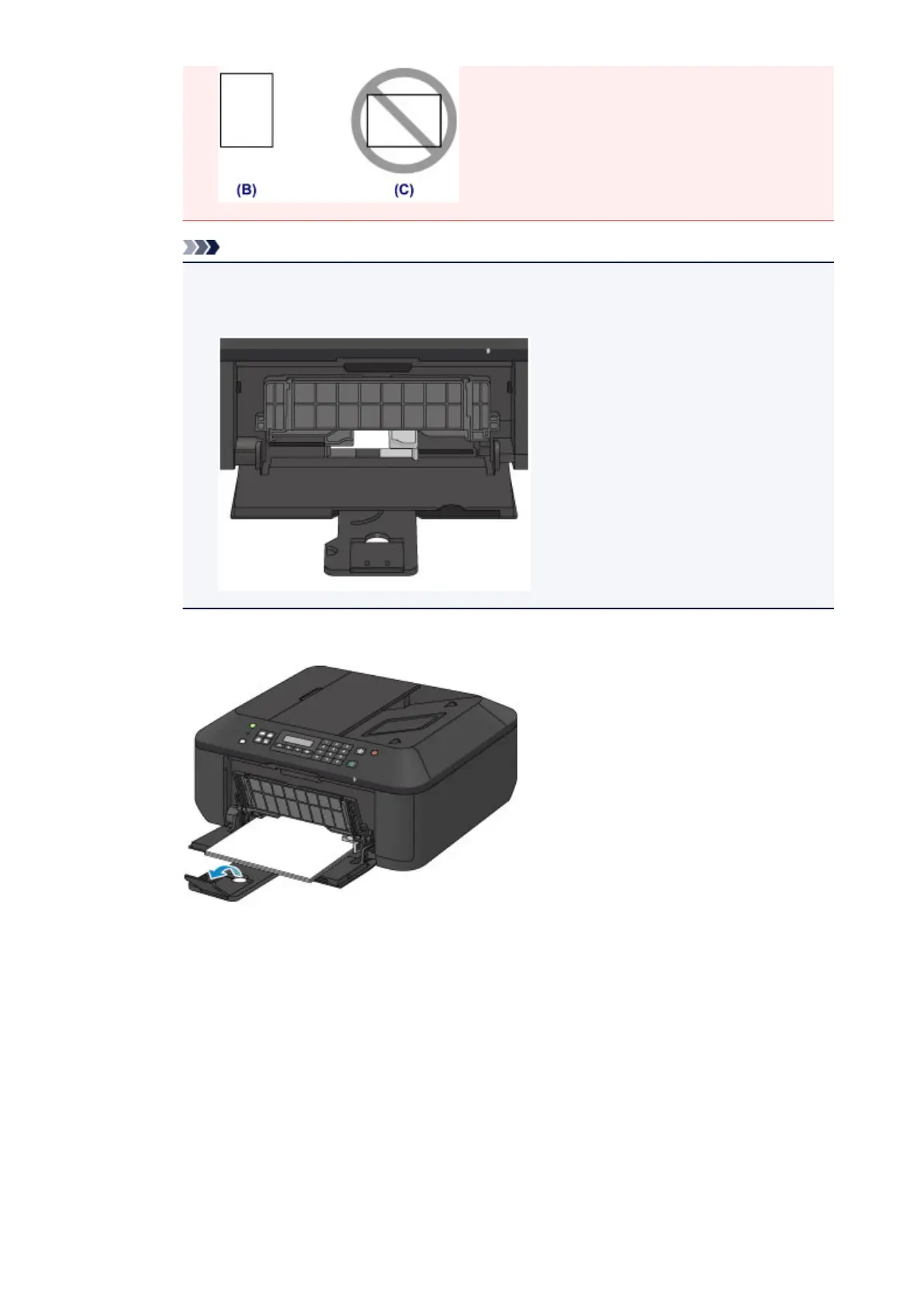
• Load small size paper, such as 4" x 6" (10 x 15 cm), by pushing it in all the way to the back of the
front tray.
5.
Open the output tray extension.
3. Open the paper output tray.
1. Open the paper output tray gently, and extend the paper output support.
75













 To Next Page