Note
• Do not overload envelopes by stacking until the top of the stack touches the paper guides.
5.
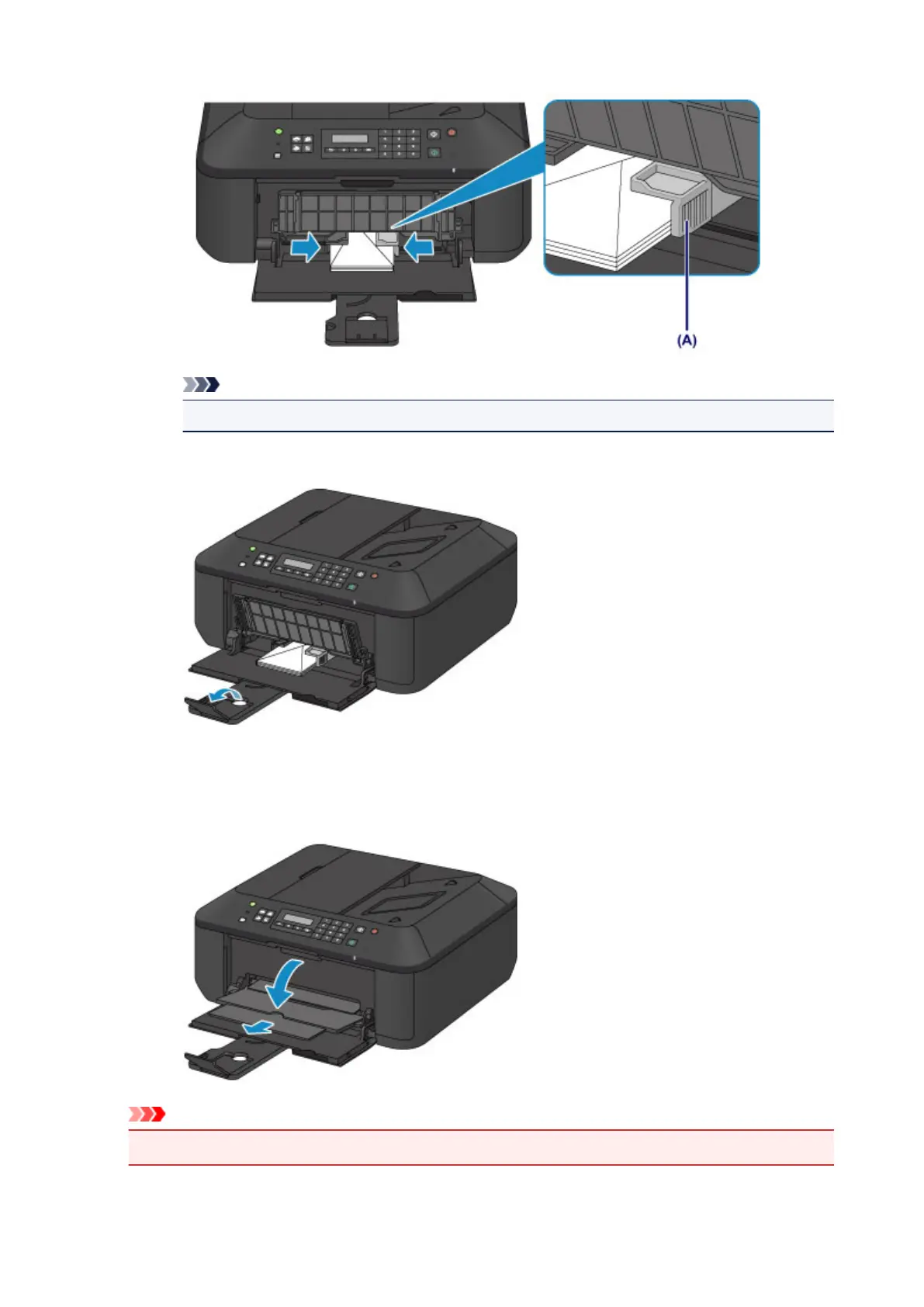
Open the output tray extension.
3.
Open the paper output tray.
1.
Open the paper output tray gently, and extend the paper output support.
Important
•
Be sure to open the paper output tray when printing. If not open, the machine cannot start printing.
79













 To Next Page