4.
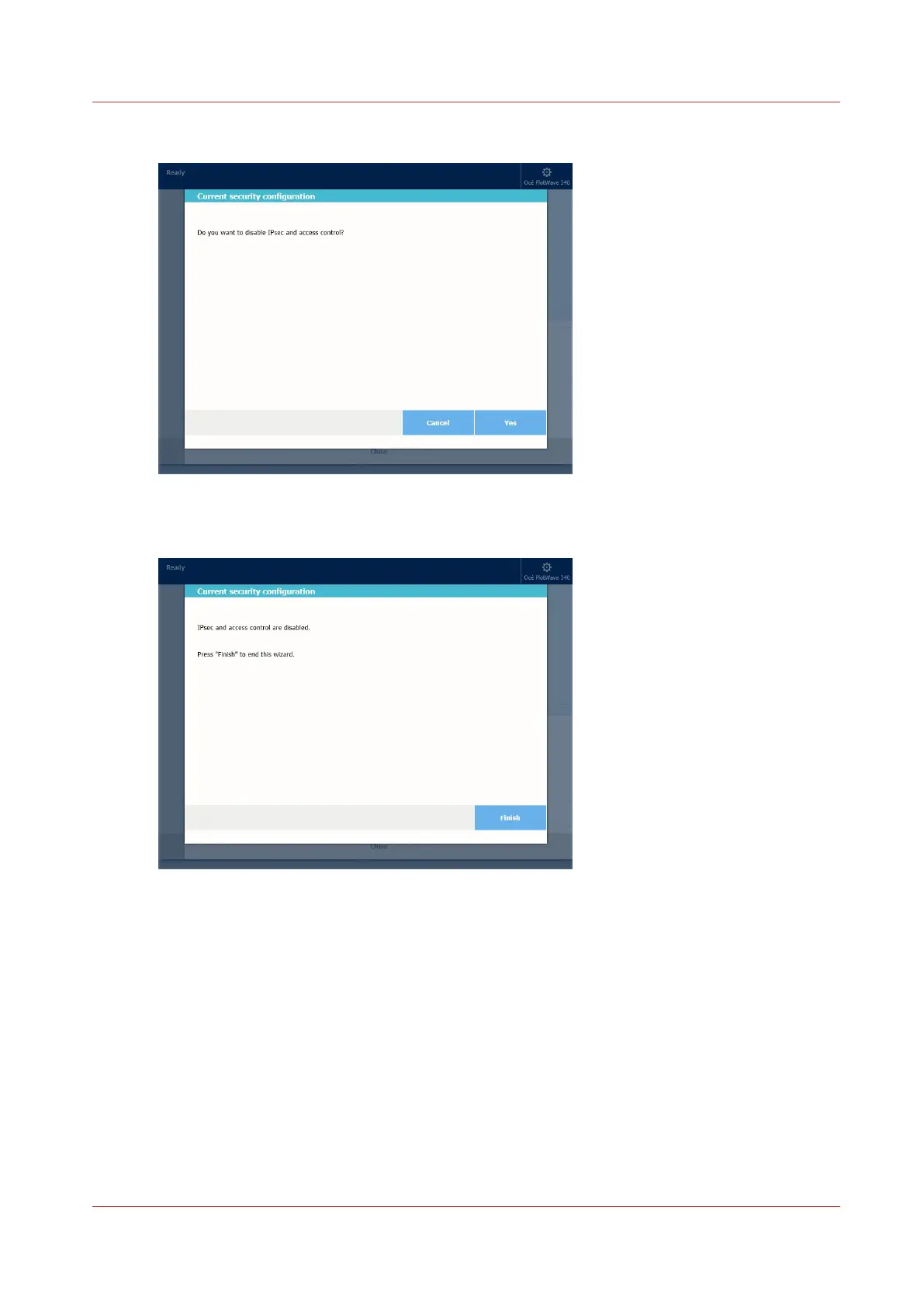
A wizard is displayed. Follow the instructions
5.
Confirm to disable access control
6.
Press 'Finish'
7.
Restart the controller
Result
Access control and IPsec functions are disabled.
After the restart, you will be able to remotely open Océ Express WebTools from any workstation
(HTTP).
Troubleshooting: Disable 'Access control' and IPsec (Océ PlotWave 500 and PlotWave 340/360 systems)
Chapter 3 - Security on Océ PlotWave 500 and PlotWave 340/360
133









 To Next Page