2.
To test the configuration, open a 'command' window and issue a 'ping' command from this IPsec
station to the printer/scanner controller
When the test works properly it is recommended to disable the 'Failsafe mode' on the printer/
scanner controller. So, only the IPsec station is allowed to communicate with the printer/scanner
system.
NOTE
In case you use the WPD driver, see
The impact of IPsec when you print using Océ
WPD through a print server
on page 52.
Troubleshooting: Disable 'Access control' and IPsec (Océ ColorWave 650/550
systems)
Introduction
In the following case:
• Access control is enabled and activated on the printer/scanner controller of Océ ColorWave
650/550 v2.3.1 and higher
and
• The communication between the controller and the host stations fails
You cannot open remotely Océ Express WebTools to change the settings. The system is
unreachable.
Then you can use the emergency procedure to disable Access control Via the printer user panel
on the printer/scanner system
Disable Access control on the printer user panel (Océ ColorWave 650/550)
Procedure
1.
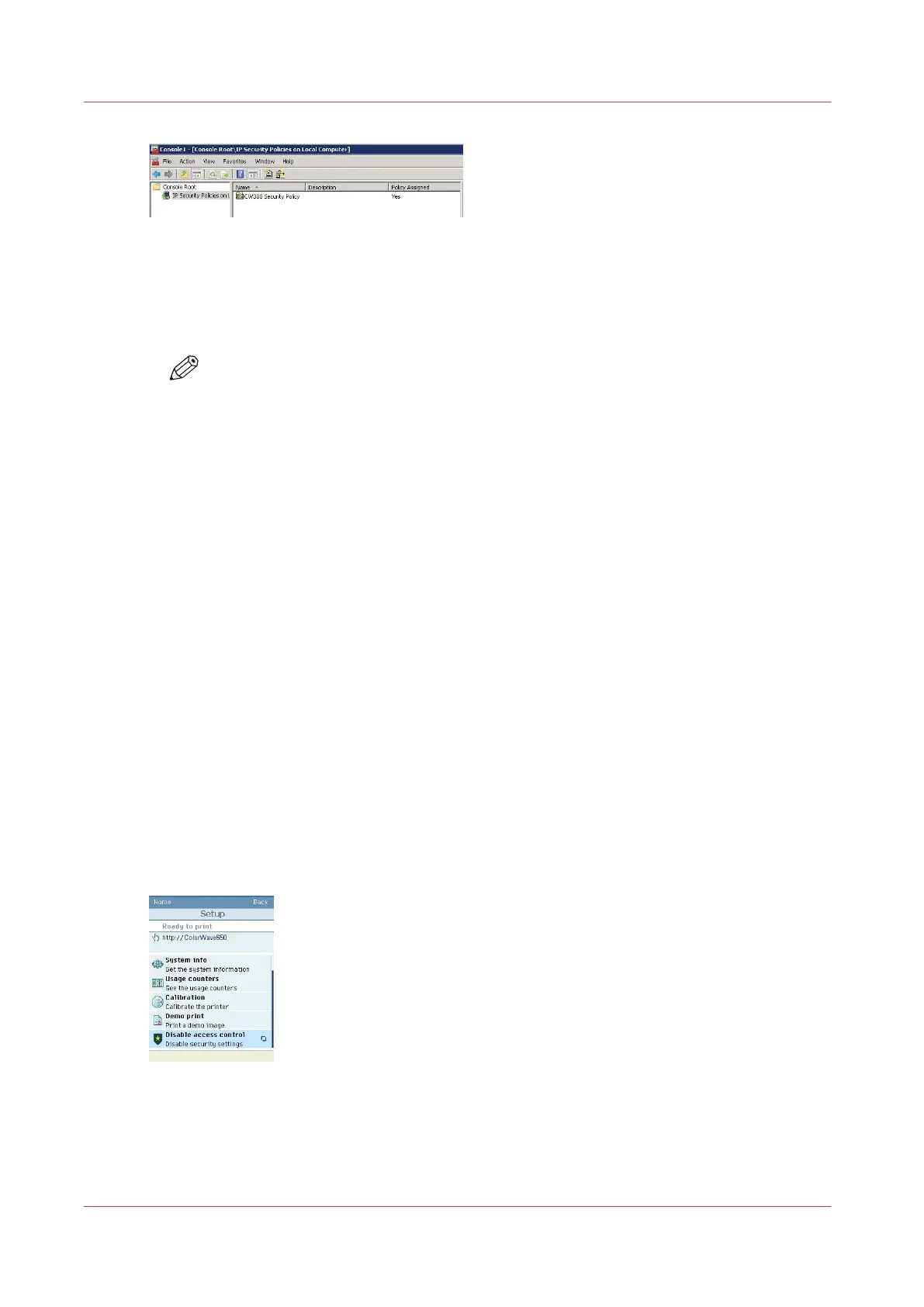
On the printer user panel, click on 'System'
2.
Select 'Setup'
3.
Roll down to 'Disable access control'
Enter the password if requested (Password to change the network settings).
Troubleshooting: Disable 'Access control' and IPsec (Océ ColorWave 650/550 systems)
264
Chapter 5 - Security on Océ ColorWave 550/600/650 (and Poster Printer)









 To Next Page