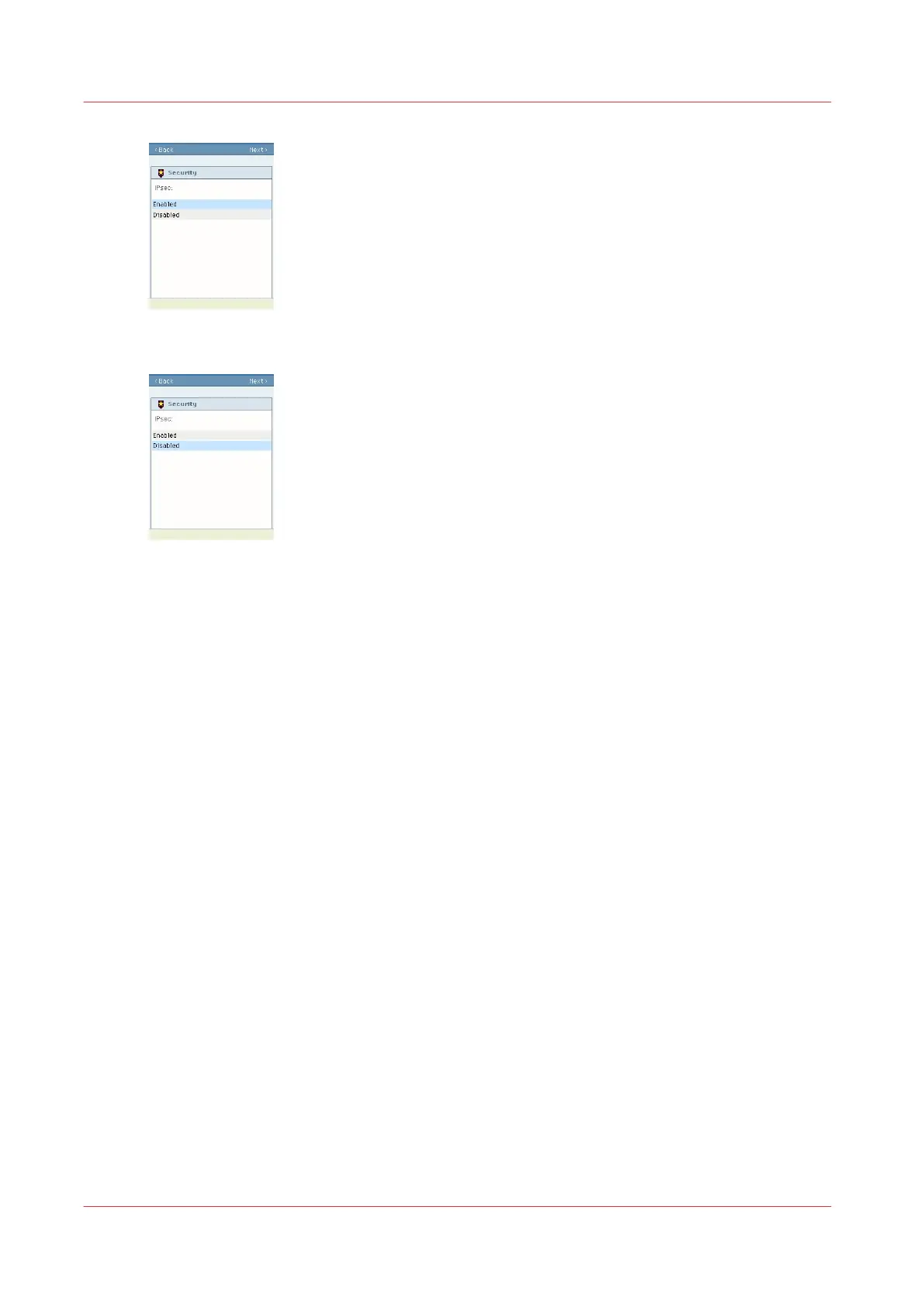
5.
Select 'Disabled' to deactivate IPsec
6.
Click 'Next' to the end of the procedure
7.
Restart the controller
Result
IPsec is disabled.
After the restart, you will be able to open Océ Express WebTools remotely from a workstation
(HTTP).
Disable IPsec on the controller monitor (Océ PlotWave 900 R1.2 and higher
1.x)
When to do
When communication fails between the controller and the identified hosts, you can disable IPsec
in Océ Express WebTools only via the printer controller monitor.
Procedure
1.
On the printer controller, open Océ Express WebTools and log in as System administrator.
2.
Open the Configuration - Connectivity tab.
3.
Go to the IPsec section
4.
Click on Edit, in the upper right hand corner of the section.
Disable IPsec on the controller monitor (Océ PlotWave 900 R1.2 and higher 1.x)
54
Chapter 2 - Security on Océ PlotWave 300/350, PlotWave 750, PlotWave 900 and ColorWave 300









 To Next Page