Purpose
Prevent any user from scanning to a USB device.
Illustration
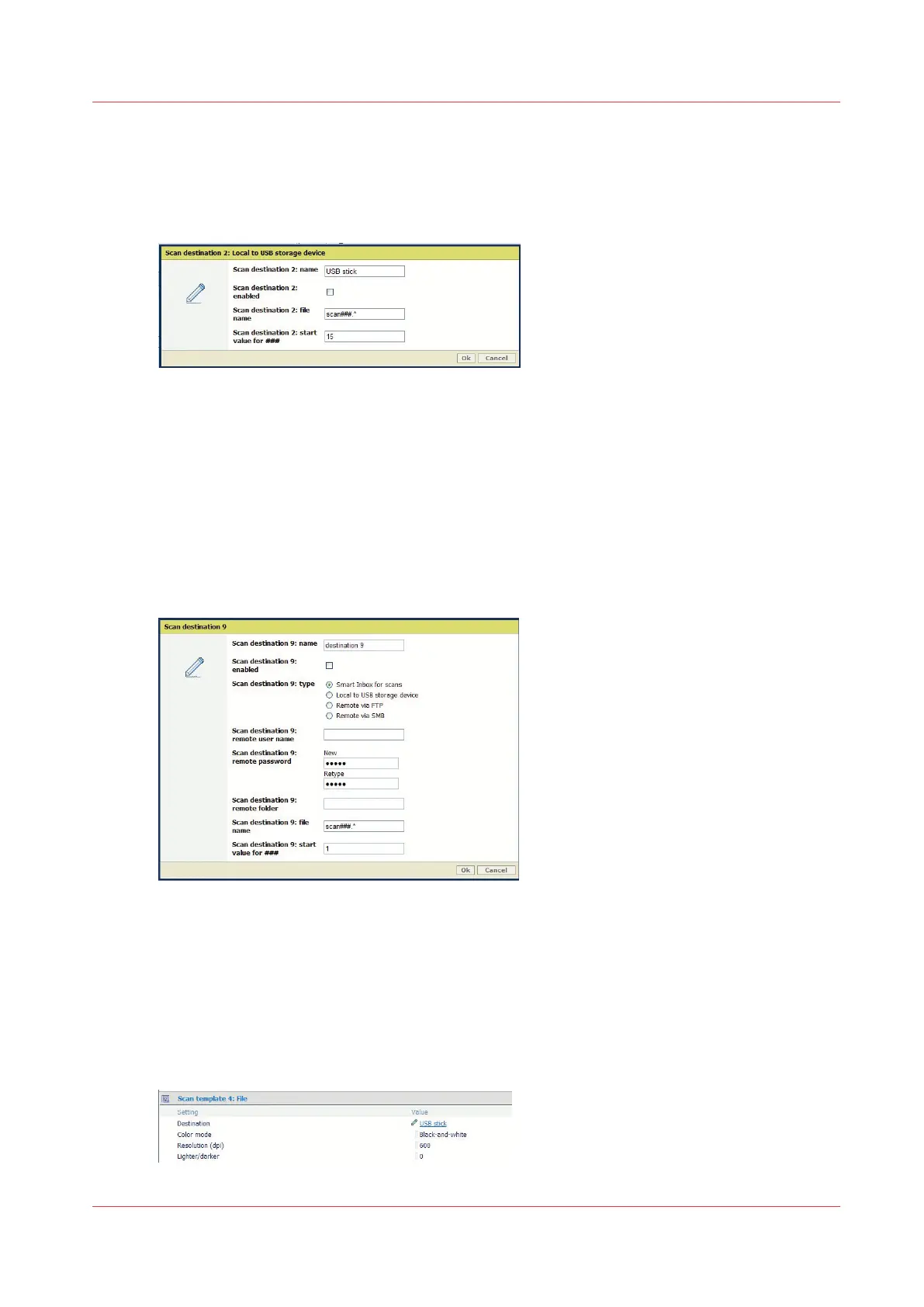
[2] Disable the 'Scan to USB'
Procedure
1.
Open a web browser and enter the system URL: http://<hostname>, to open the Océ Express
WebTools
2.
Open the 'Configuration' - 'Scan destinations' page
3.
Edit the 'Scan destination 2: Local to USB storage device'
4.
Uncheck the setting 'Scan destination 2 enabled' and click 'Ok'
5.
For each scan destination from 'Scan destination 3' to 'Scan destination 10', make sure that the
scan destination type is NOT 'Local to USB storage device'
2- Remove the USB destination from all Scan templates
Procedure
1.
In Océ Express WebTools open the 'Preferences' - 'Scan job defaults' page
2.
In each 'Scan template: File' section, check that the 'Destination' is not 'USB stick'
3.
When the destination is 'USB stick', edit the setting to change it
2- Remove the USB destination from all Scan templates
Chapter 2 - Security on Océ PlotWave 300/350, PlotWave 750, PlotWave 900 and ColorWave 300
57









 To Next Page