Illustration
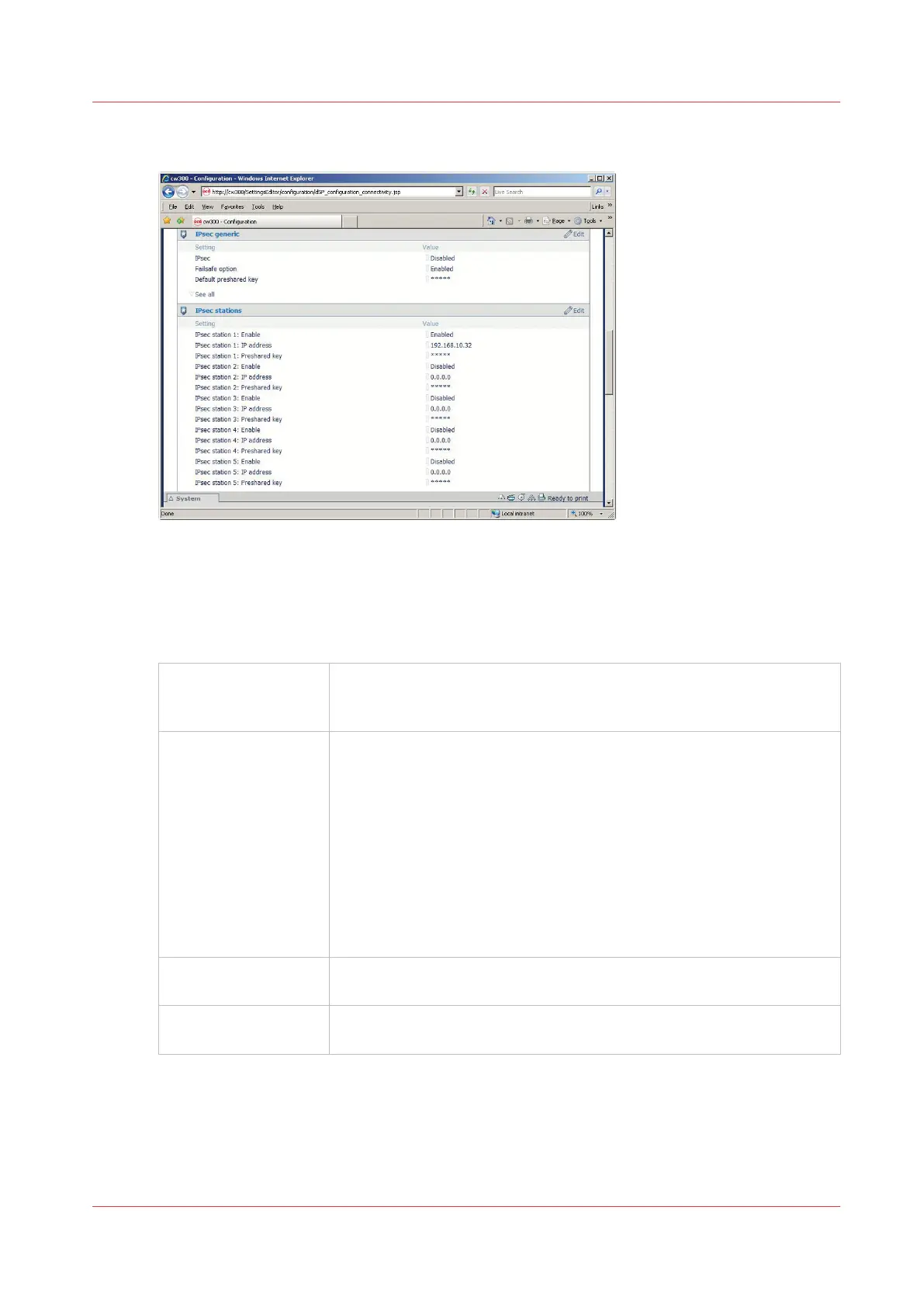
IPsec parameters in the Océ Express WebTools (EWT)
The following IPsec parameters are available in the Océ Express WebTools :
IPsec Generic section:
IPSec
Enabled/Disabled
General setting to enable or disable IPsec.
Once enable, only the network traffic defined by the IPsec configuration
rules is authorised.
Failsafe option
Enabled/Disabled
Keep this option enabled during the IPsec configuration, until the com-
plete and successful IPsec communication between the printer/copier
system and the configured station.
- When the option is Enabled (with IPsec enabled), only the network
traffic defined by IPsec configuration rules is authorised.
All other network traffic is denied except the HTTP traffic for Océ Ex-
press WebTools with any workstation: this allows to change some IP-
sec settings via Océ Express WebTools, from any workstation.
- When the option is Disabled (with IPsec enabled): only the network
traffic defined by the IPsec configuration rules is authorised. All other
network traffic is denied.
Default preshared key
You can define a default preshared key that will be used for all the sta-
tions connected by IPsec to the printer/scanner system.
Other settings You can display the other IPsec generic settings ('See all').
Keep them unchanged.
IPsec stations section:
You can configure a maximum of 5 IPsec communications between the printer/copier system and
5 workstations.
Enable and configure the parameters for each required station.
IPsec presentation
Chapter 2 - Security on Océ PlotWave 300/350, PlotWave 750, PlotWave 900 and ColorWave 300
83









 To Next Page