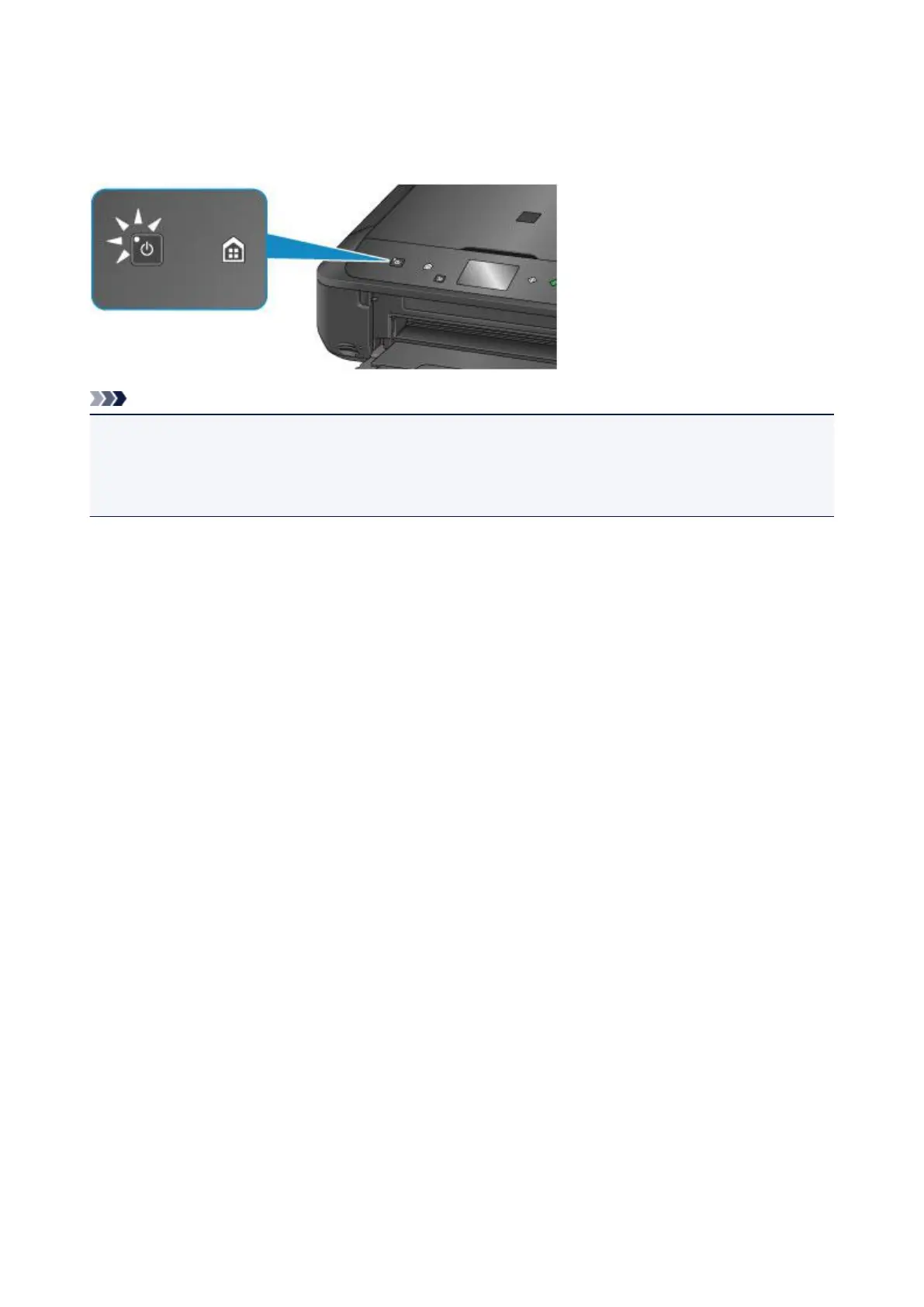
Confirming that the Power Is On
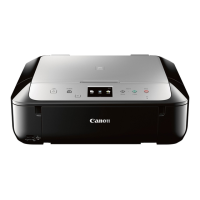
The POWER lamp is lit when the machine is turned on.
Even if the touch screen is off, if the POWER lamp is lit, the machine is on.
Note
•
It may take a while for the machine to start printing immediately after you turn on the machine.
•
The touch screen display will turn off if the machine is not operated for about 5 minutes. To restore the
display, press any button except the ON button or touch the touch screen. The print operation from a
computer can also restore the display.
239







 To Next Page