Printing Photos from a Computer
This section describes how to print photos with My Image Garden.
This section uses windows displayed when the Windows 8.1 operating system (hereinafter referred to as
Windows 8.1) is used.
1.
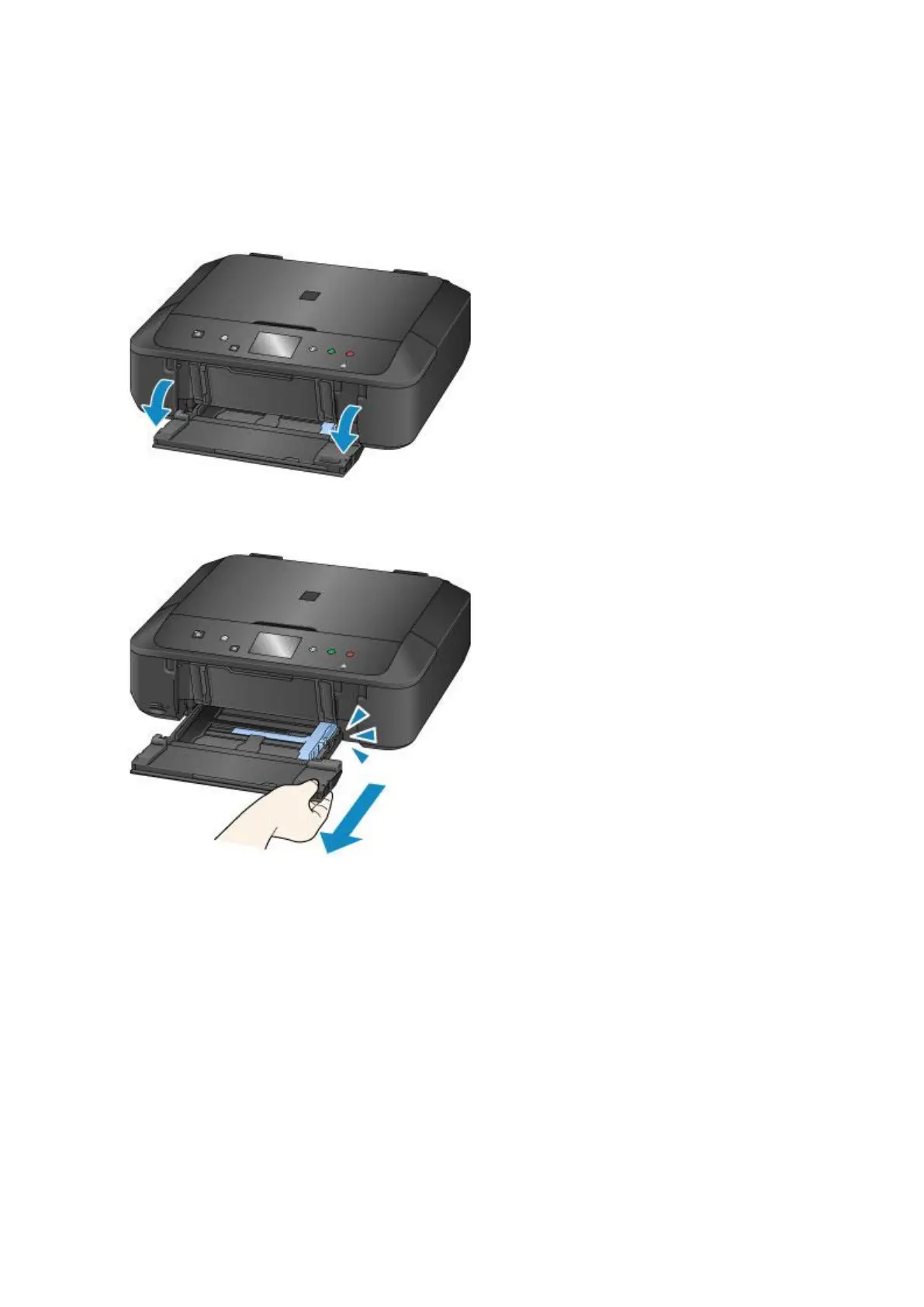
Open the front cover.
2.
Pull out the cassette until it stops.
3.
Slide the paper guides (A) all the way out.
4.
Load paper vertically WITH THE PRINT SIDE FACING DOWN.
Push the paper stack all the way to the back of the cassette.
28







 To Next Page