Registering User Information to Canon Inkjet Cloud Printing Center
(No LCD Monitor)
To use the Canon Inkjet Cloud Printing Center, you need to follow the steps described below and register
My account information.
Registering from Your Smartphone, Tablet, or Computer
1.
Check that the printer is connected to the Internet
Important
•
To use this function, you must connect this printer to the Internet.
2.
Displaying Printer Information
For details, go to the Online Manual home page, and see "Checking Printer Information" for your
model.
3.
Select IJ Cloud Printing Center setup -> Register with this service
4.
Follow the instructions displayed in the window, and run the authentication
5.
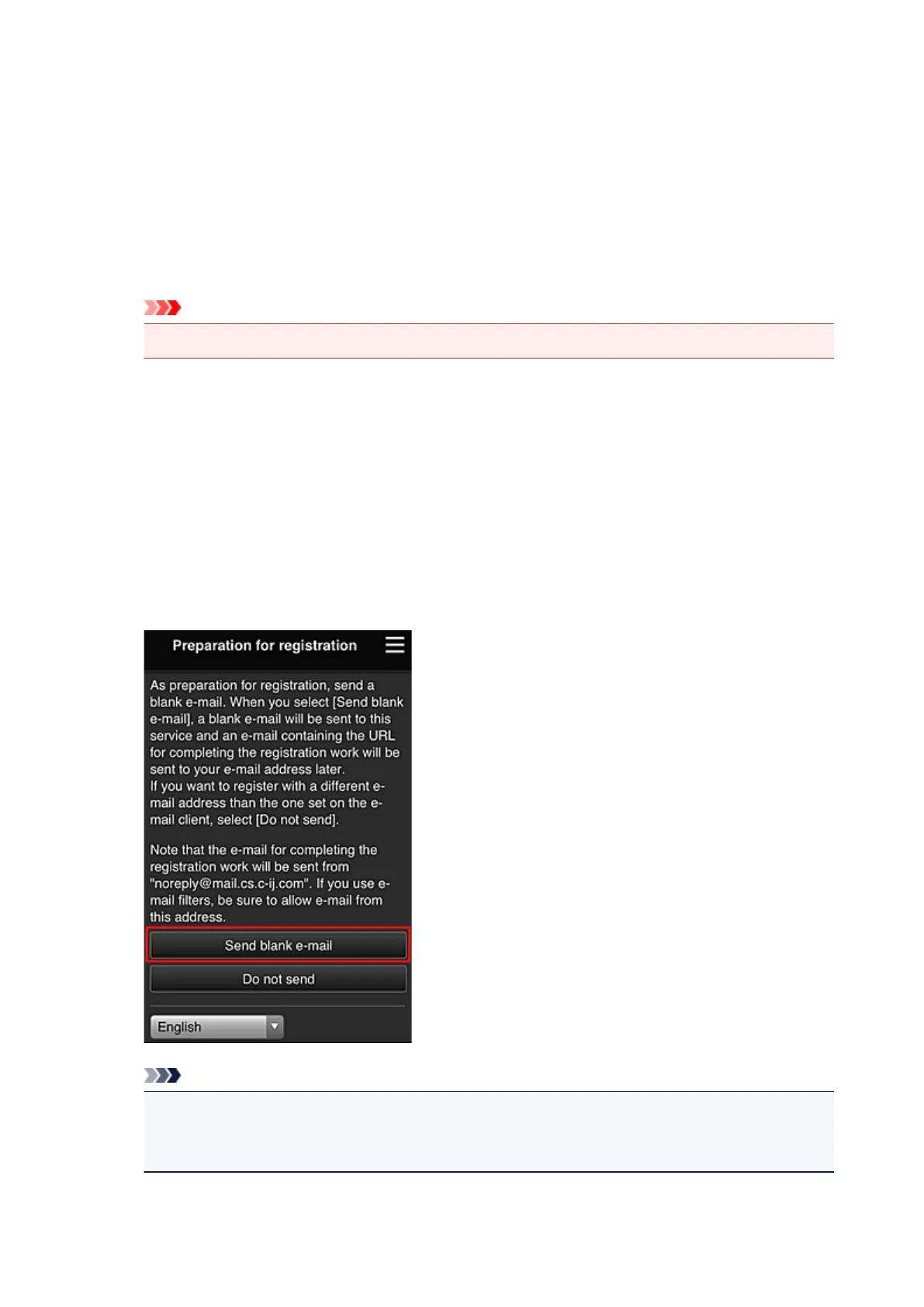
When the Preparation for registration screen appears, select Send blank e-mail
Note
•
When you select Send blank e-mail, the "destination entry completed" mailer starts up
automatically.
After the blank e-mail is created, send that e-mail without making any changes.
If you want to register a different e-mail address, select Do not send to display the E-mail address
entry screen.
96







 To Next Page