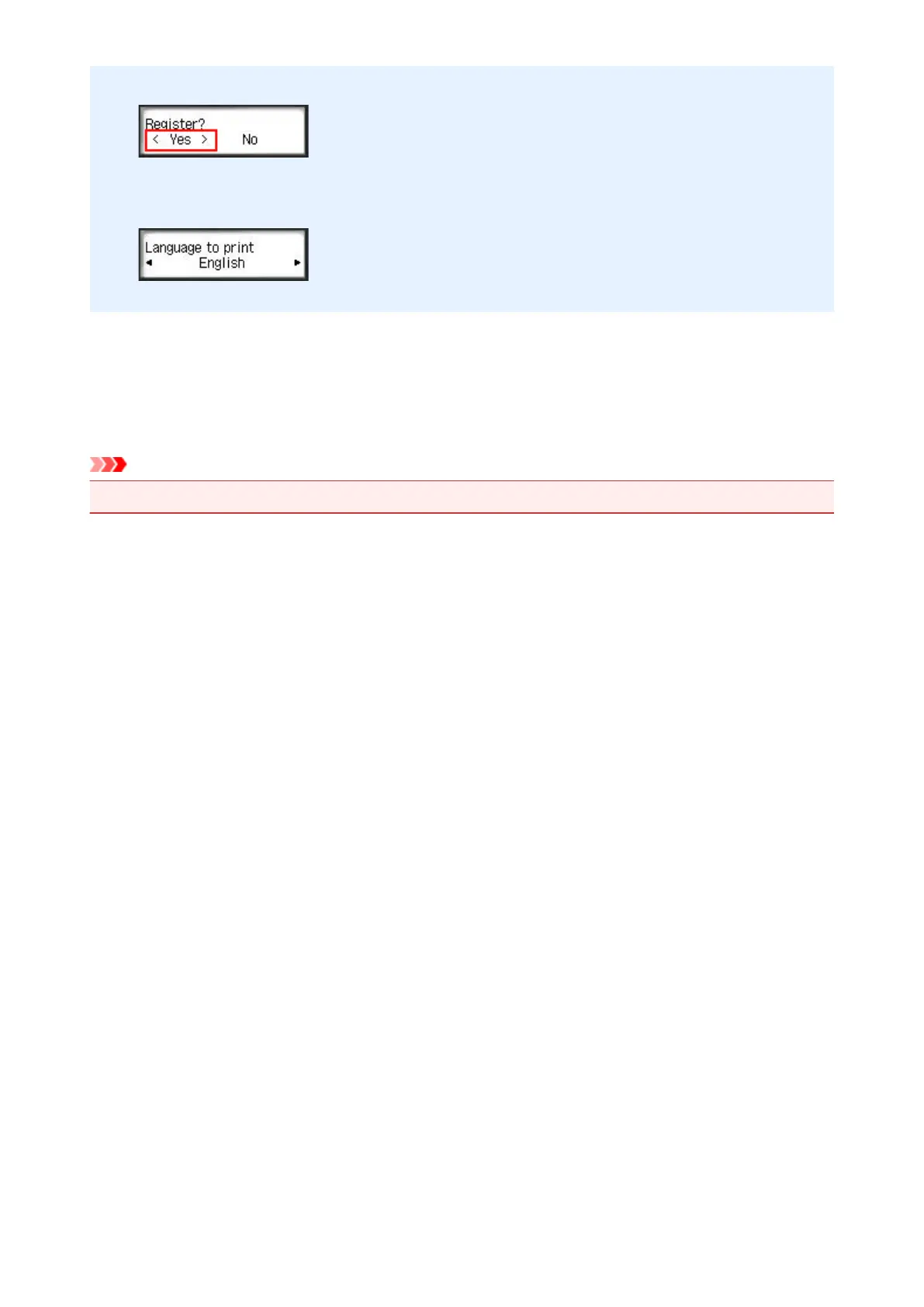
3. In the registration confirmation window, Select Yes
4. In the print settings, select the display language
5.
Follow the instructions displayed in the window, and print the URL of the authentication site
and your Printer registration ID
When you set A4 size or Letter size or Legal size plain paper and select OK, the authentication site URL
and your Printer registration ID are printed.
Important
•
The operation to complete the registration should be done within 60 minutes.
95







 To Next Page