Copying Photos
You can scan printed photos and print them all at one time.
1. Make sure machine is turned on.
2.
Load photo paper.
3.
Flick HOME screen and tap Advanced print.
Using the Operation Panel
4.
Tap Photo copy.
5.
Check on-screen instructions and tap OK.
6.
Load printed photo on platen glass following on-screen instructions and tap OK.
Note
•
For more on loading photos on the platen glass:
Loading Originals
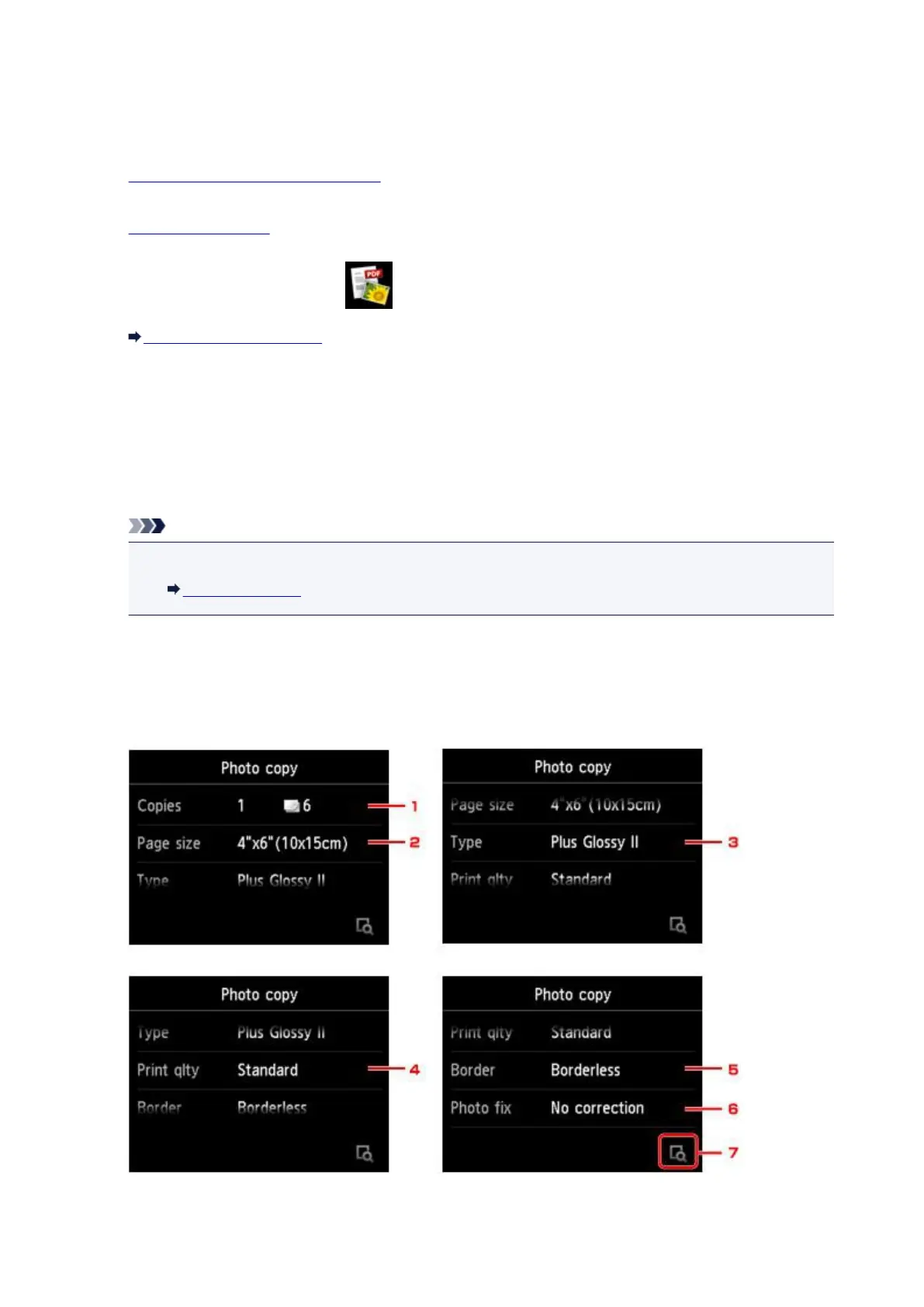
When scanning is complete, the print settings confirmation screen is displayed.
7.
Specify settings as necessary.
Flick to display setting items and tap the setting item to display the settings. Tap to specify the setting.
615







 To Next Page