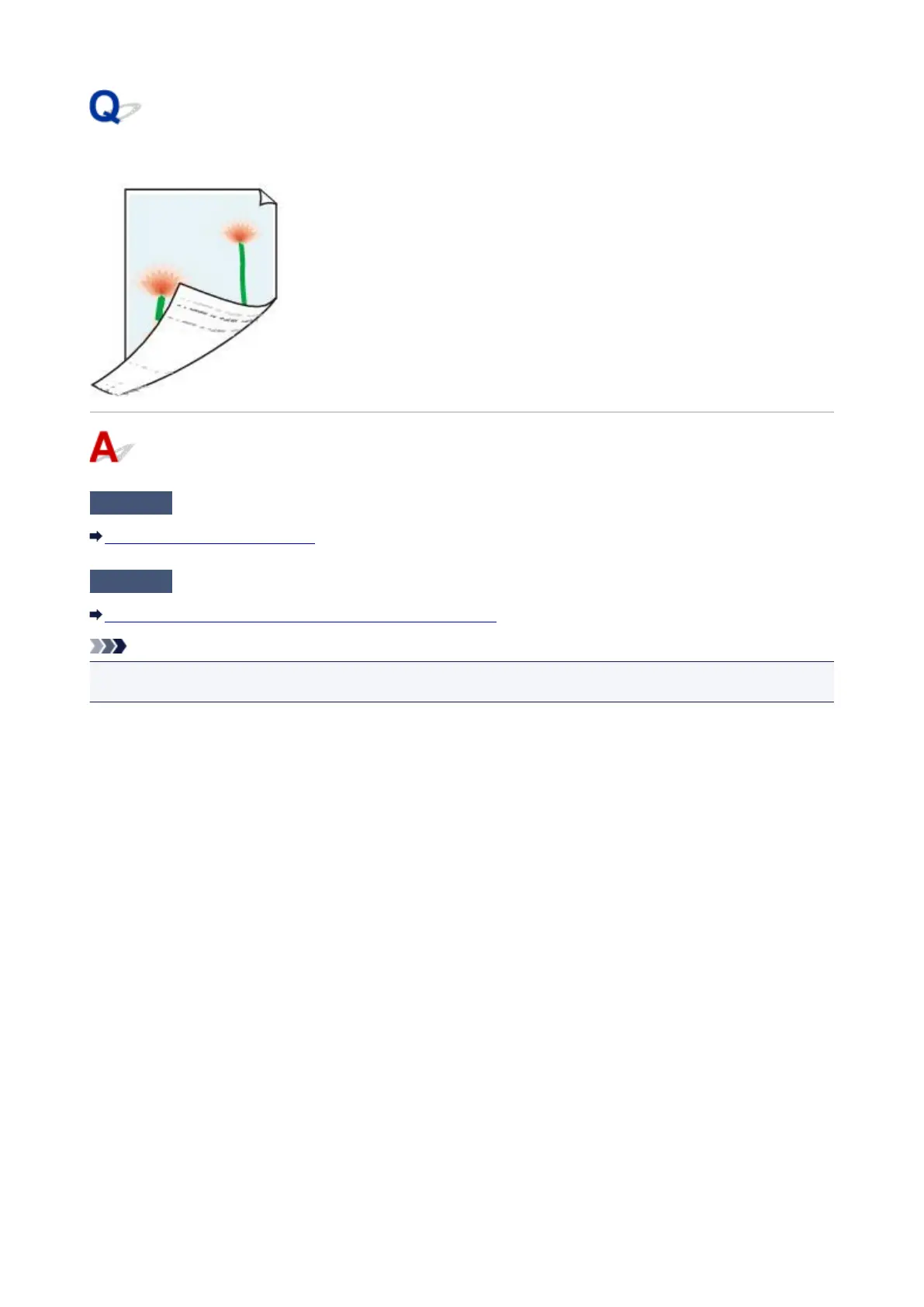
Back of Paper Is Smudged
Check1
Check paper and print quality settings.
Print Results Are Unsatisfactory
Check2
Perform bottom plate cleaning to clean inside of machine.
Cleaning the Inside of the Machine (Bottom Plate Cleaning)
Note
•
During borderless printing, duplex printing, or too much printing, ink may stain the inside of the machine.
892







 To Next Page