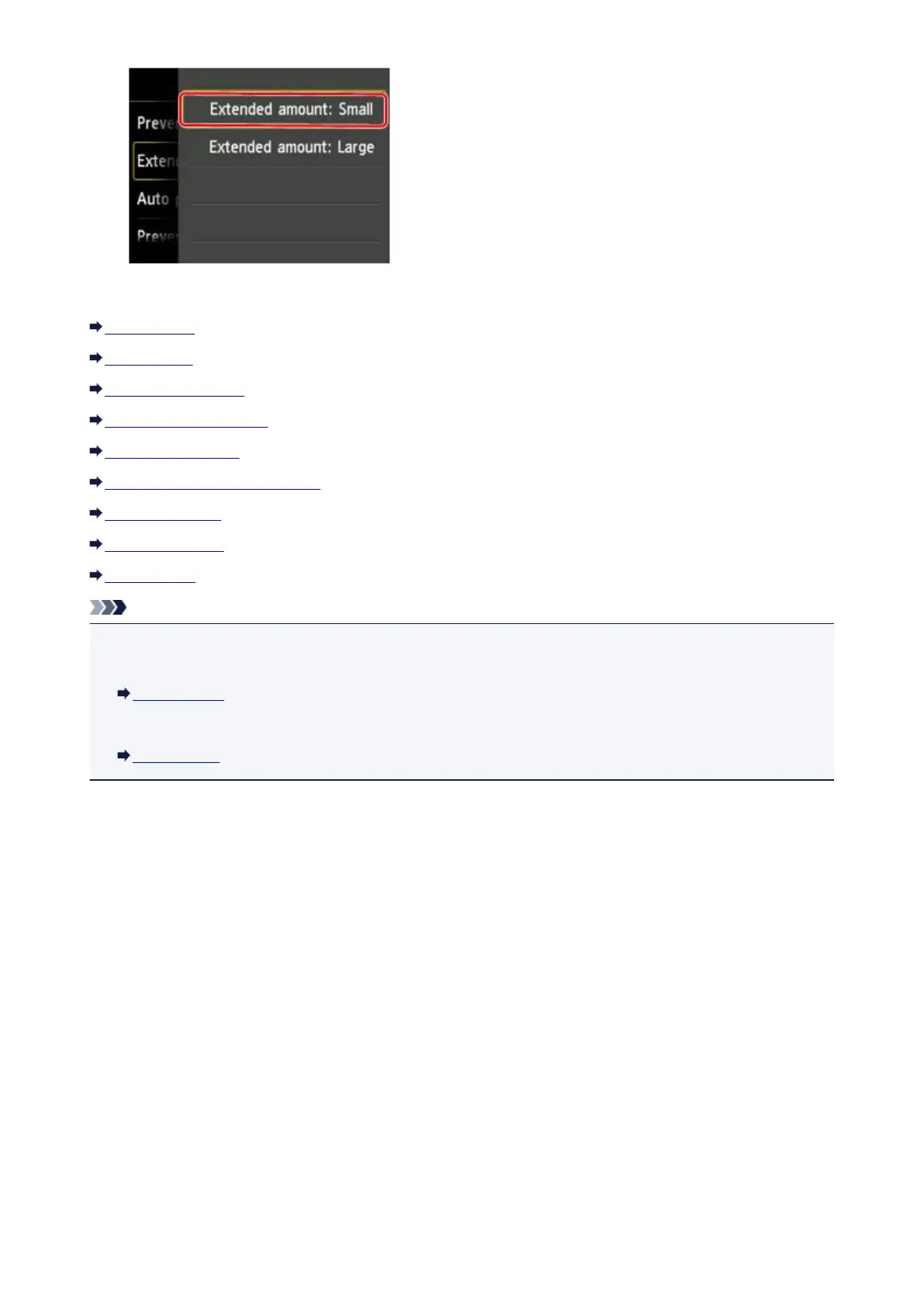
You can select the setting menus below.
Print settings
LAN settings
Device user settings
PictBridge print settings
Language selection
Home screen background color
Firmware update
Cassette settings
Reset setting
Note
•
You can use the machine considering the environment, such as setting 2-sided printing as default or
enabling the machine to turn on/off automatically.
ECO settings
•
You can reduce the operating noise when printing at night.
Quiet setting
261







 To Next Page