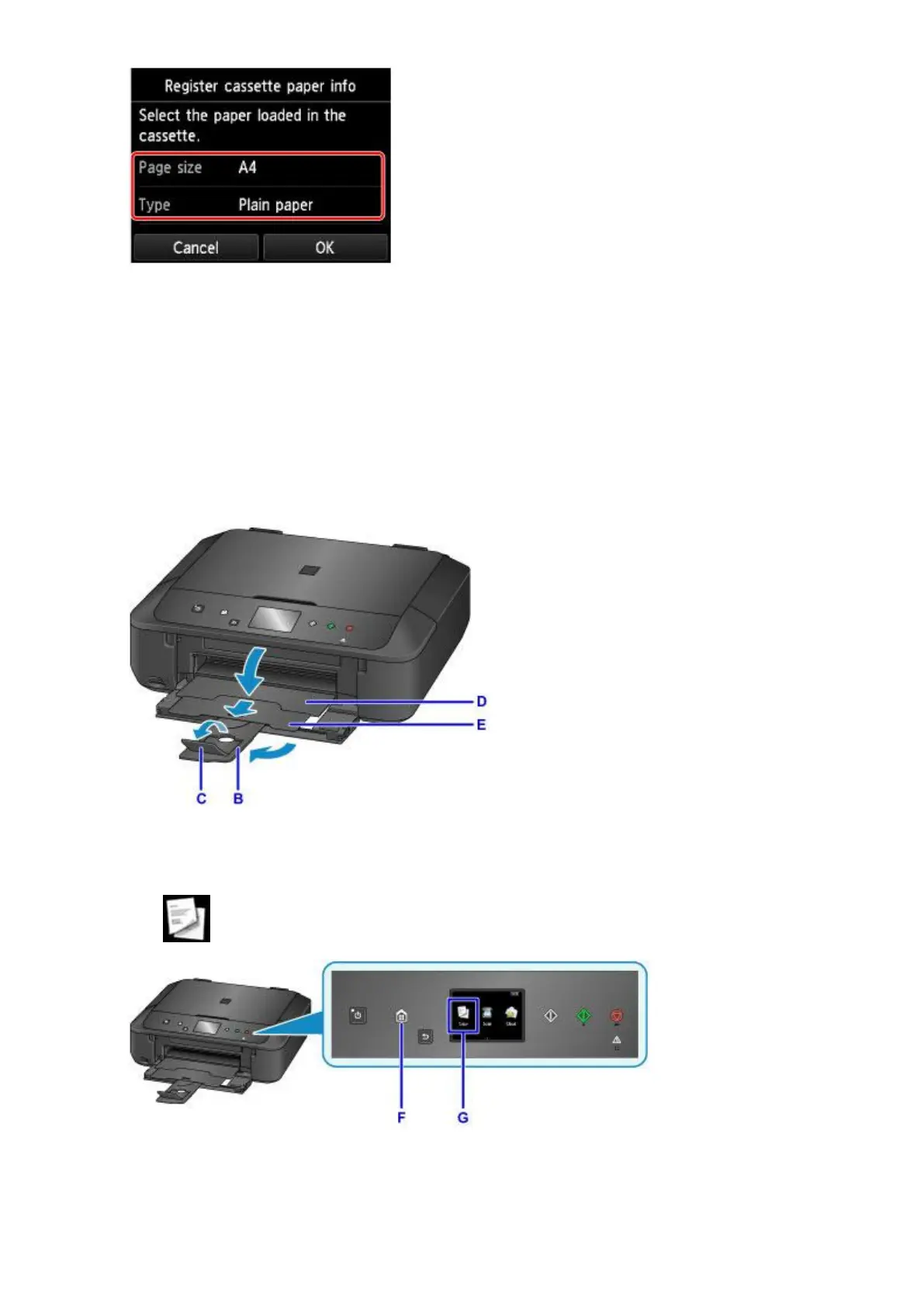
If a message is displayed on the screen, follow the directions in the message to complete registration.
8.
Extend the paper support (B).
9.
Open the output tray extension (C).
10.
Open the paper output tray (D) gently.
11.
Extend the paper output support (E).
12.
Press the HOME button (F).
13.
Tap Copy (G).
14.
Open the document cover (H).
36







 To Next Page