22
Preparing the Camera
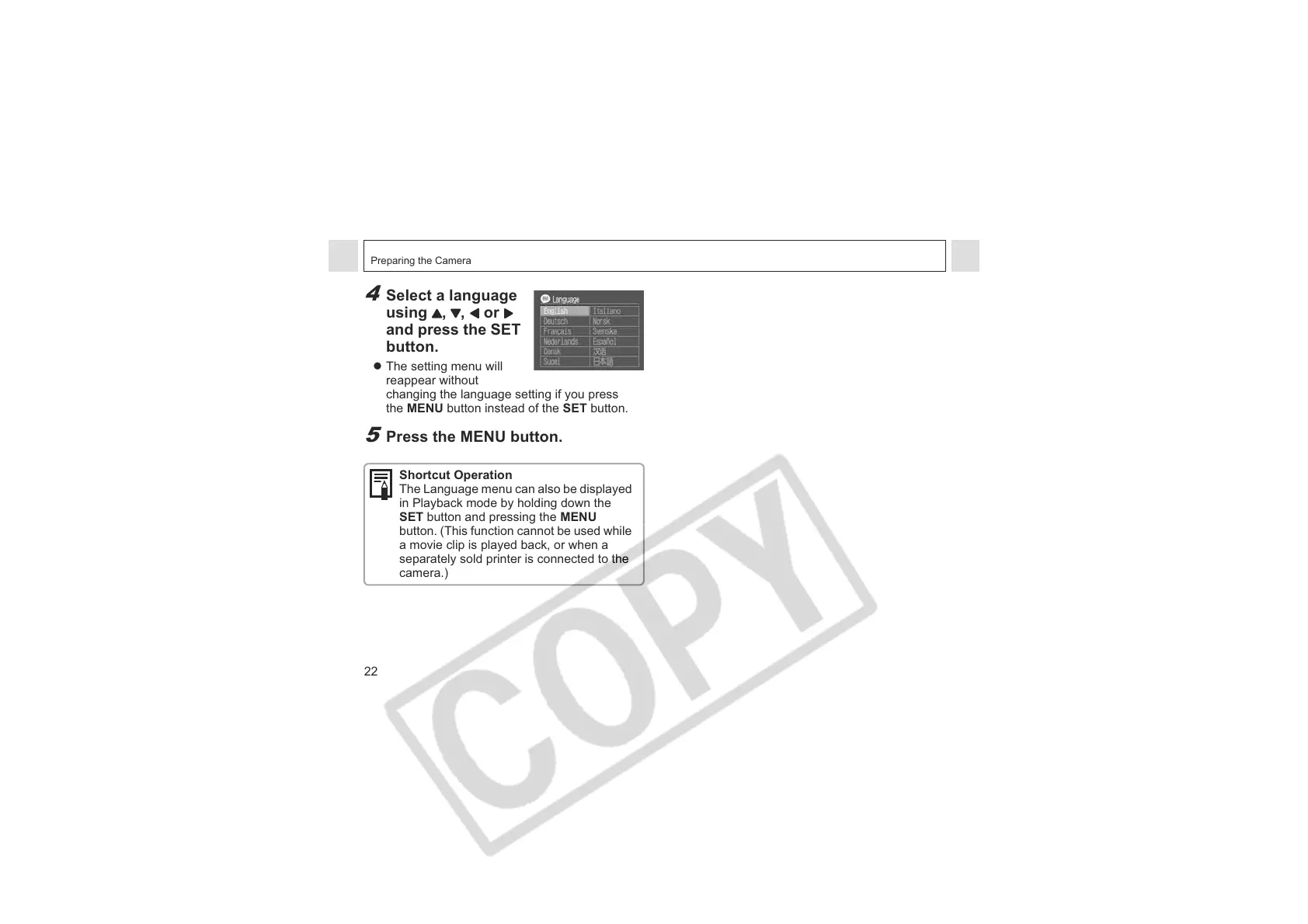
4
Select a language
using , , or
and press the SET
button.
z The setting menu will
reappear without
changing the language setting if you press
the MENU button instead of the SET button.
5
Press the MENU button.
Shortcut Operation
The Language menu can also be displayed
in Playback mode by holding down the
SET button and pressing the MENU
button. (This function cannot be used while
a movie clip is played back, or when a
separately sold printer is connected to the
camera.)












 To Next Page