36
Shooting – The Basics
Selecting , , or
1
Set the shooting mode switch to
and press the SET button.
2
Select the shooting mode using
or , and press the SET button.
Selecting
1
Set the shooting mode switch to
.
z This will switch to movie mode.
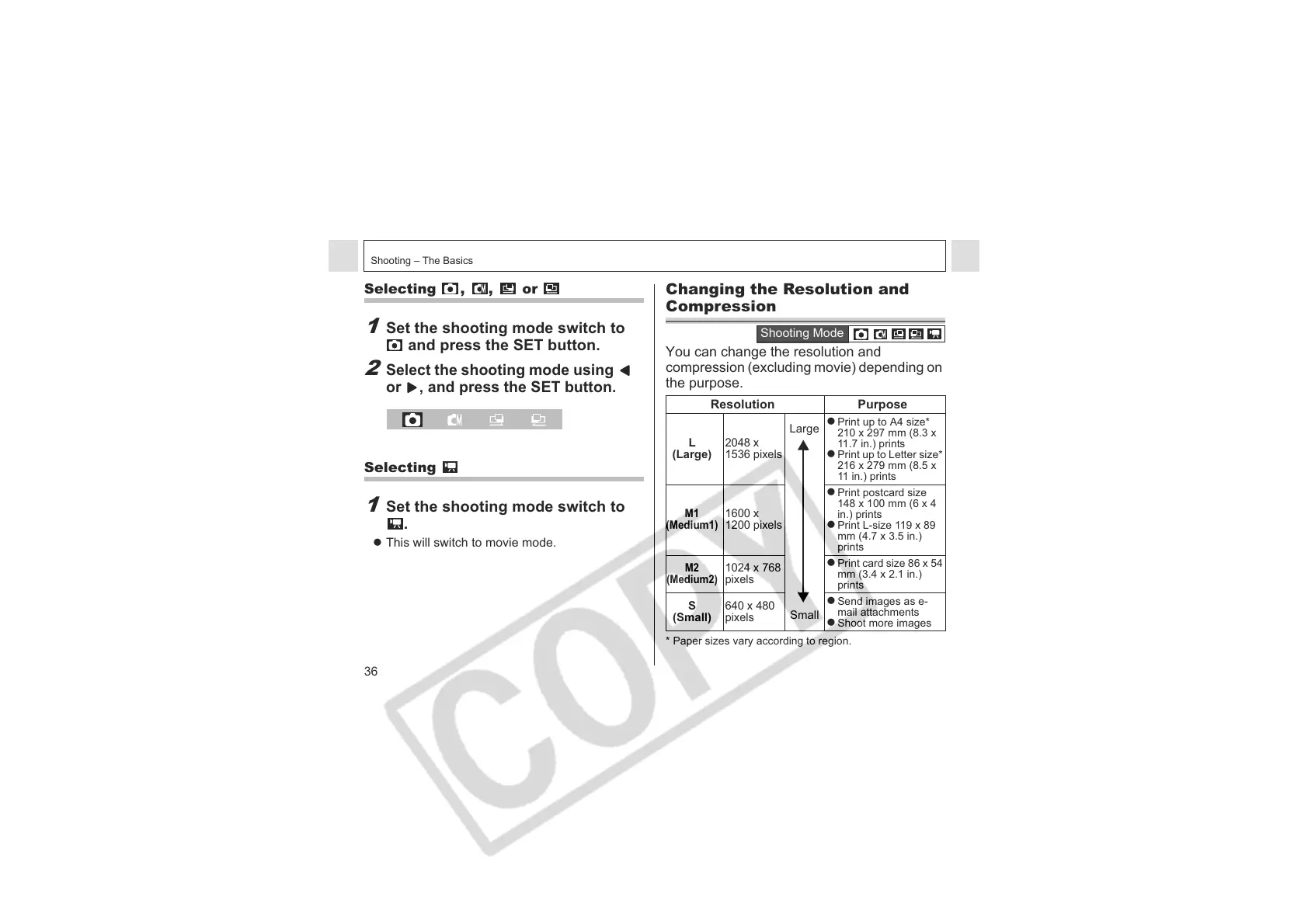
Changing the Resolution and
Compression
You can change the resolution and
compression (excluding movie) depending on
the purpose.
* Paper sizes vary according to region.
Resolution Purpose
L
(Large)
2048 x
1536 pixels
Large
Small
z Print up to A4 size*
210 x 297 mm (8.3 x
11.7 in.) prints
z Print up to Letter size*
216 x 279 mm (8.5 x
11 in.) prints
M1
(Medium1)
1600 x
1200 pixels
z Print postcard size
148 x 100 mm (6 x 4
in.) prints
z Print L-size 119 x 89
mm (4.7 x 3.5 in.)
prints
M2
(Medium2)
1024 x 768
pixels
z Print card size 86 x 54
mm (3.4 x 2.1 in.)
prints
S
(Small)
640 x 480
pixels
z Send images as e-
mail attachments
z Shoot more images
Shooting Mode












 To Next Page