53
Erasing
Remember that erased images cannot be
recovered. Be careful to avoid accidental
erasures.
Erasing Single Images
1
Press the button.
2
Press or to
select the image
you want to erase
and press the
button.
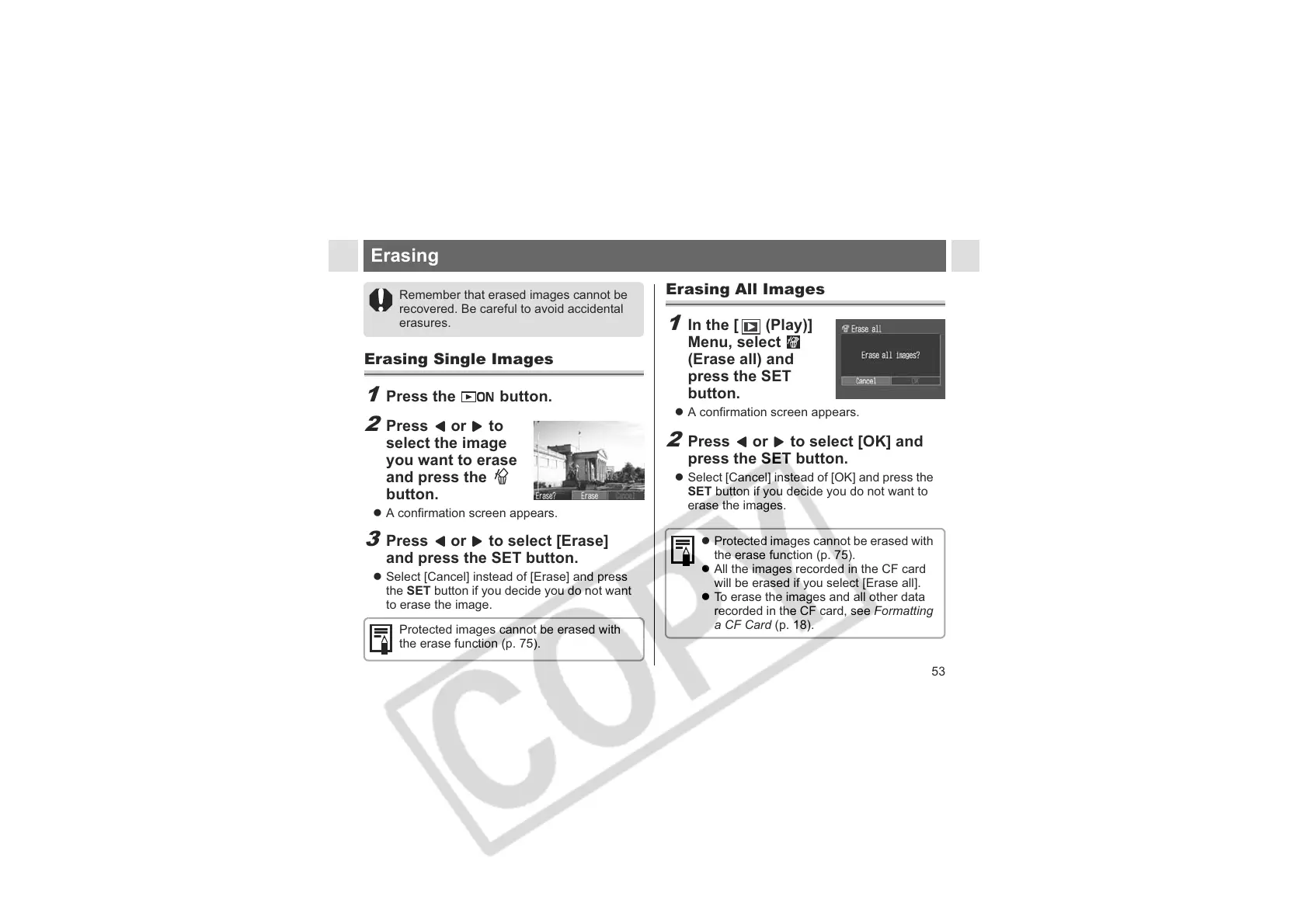
z A confirmation screen appears.
3
Press or to select [Erase]
and press the SET button.
z Select [Cancel] instead of [Erase] and press
the SET button if you decide you do not want
to erase the image.
Protected images cannot be erased with
the erase function (p. 75).
Erasing All Images
1
In the [ (Play)]
Menu, select
(Erase all) and
press the SET
button.
z A confirmation screen appears.
2
Press or to select [OK] and
press the SET button.
z Select [Cancel] instead of [OK] and press the
SET button if you decide you do not want to
erase the images.
z Protected images cannot be erased with
the erase function (p. 75).
z All the images recorded in the CF card
will be erased if you select [Erase all].
z To erase the images and all other data
recorded in the CF card, see Formatting
a CF Card (p. 18).












 To Next Page