92
Various Functions
Resetting the File Number
Select the set up method for the file number.
1
In the [ (Set up)]
menu, select
(File No. Reset).
z See Selecting Menus
and Settings (p. 55).
2
Press or to select [On] or
[Off].
3
Press the MENU button.
On
The camera resets the file number to
100-0001 each time you insert a new
(unused) CF card. If you insert a card
that already contains some images,
numbering resumes from the next
available number.
Off
The camera remembers the last file
number, and starts numbering from the
next number when you insert a new CF
card.
z Setting the File No. Reset to [Off] is
useful for avoiding file name duplication
when images are downloaded to a
computer.
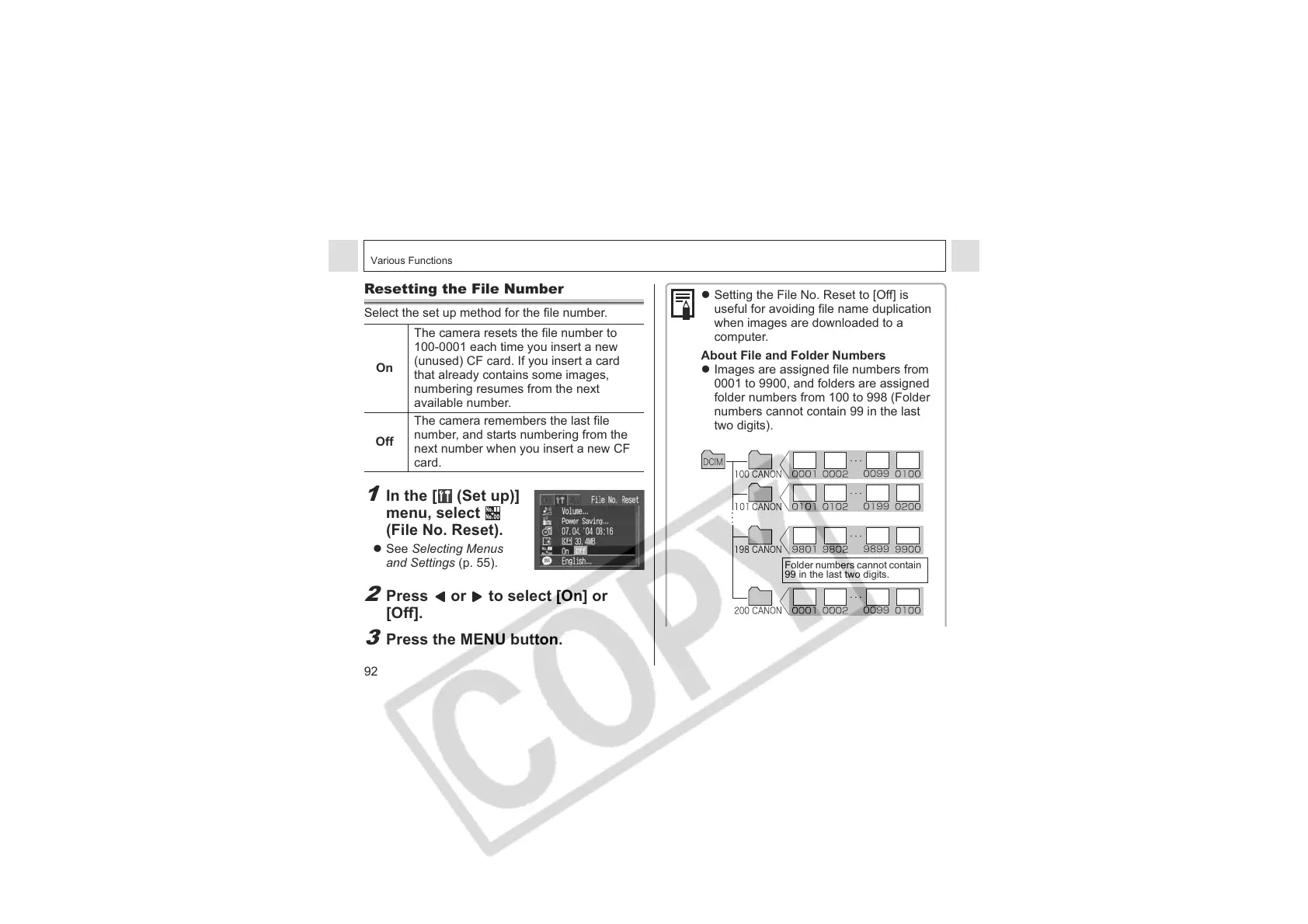
About File and Folder Numbers
z Images are assigned file numbers from
0001 to 9900, and folders are assigned
folder numbers from 100 to 998 (Folder
numbers cannot contain 99 in the last
two digits).
Folder numbers cannot contain
99 in the last two digits.












 To Next Page