21
Preparing the Camera
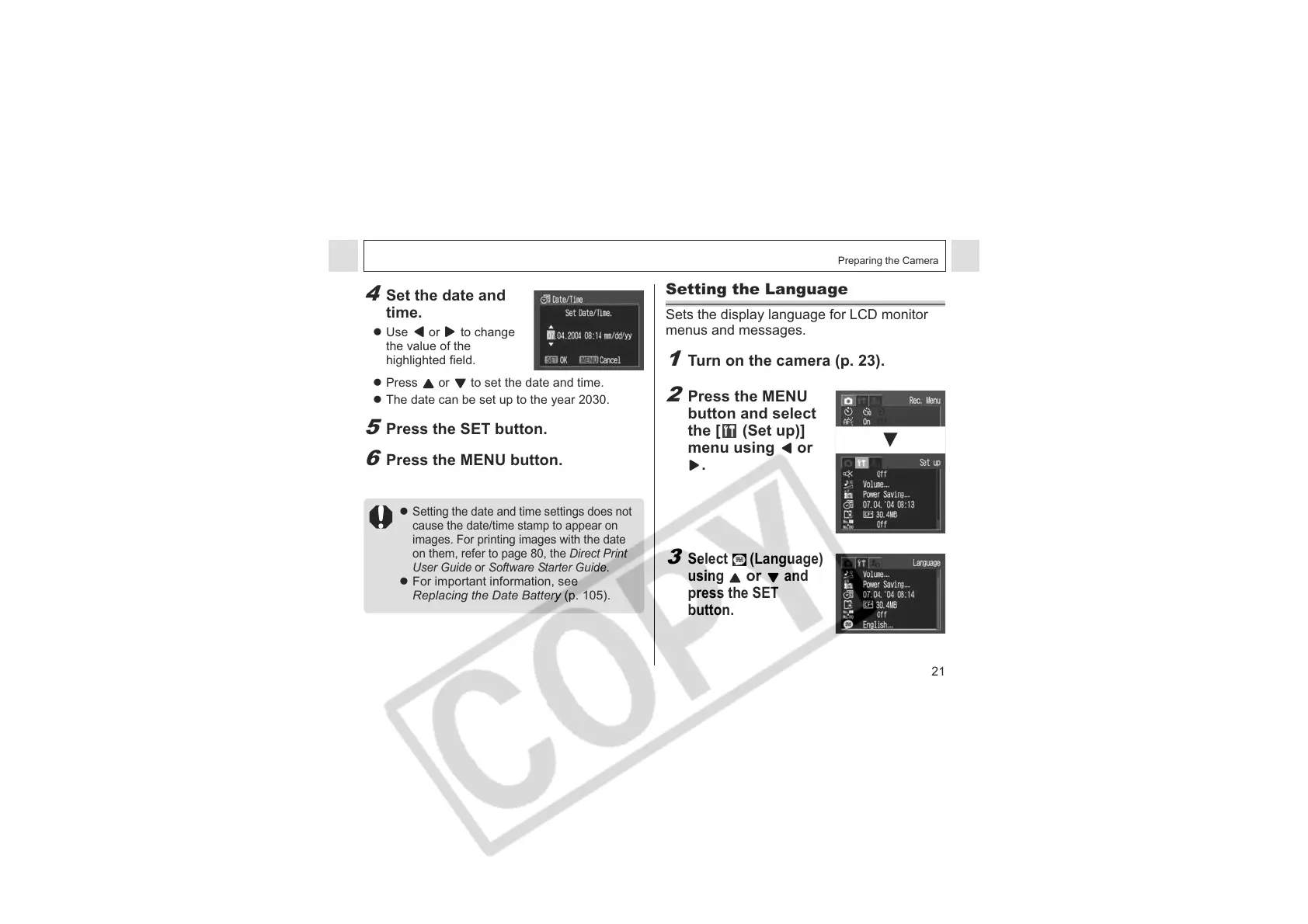
4
Set the date and
time.
z Use or to change
the value of the
highlighted field.
z Press or to set the date and time.
z The date can be set up to the year 2030.
5
Press the SET button.
6
Press the MENU button.
z
Setting the date and time settings does not
cause the date/time stamp to appear on
images. For printing images with the date
on them, refer to page 80, the Direct Print
User Guide or Software Starter Guide.
z For important information, see
Replacing the Date Battery (p. 105).
Setting the Language
Sets the display language for LCD monitor
menus and messages.
1
Turn on the camera (p. 23).
2
Press the MENU
button and select
the [ (Set up)]
menu using or
.
3
Select (Language)
using
or
and
press the SET
button.












 To Next Page