42
Shooting – The Basics
2
Press the shutter button halfway
to lock the focus.
3
Press the shutter button all the
way to shoot.
z Shooting will stop when the shutter button is
released.
z The shooting speed is approximately 2.2
frames per second (Large/Fine, LCD monitor
off).
(These figures reflect Canon’s testing
standard. The actual figures will vary
according to the shooting conditions and
settings.)
z
If internal memory becomes full, intervals
between shots may lengthen slightly.
z If you are using the flash, shots are
taken more slowly to allow time for the
flash to recharge.
Shooting Panoramic Images
(Stitch Assist)
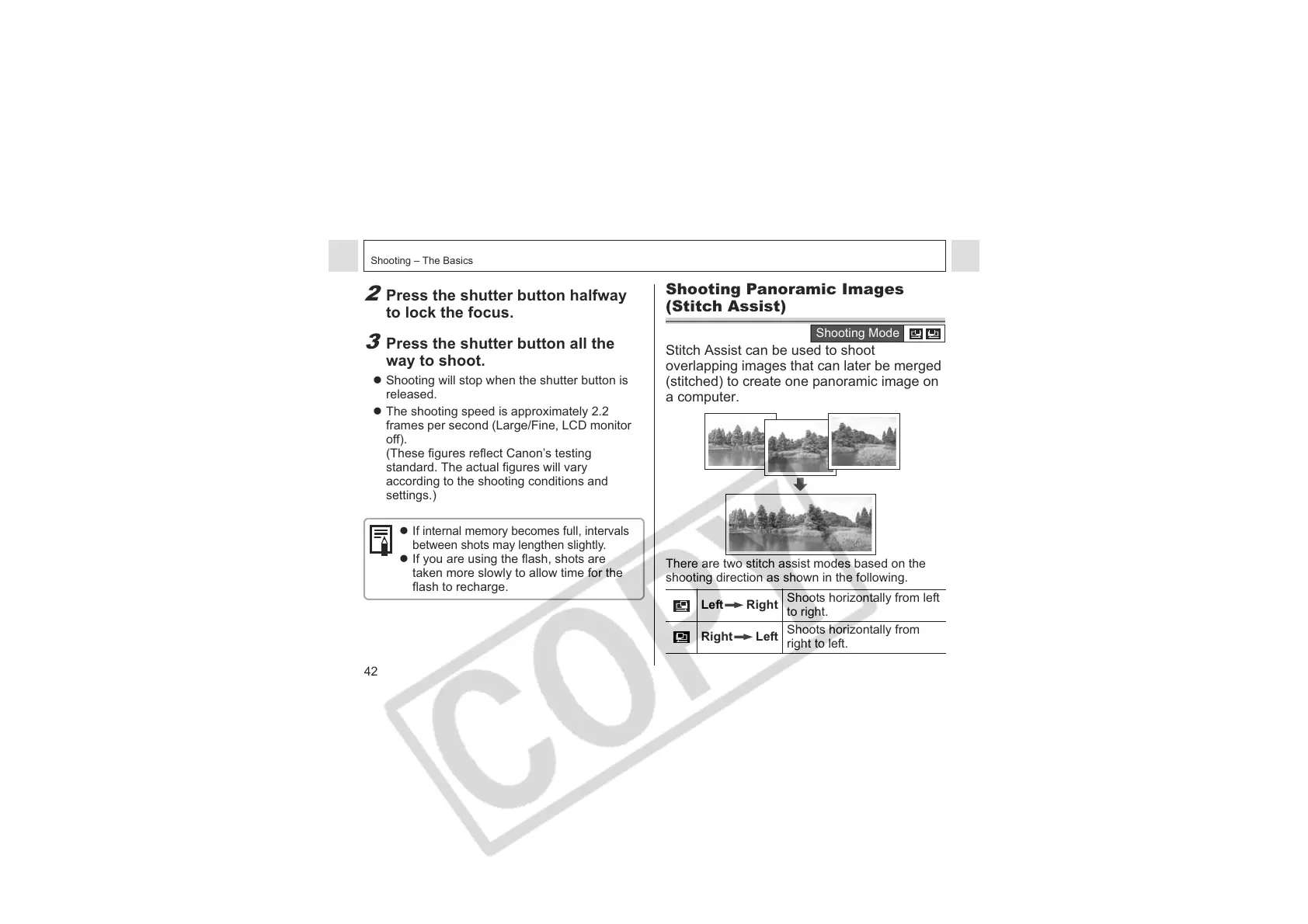
Stitch Assist can be used to shoot
overlapping images that can later be merged
(stitched) to create one panoramic image on
a computer.
There are two stitch assist modes based on the
shooting direction as shown in the following.
Left Right
Shoots horizontally from left
to right.
Right Left
Shoots horizontally from
right to left.
Shooting Mode












 To Next Page