78
Various Functions
DPOF Print Settings
You can select images on a CF card for
printing and specify the number of print
copies in advance using the camera. This is
extremely convenient for sending the images
to a photo developing service that supports
DPOF or for printing on a direct print function
compatible printer.
Refer to the Direct Print User Guide for
instructions on how to select print settings
from the printer.
z
The mark may appear on images that
have had print marks set by another
DPOF compliant camera. These settings
will be overwritten by any print marks set
by your camera.
z The output of some digital printers or
photo lab services may not reflect the
specified print settings.
z Movies cannot be printed.
Selecting Images for Printing
1
In the [ (Play)] menu, select
(Print Order) and press the SET
button.
z See Selecting Menus and Settings (p. 55).
2
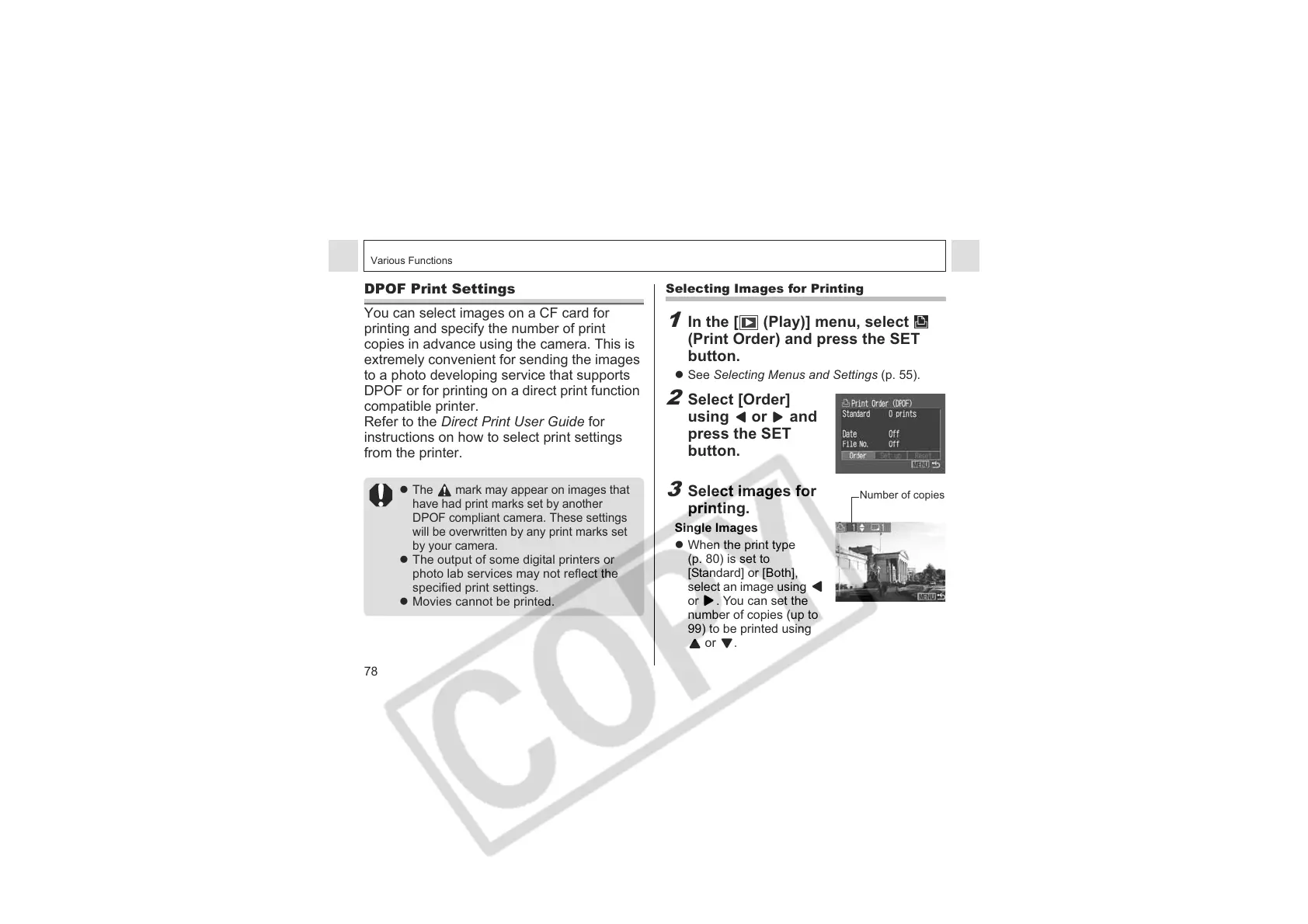
Select [Order]
using or and
press the SET
button.
3
Select images for
printing.
Single Images
z When the print type
(p. 80) is set to
[Standard] or [Both],
select an image using
or . You can set the
number of copies (up to
99) to be printed using
or .
Number of copies












 To Next Page