77
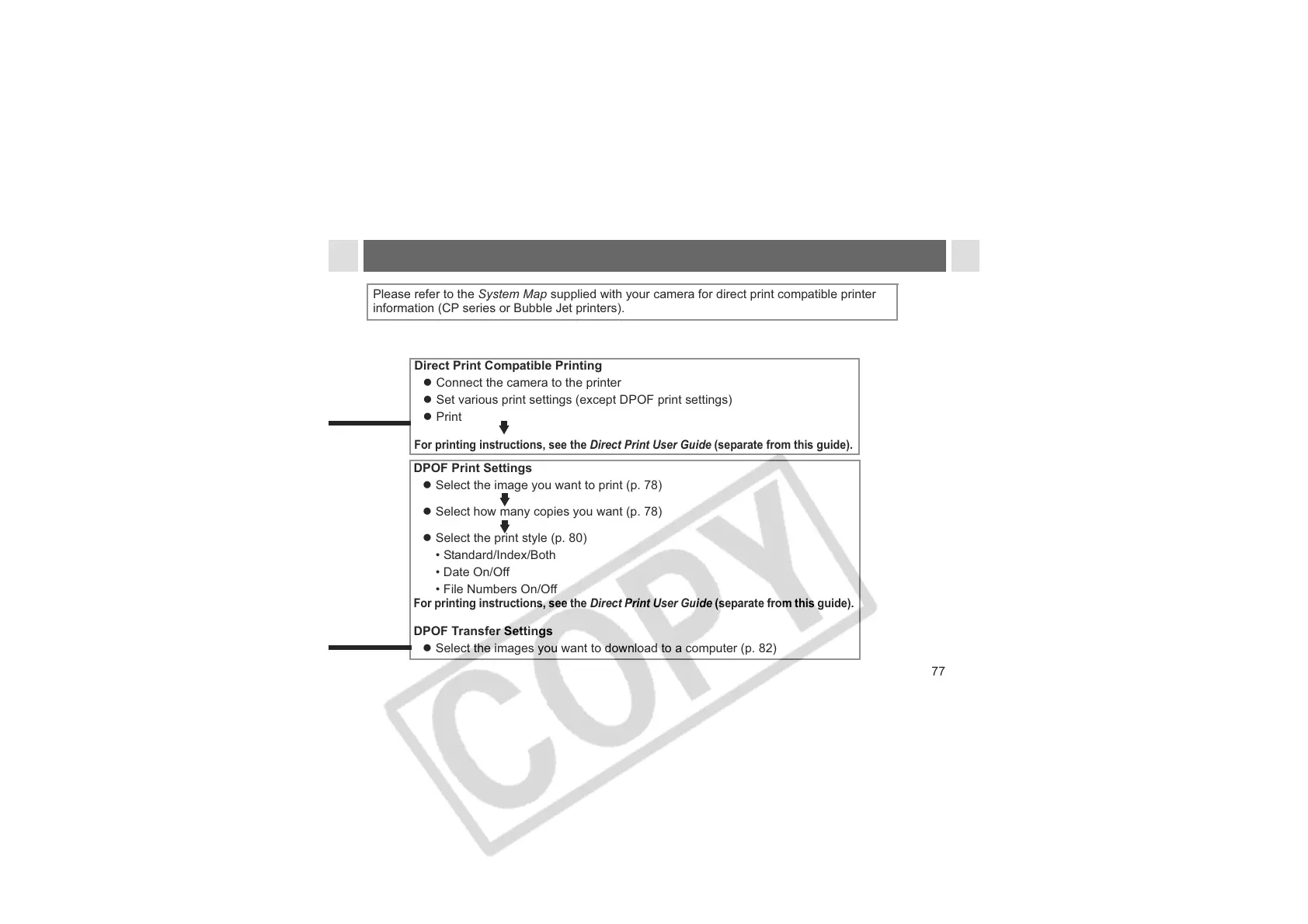
DPOF Print Settings
z Select the image you want to print (p. 78)
z Select how many copies you want (p. 78)
z Select the print style (p. 80)
• Standard/Index/Both
• Date On/Off
• File Numbers On/Off
For printing instructions, see the Direct Print User Guide (separate from this guide).
DPOF Transfer Settings
z Select the images you want to download to a computer (p. 82)
Direct Print Compatible Printing
z Connect the camera to the printer
z Set various print settings (except DPOF print settings)
z Print
For printing instructions, see the Direct Print User Guide (separate from this guide).
Please refer to the System Map supplied with your camera for direct print compatible printer
information (CP series or Bubble Jet printers).












 To Next Page