20
Preparing the Camera
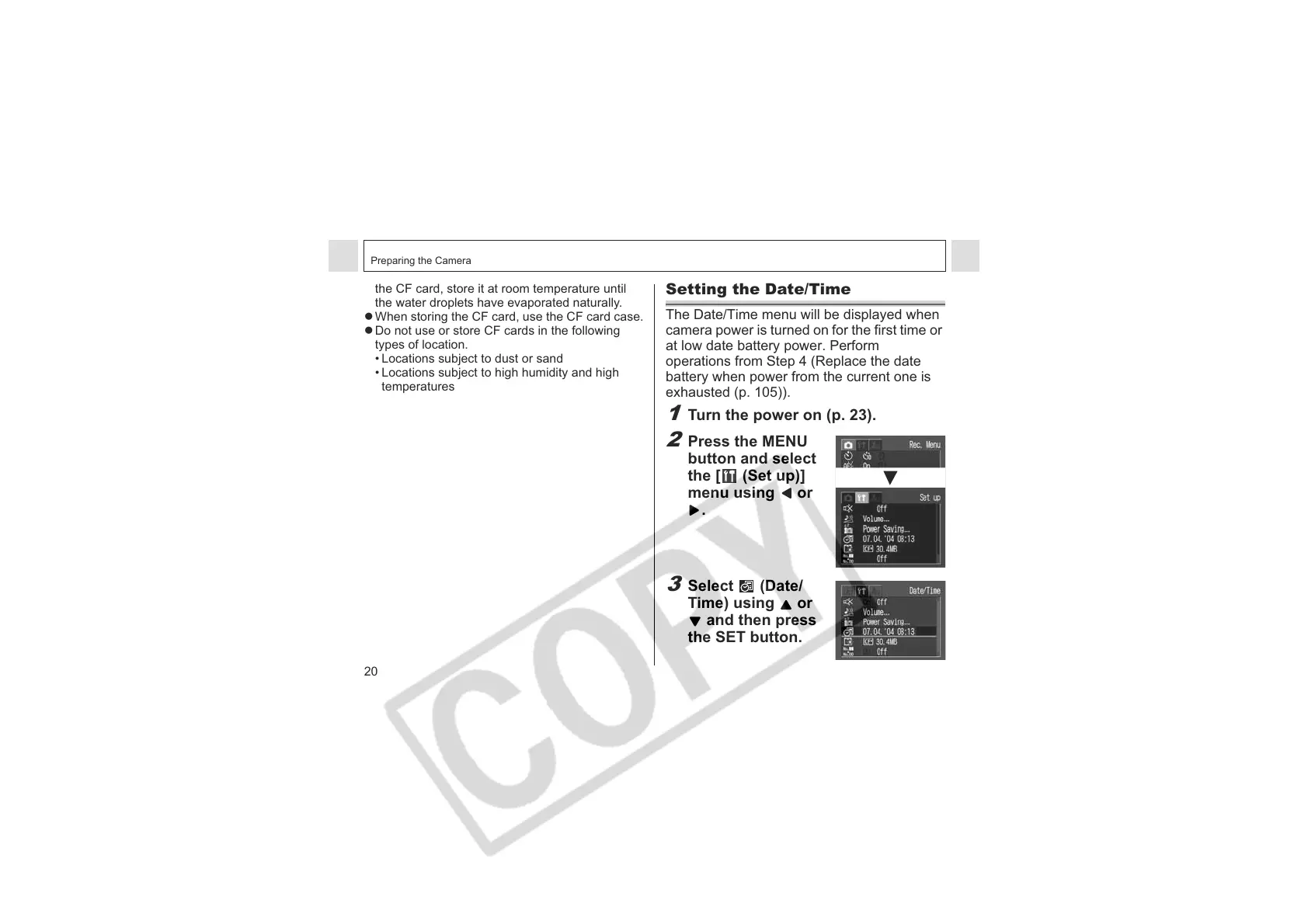
Setting the Date/Time
The Date/Time menu will be displayed when
camera power is turned on for the first time or
at low date battery power. Perform
operations from Step 4 (Replace the date
battery when power from the current one is
exhausted (p. 105)).
1
Turn the power on (p. 23).
2
Press the MENU
button and select
the [ (Set up)]
menu using or
.
3
Select (Date/
Time) using or
and then press
the SET button.
the CF card, store it at room temperature until
the water droplets have evaporated naturally.
z When storing the CF card, use the CF card case.
z Do not use or store CF cards in the following
types of location.
• Locations subject to dust or sand
• Locations subject to high humidity and high
temperatures












 To Next Page