75
Playback – Advanced Functions
z The display interval may vary for some
images.
z Movie images play for the length of time
that they were recorded.
z The power saving function (p. 24) is
disabled during Auto Play.
Protecting Images
Use the protect feature to protect important
images from accidental erasure.
1
In the [ (Play)] menu, select
(Protect).
z See Selecting Menus and Settings (p. 55).
2
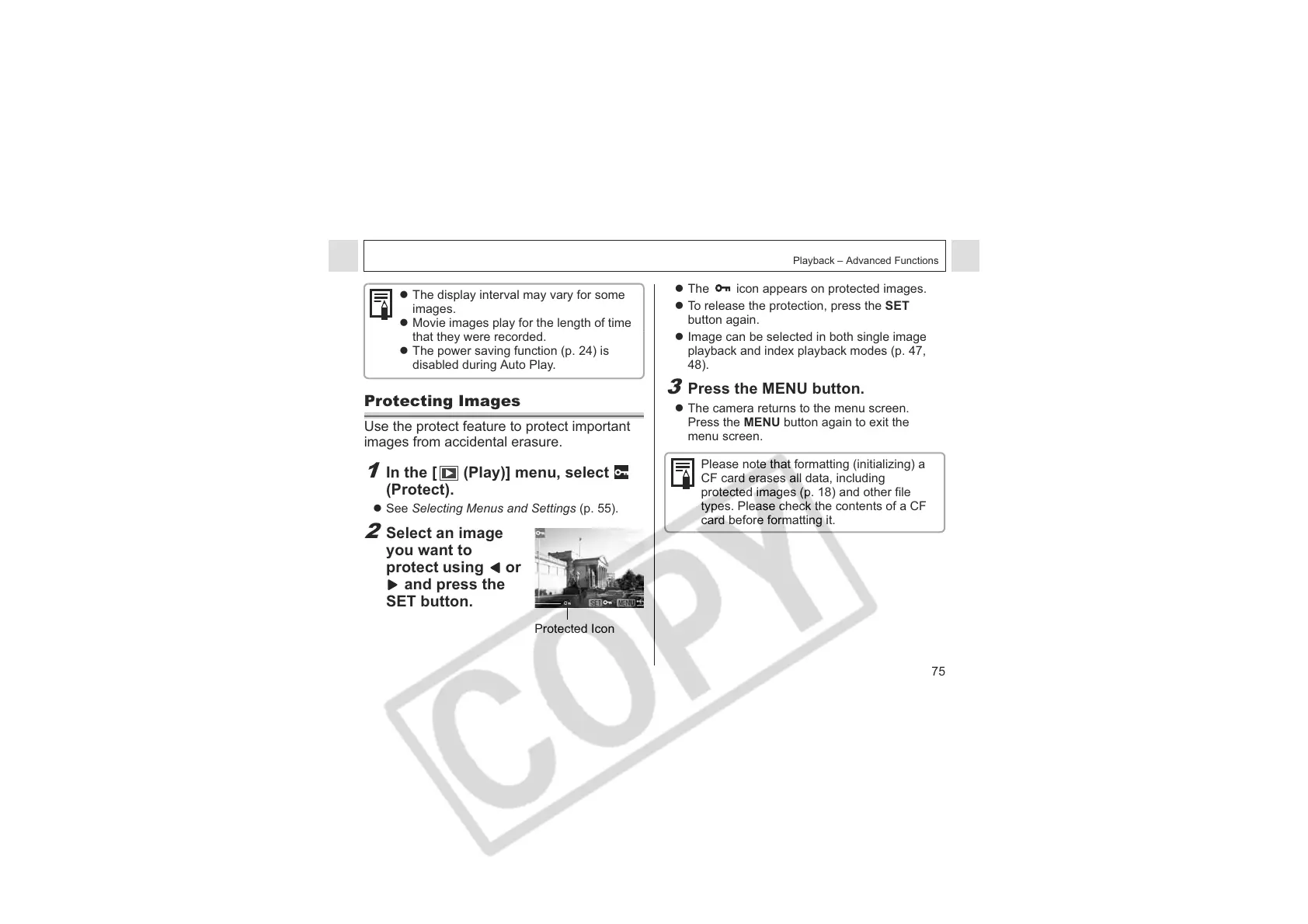
Select an image
you want to
protect using or
and press the
SET button.
Protected Icon
z The icon appears on protected images.
z To release the protection, press the SET
button again.
z Image can be selected in both single image
playback and index playback modes (p. 47,
48).
3
Press the MENU button.
z The camera returns to the menu screen.
Press the MENU button again to exit the
menu screen.
Please note that formatting (initializing) a
CF card erases all data, including
protected images (p. 18) and other file
types. Please check the contents of a CF
card before formatting it.












 To Next Page